164
PARAMETERS
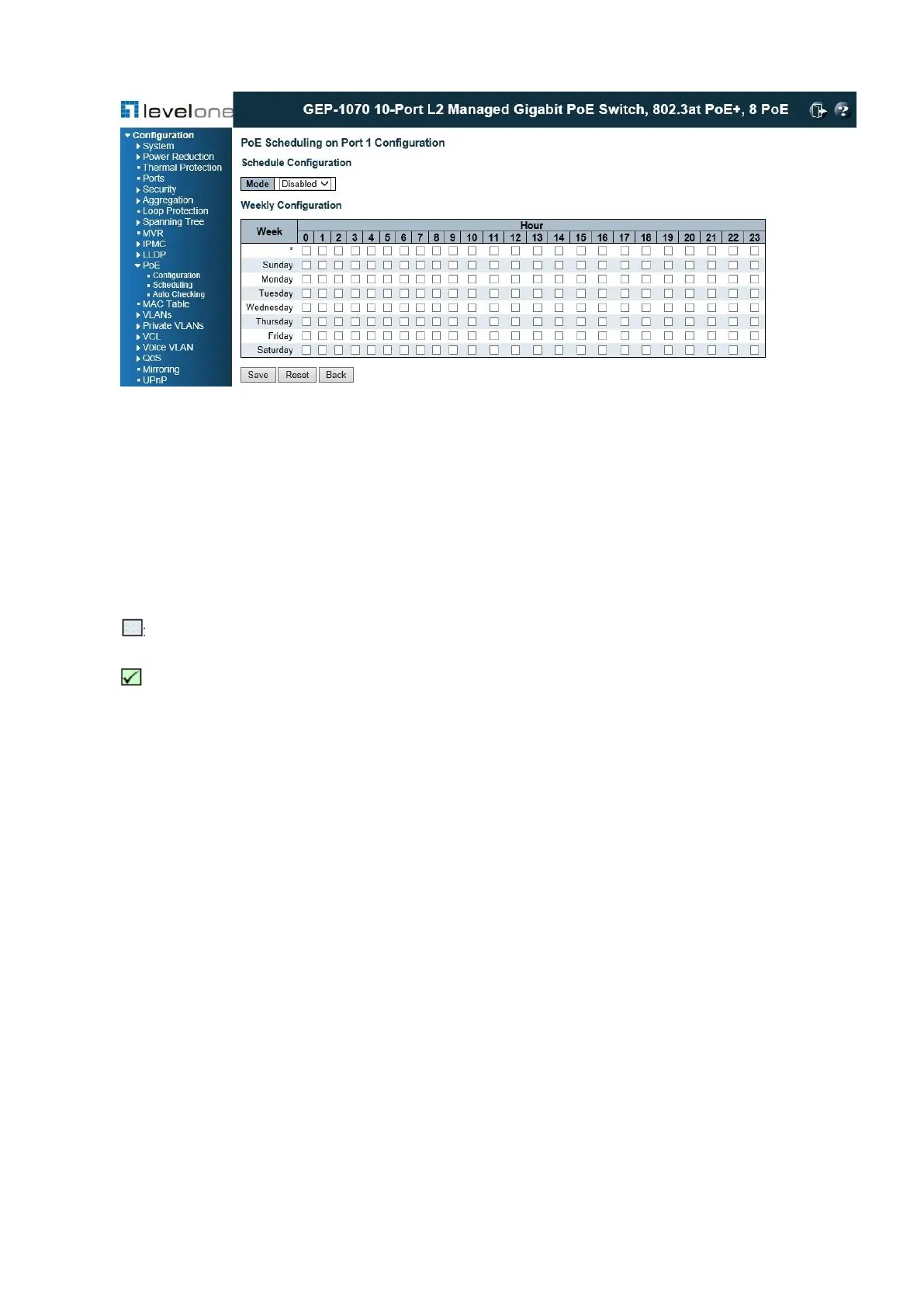
These parameters are displayed:
◆ Setting Action Port – This is the logical port number for setting time scheduling.
◆ Mode – This is to enable / disable the PoE scheduling for the selected port.
◆ Hour – The Hour represents the hourly period of the weekly table on 24Hour/7Day basis.
: PoE OFF in this hourly period.
: PoE ON in this hourly period.
WEB INTERFACE
To configure global and port-specific PoE scheduling:
1. Click Configuration, PoE, Scheduling.
2. Select the port for PoE scheduling, and click GET.
3. Enable/Disable the PoE scheduling mode, and click on the hour and date on weekly basis.
4. Click Save.
PoE Auto Checking
This page allows to enable or to disable auto-checking function on per-port basis for the
switch. The IP auto-checking function can be used to keep alive for the connecting IP PoE
devices. Once the connected PoE IP device fails to respond to the IP ping check for a few














 To Next Page