214
5.3. Ports
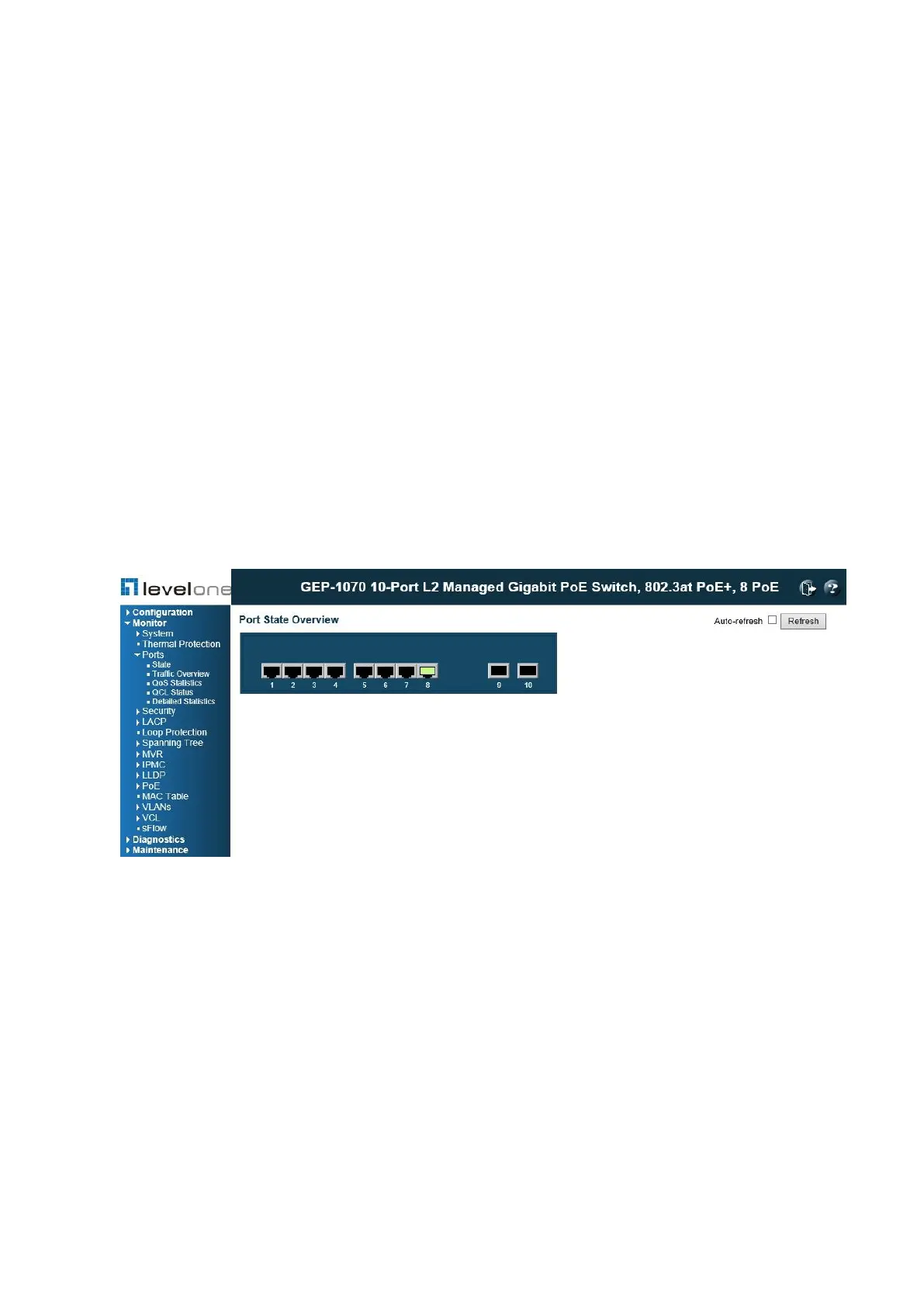
You can use the Port menu to display a graphic image of the front panel which indicates the
connection status of each port, basic statistics on the traffic crossing each port, the number of
packets processed by each service queue, or detailed statistics on port traffic.
Displaying Port Status
Use the Port State Overview page to display port status at the front panel of the switch.
Clicking on the image of a port opens the Detailed Port Statistics page as described.
PATH
Monitor \ Ports \ State
Figure 96: Port State Overview
WEB INTERFACE
To display an image of the switch's ports, click Monitor, Ports, State.














 To Next Page