45
WEB INTERFACE
To configure the power reduction for idle queue circuits:
1. Click Configuration, Power Reduction, EEE.
2. Select the circuits which will use EEE.
3. If required, also specify urgent queues which will be powered up once data is queued and
the default wakeup time has passed.
4. Click Save.
4.3. Thermal Protection
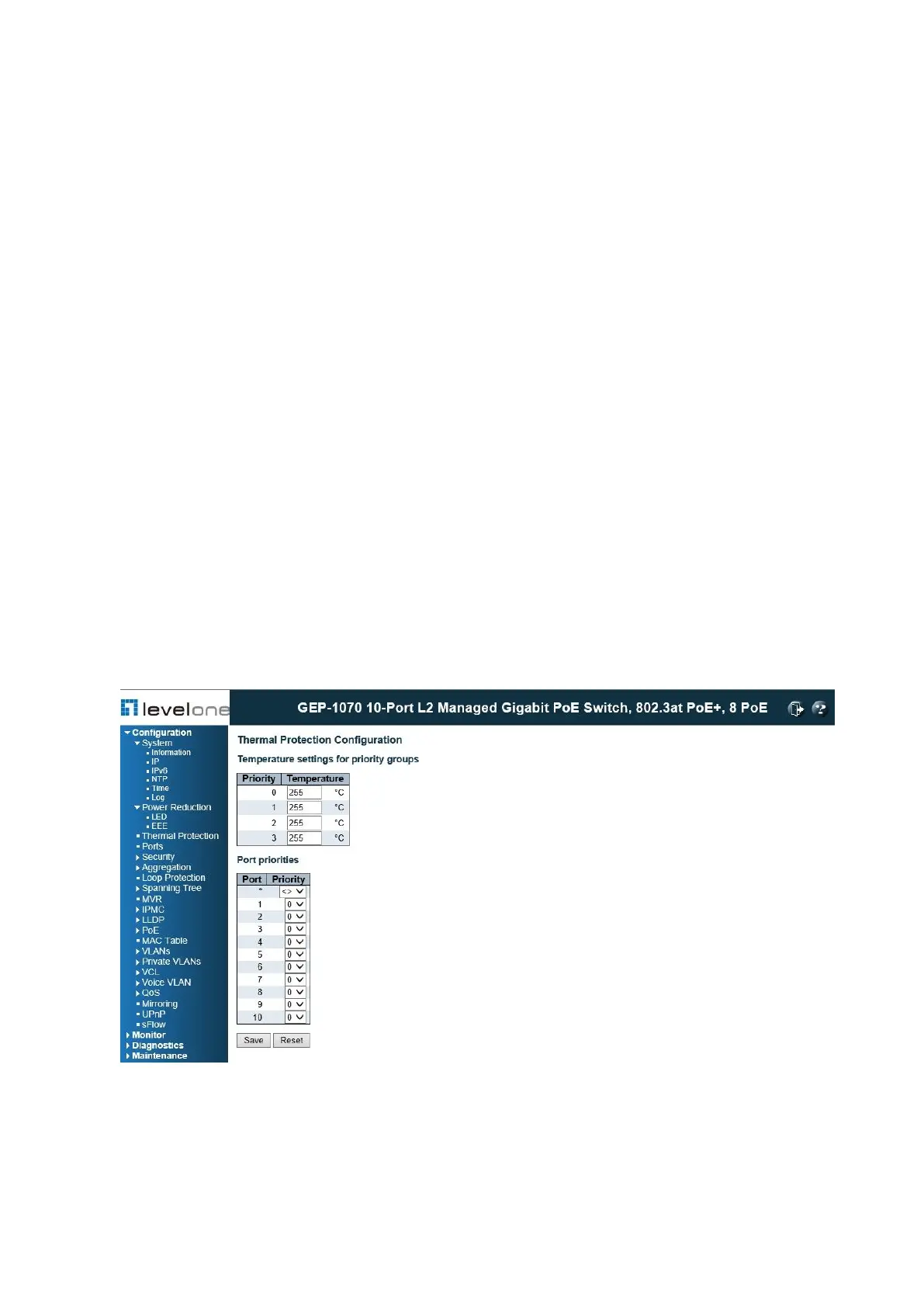
Use the Thermal Protection Configuration page to set temperature priority levels, and
assign those priorities for port shut-down if exceeded.
PATH
Configuration / Thermal Protection
Figure 10: Configuring Thermal Protection
COMMAND USAGE
Thermal protection is used to protect the switch ASIC from overheating. When the internal
temperature of the switch exceeds a specified protection level, ports can be turned off to














 To Next Page