191
PARAMETERS
These parameters are displayed:
Displaying QoS Egress Port Schedulers
◆ Port – Port identifier.
◆ Shapers – Shows the queue shaper rate and port shaper rate.
Configuring QoS Egress Port Scheduler, Queue Scheduler and Port Shapers
This configuration page can be access from the Port Scheduler or Port Shaper page. Refer to
the description of these parameters under "Configuring Egress Port Scheduler".
WEB INTERFACE
To show an overview of the rate for each queue and port:
1. Click Configuration, QoS, Port Shaper.
2. Click on any enter under the Port field to configure the Port Scheduler and Shaper.
Configuring Port Tag Remarking Mode
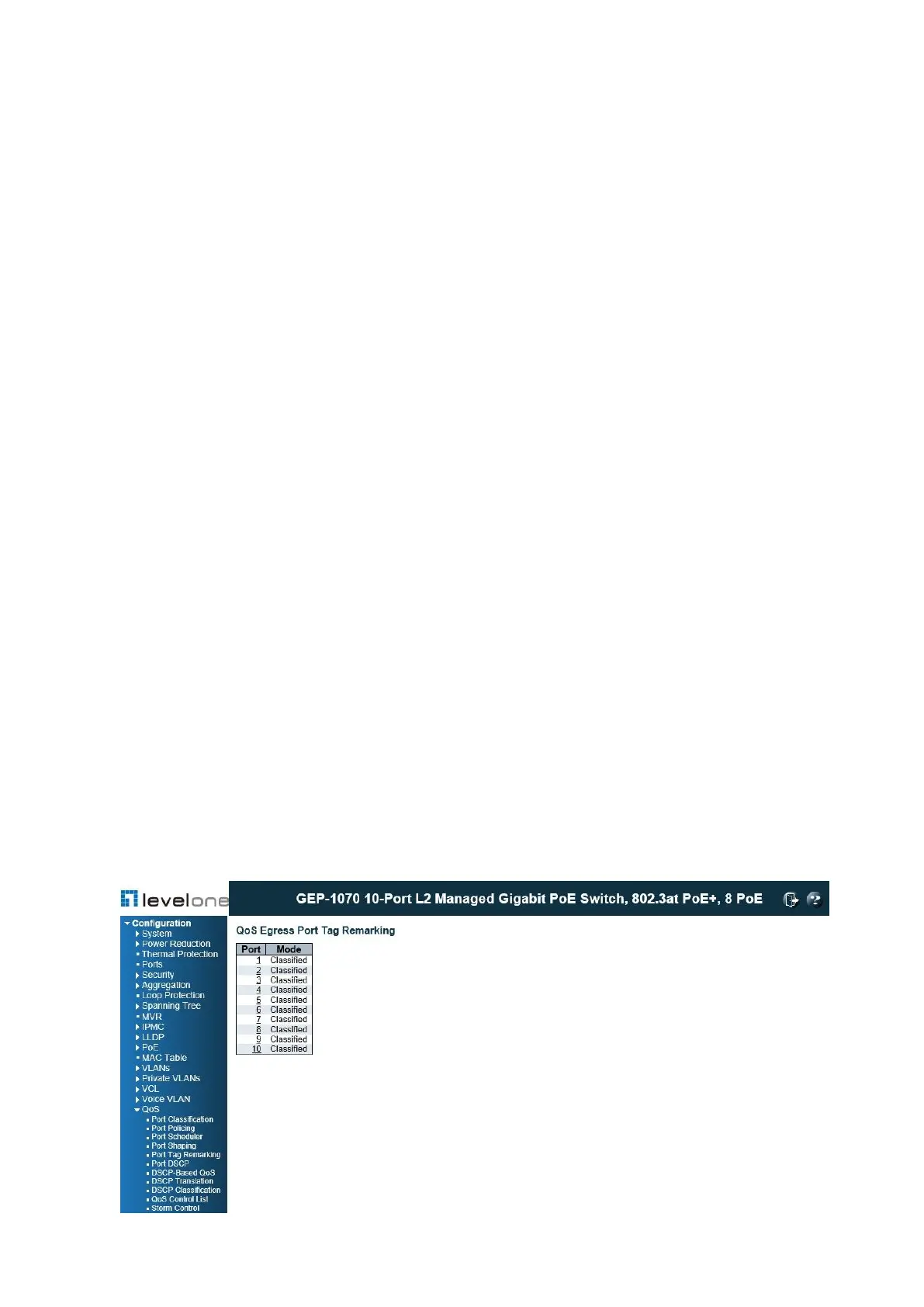
Use the QoS Egress Port Tag Remarking page to show an overview of QoS Egress Port Tag
Remarking mode. Click on any of the entries in the Port field to configure the remarking mode
using classified PCP/DEI values, default PCP/DEI values, or mapped versions of QoS class
and drop priority.
PATH
Configuration \ QoS \ Port Tag Remarking
Figure 81: QoS Egress Port Tag Remarking Mode














 To Next Page