190
kbps)
WEB INTERFACE
To show an overview of the queue mode and weight used by egress ports:
1. Click Configuration, QoS, Port Scheduler.
2. Click on any enter under the Port field to configure the Port Scheduler and Shaper.
To configure the scheduler mode, the egress queue mode, queue shaper,
and port shaper used by egress ports:
1. Click Configuration, QoS, Port Scheduler.
2. Click on any of the entries in the Port field.
3. Set the scheduler mode, the queue shaper, queue scheduler (when the scheduler mode is
set to Weighted), and the port shaper.
4. Click Save.
Configuring Egress Port Shaper
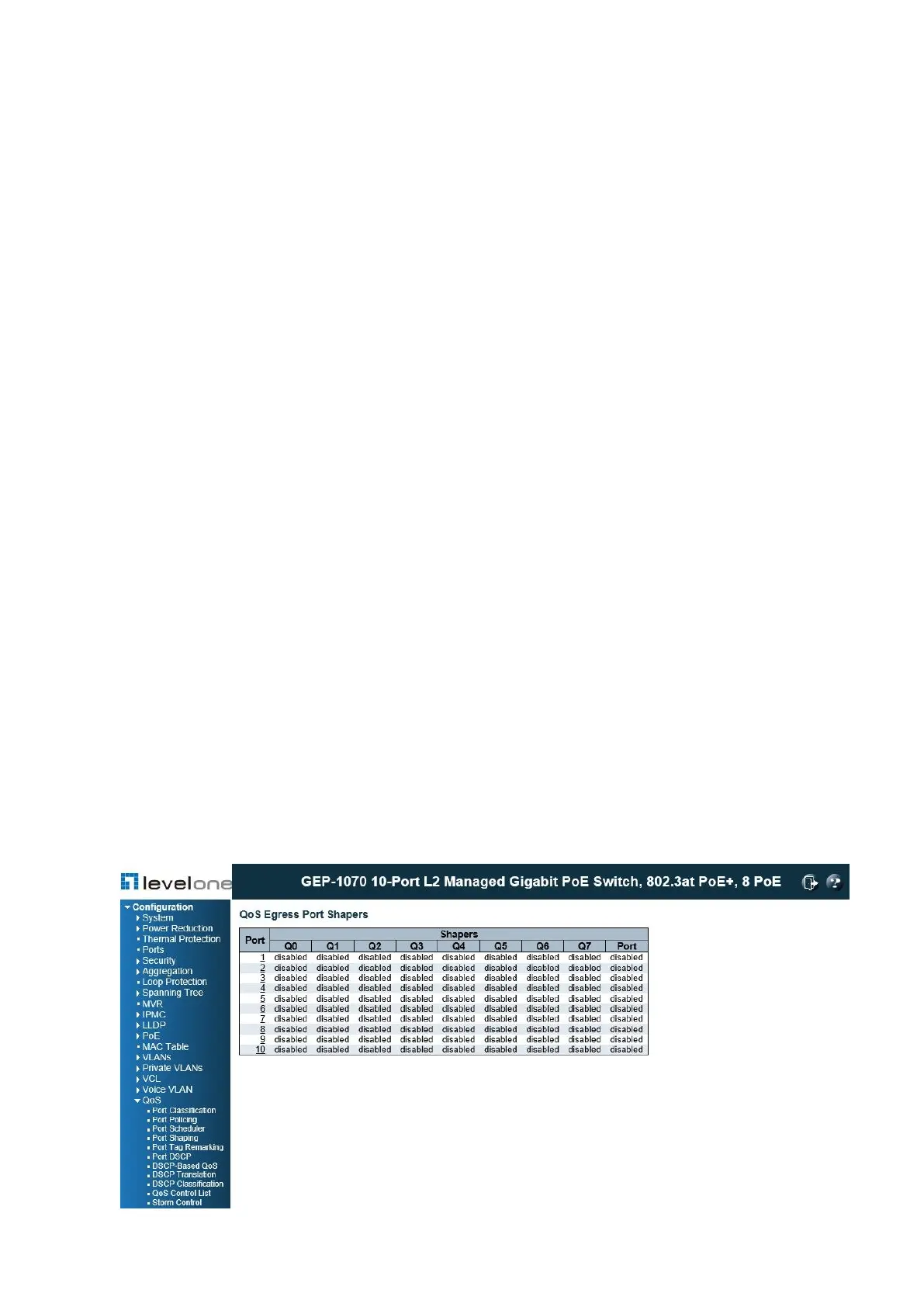
Use the QoS Egress Port Shapers page to show an overview of the QoS Egress Port
Shapers, including the rate for each queue and port. Click on any of the entries in the Port
field to configure egress queue mode, queue shaper (rate and access to excess bandwidth),
and port shaper
PATH
Configuration \ QoS \ Port Shaper
Figure 80: Displaying Egress Port Shapers














 To Next Page