197
Configuring DSCP Classification
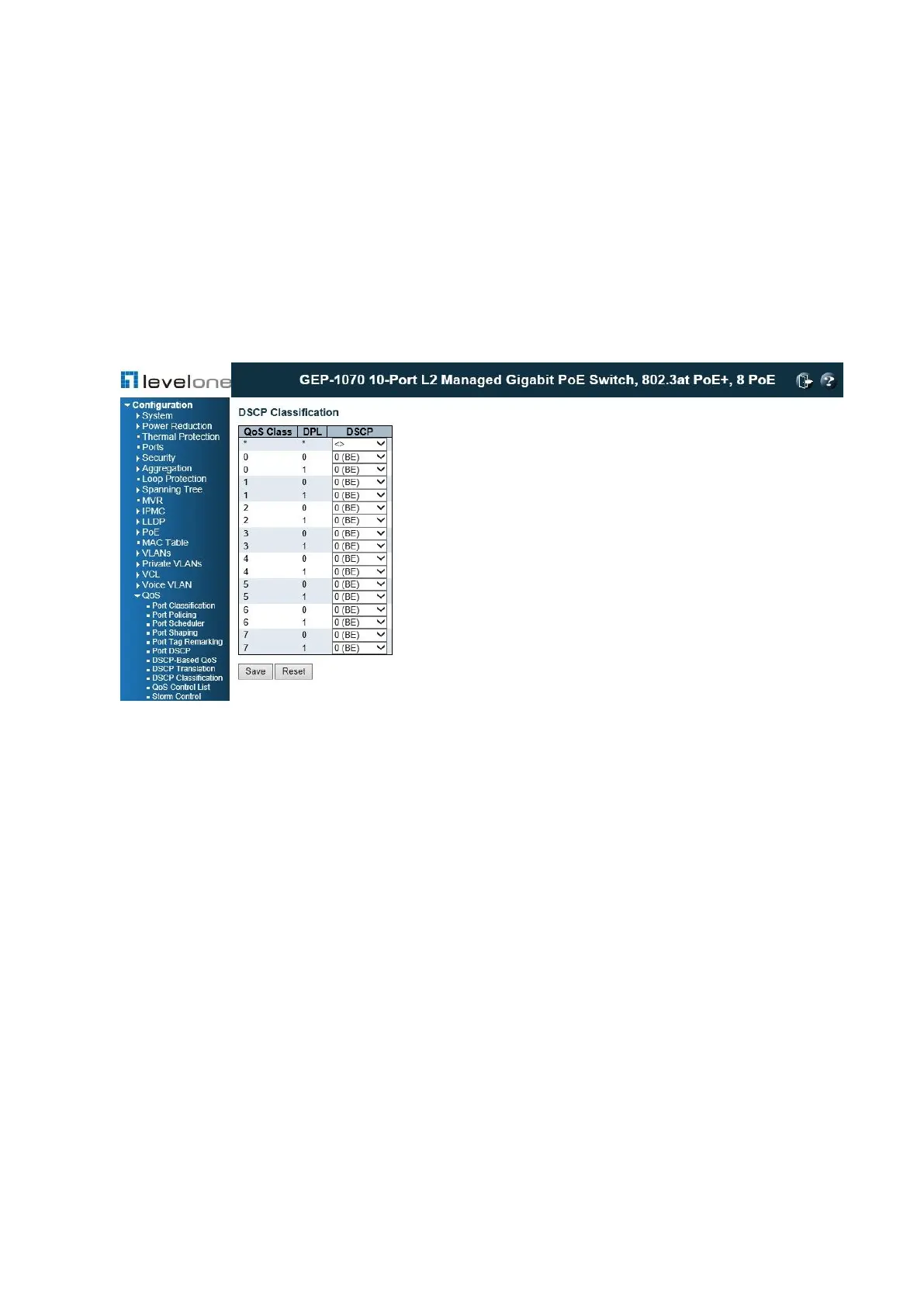
Use the DSCP Classification page to map DSCP values to a QoS class and drop precedence
level.
PATH
Configuration \ QoS \ DSCP Classification
Figure 85: Mapping DSCP to CoS/DPL Values
PARAMETERS
These parameters are displayed:
◆ QoS class/DPL – Shows the mapping options for QoS class values and DP (drop
precedence) levels.
◆ DSCP – DSCP value. (Range: 0-63)
WEB INTERFACE
To map DSCP values to a QoS class and drop precedence level:
1. Click Configuration, QoS, DSCP Classification.
2. Map key DSCP values to a corresponding QoS class and drop precedence level.
3. Click Save.
Configuring QOS Control Lists
Use the QoS Control List Configuration page to configure Quality of Service policies for














 To Next Page