42
2. Enable remote logging, enter the IP address of the remote server, and specify the type of
syslog messages to send.
3. Click Apply.
4.2. Power Reduction
The switch provides power saving methods including controlling the intensity of LEDs, and
powering down the circuitry for port queues when not in use.
Controlling LED Intensity
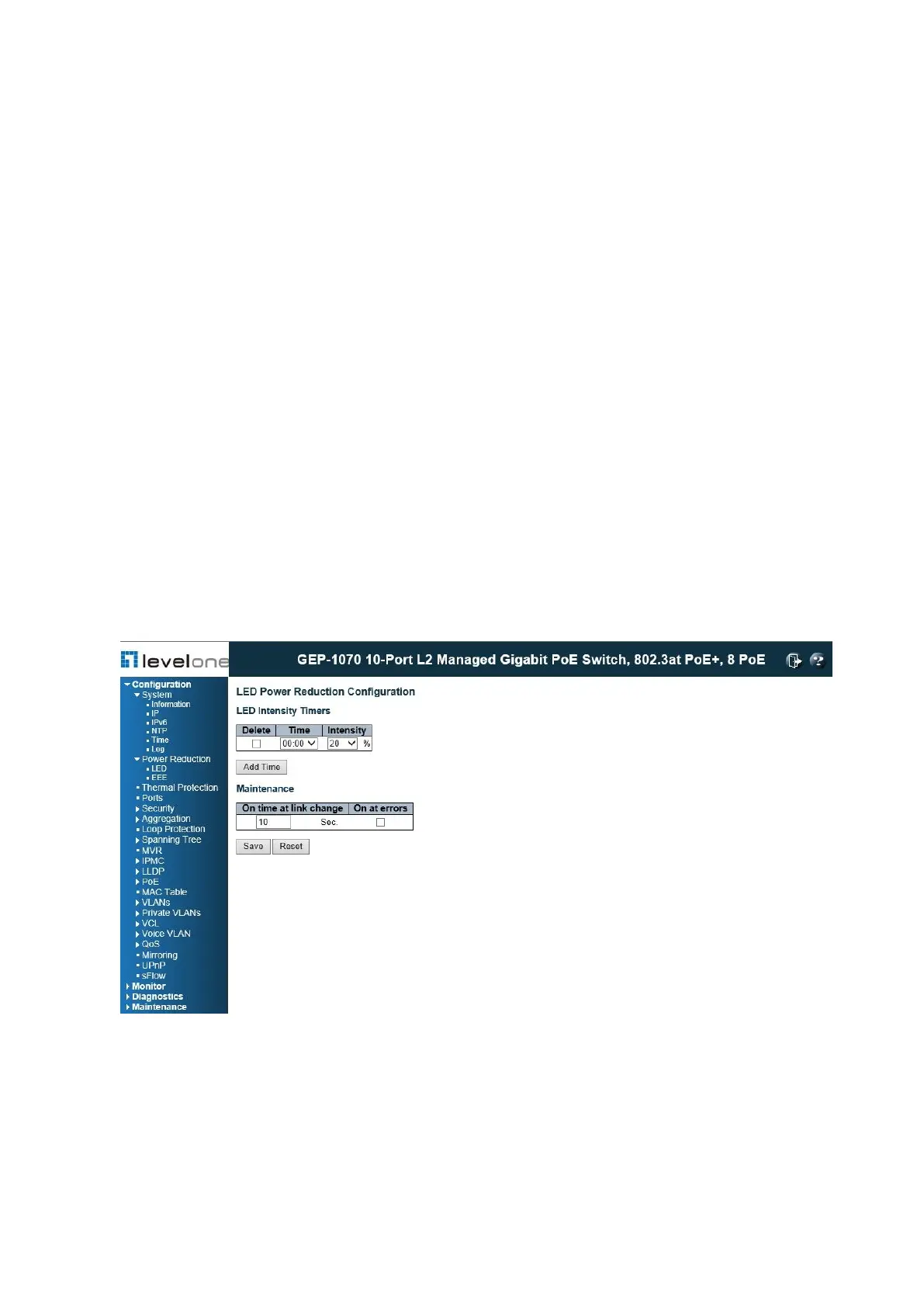
Use the LED Power Reduction Configuration page to reduces LED intensity during specified
hours.
PATH
Configuration \ Power Reduction \ LED
Figure 8: Configuring LED Power Reduction
COMMAND USAGE
◆ The LEDs power consumption can be reduced by lowering the intensity. LED intensity
could for example be lowered during night time, or turned completely off. It is possible to
set the LEDs intensity for each of the 24 hours of the day.
◆ When a network administrator performs maintenance of the switch (e.g., adding or moving














 To Next Page