212
1. Click Monitor, System, Log.
2. Specify the message level to display, the starting message ID, and the number of
messages to display per page.
3. Use Auto-refresh to automatically refresh the page at regular intervals, Refresh to update
system log entries starting from the current entry ID, or Clear to flush all system log entries.
Use the arrow buttons to scroll through the log messages. |<< updates the system log entries,
starting from the first available entry ID, << updates the system log entries, ending at the last
entry currently displayed, >> updates the system log entries, starting from the last entry
currently displayed, and >>| updates the system log entries, ending at the last available entry
ID.
Displaying Detailed Log
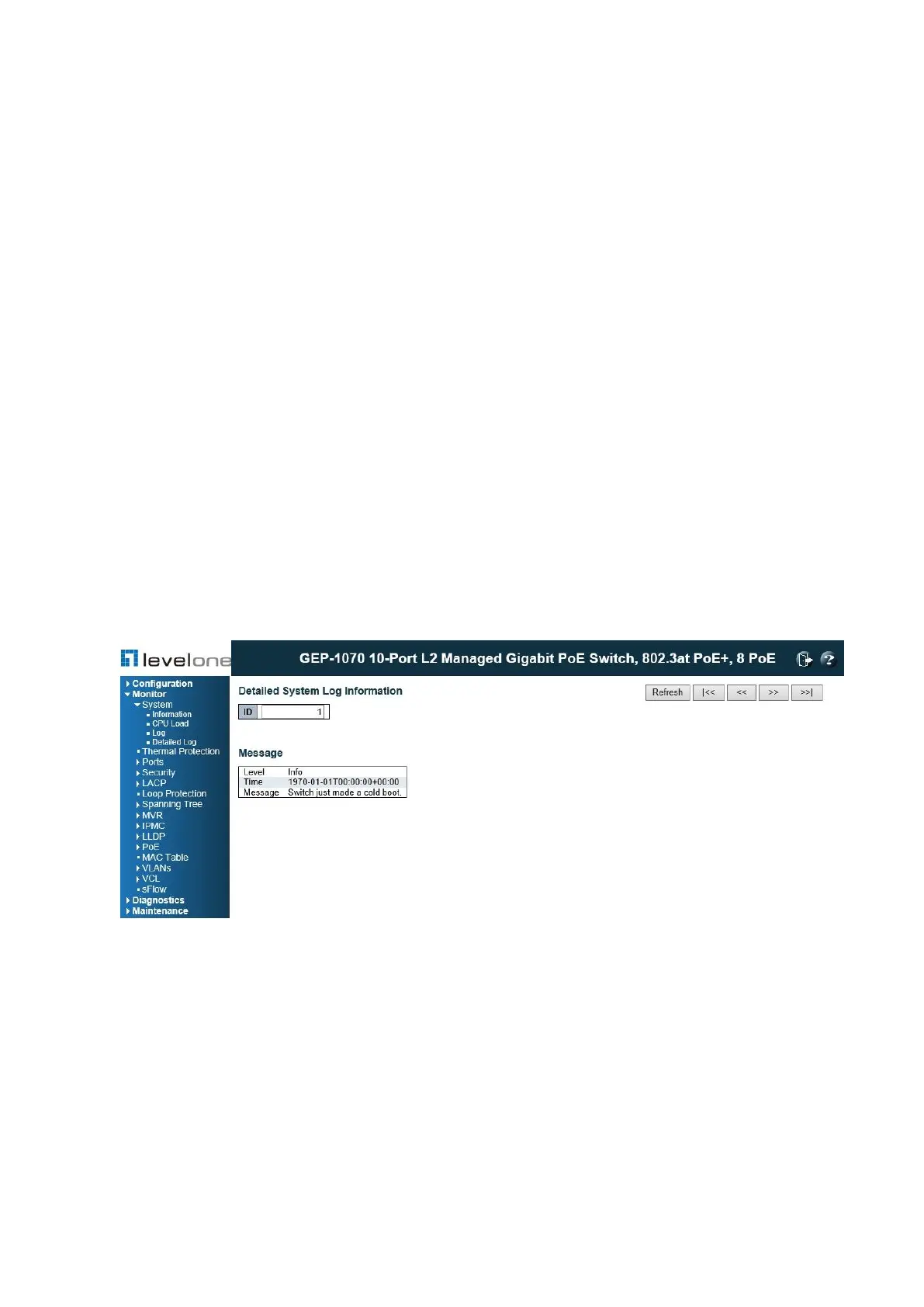
Use the Detailed Log page to view the full text of specific log messages.
PATH
Monitor \ System \ Detailed Log
Figure 94: Detailed System Log Information
WEB INTERFACE
To display the text of a specific log message, click Monitor, System, Detailed Log.














 To Next Page