292
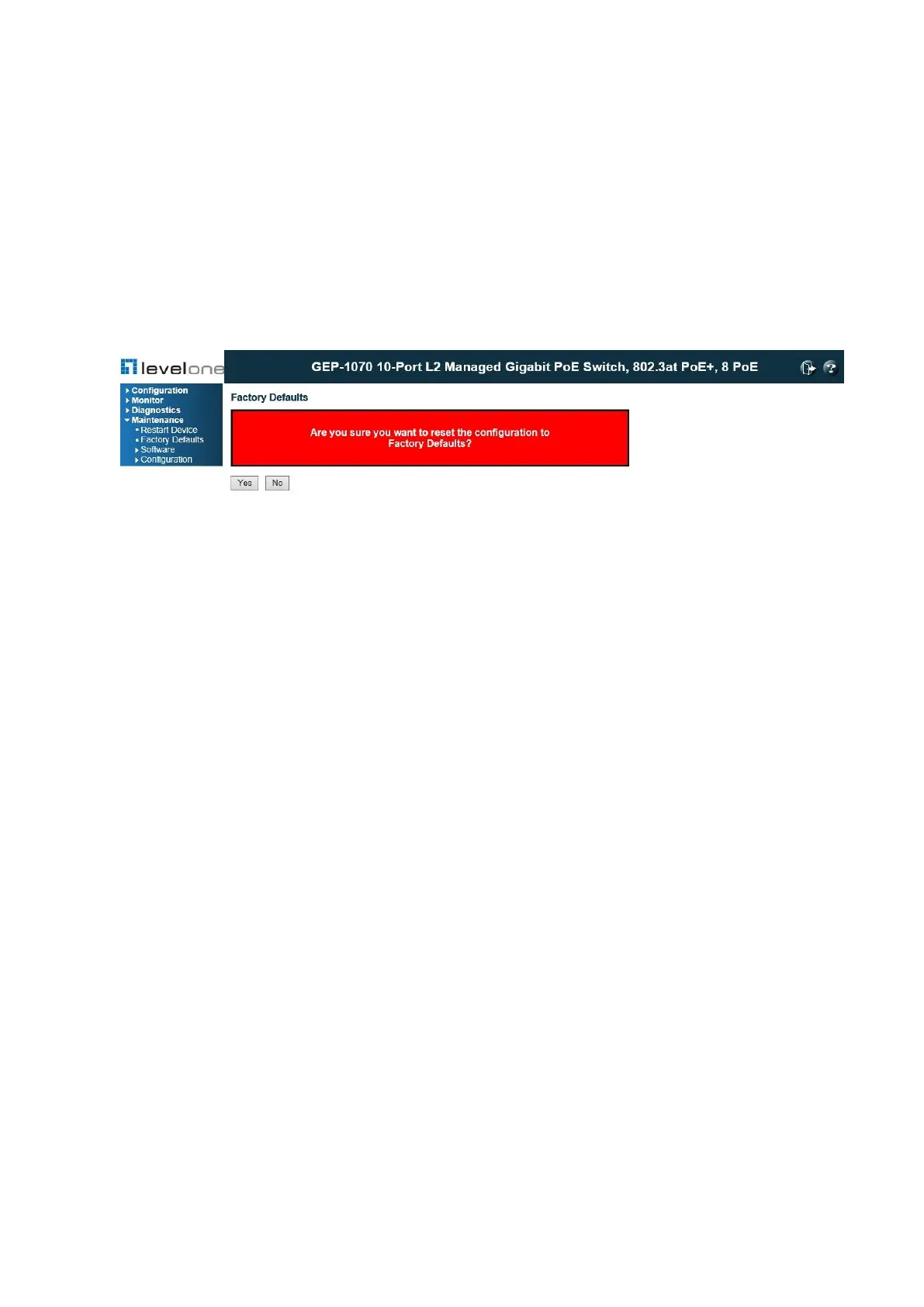
7.2. Restoring Factory Defaults
Use the Factory Defaults page to restore the original factory settings. Note that the LAN IP
Address, Subnet Mask and Gateway IP Address will be reset to their factory defaults.
PATH
Maintenance \ Factory Defaults
Figure 151: Factory Defaults
REFERENCES
Please refer Appendix B.3 "Factory Default Reset" on page 299.
WEB INTERFACE
To restore factory defaults:
1. Click Maintenance, Factory Defaults.
2. Click Yes.
The factory defaults are immediately restored, which means that no reboot is necessary.














 To Next Page