117
web browsing. However, it can be used effectively in combination with the IP Address
option. (One of the defaults.)
Aggregation Group Configuration
◆ Group ID – Trunk identifier. (Range: 1-5)
◆ Port Members – Port identifier.
WEB INTERFACE
To configure a static trunk:
1. Click Configuration, Aggregation, Static.
2. Select one or more load-balancing methods to apply to the configured trunks.
3. Assign port members to each trunk that will be used.
4. Click Save.
LACP Configuration
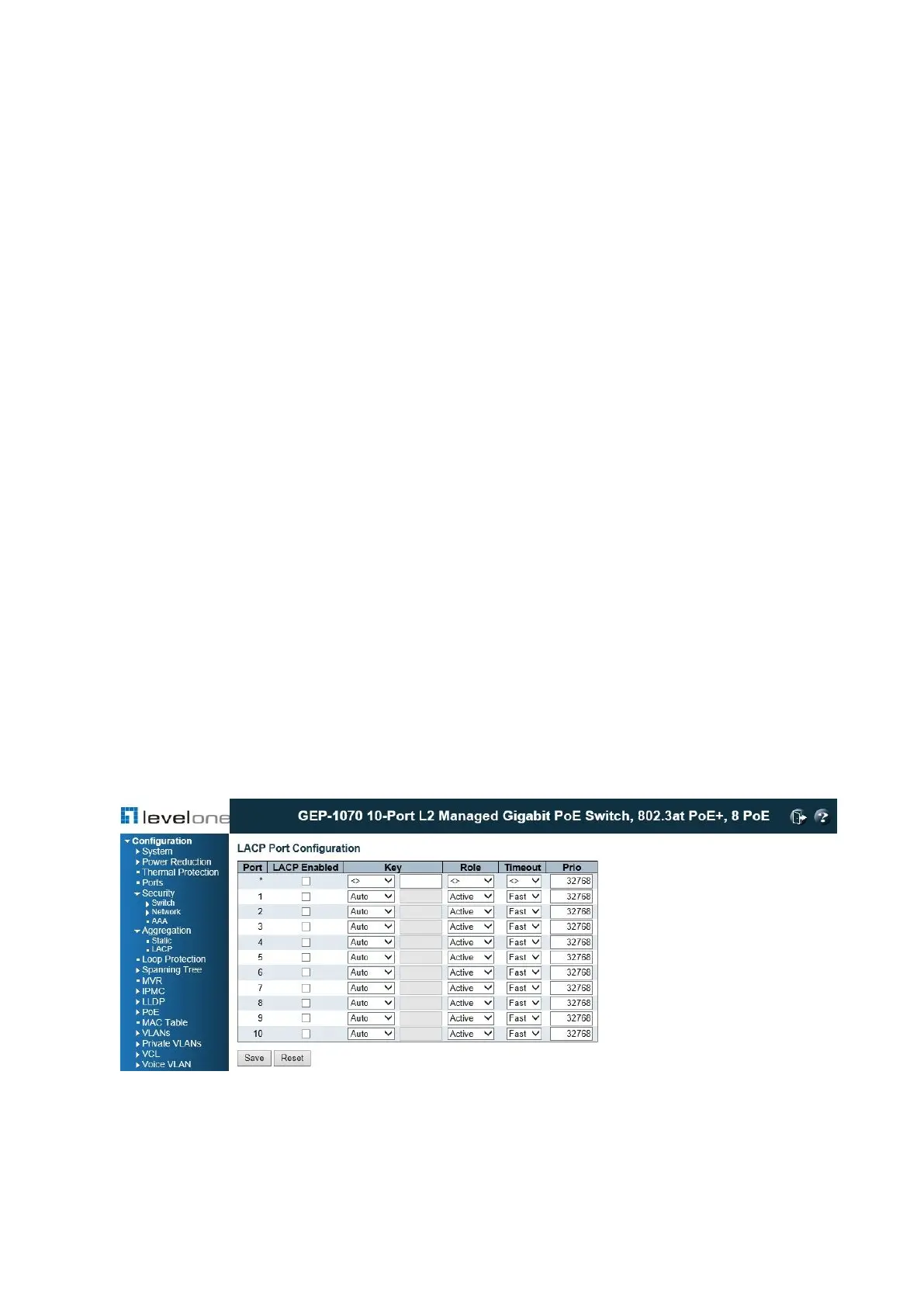
Use the LACP Port Configuration page to enable LACP on selected ports, configure the
administrative key, and the protocol initiation mode.
PATH
Configuration \ Aggregation \ LACP
Figure 43: LACP Port Configuration
USAGE GUIDELINES
◆ To avoid creating a loop in the network, be sure you enable LACP before connecting the
ports, and also disconnect the ports before disabling LACP.














 To Next Page