40
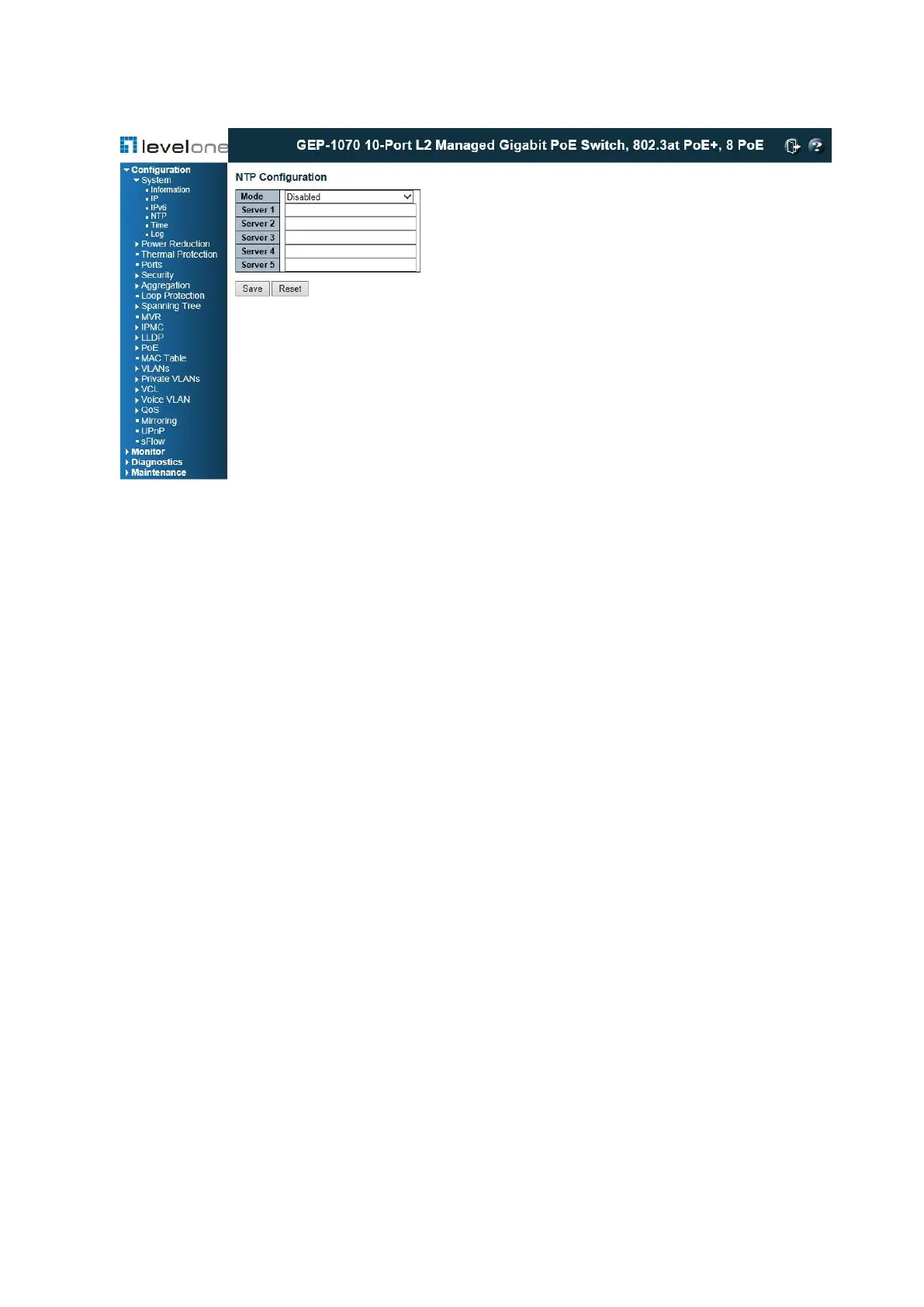
Figure 6: NTP Configuration
PARAMETERS
These parameters are displayed:
◆ Mode – Enables or disables NTP client requests.
◆ Server – Sets the IPv4 or IPv6 address for up to five time servers. The switch attempts to
update the time from the first server, if this fails it attempts an update from the next server
in the sequence. The polling interval is fixed at 15 minutes.
WEB INTERFACE
To configure the NTP servers:
1. Click Configuration, System, NTP.
2. Enter the IP address of up to five time servers.
3. Click Save.
System Log Configuration
Use the System Log Configuration page to send log messages to syslog servers or other
management stations. You can also limit the event messages sent to specified types.
PATH
Configuration \ System \ Log














 To Next Page