41
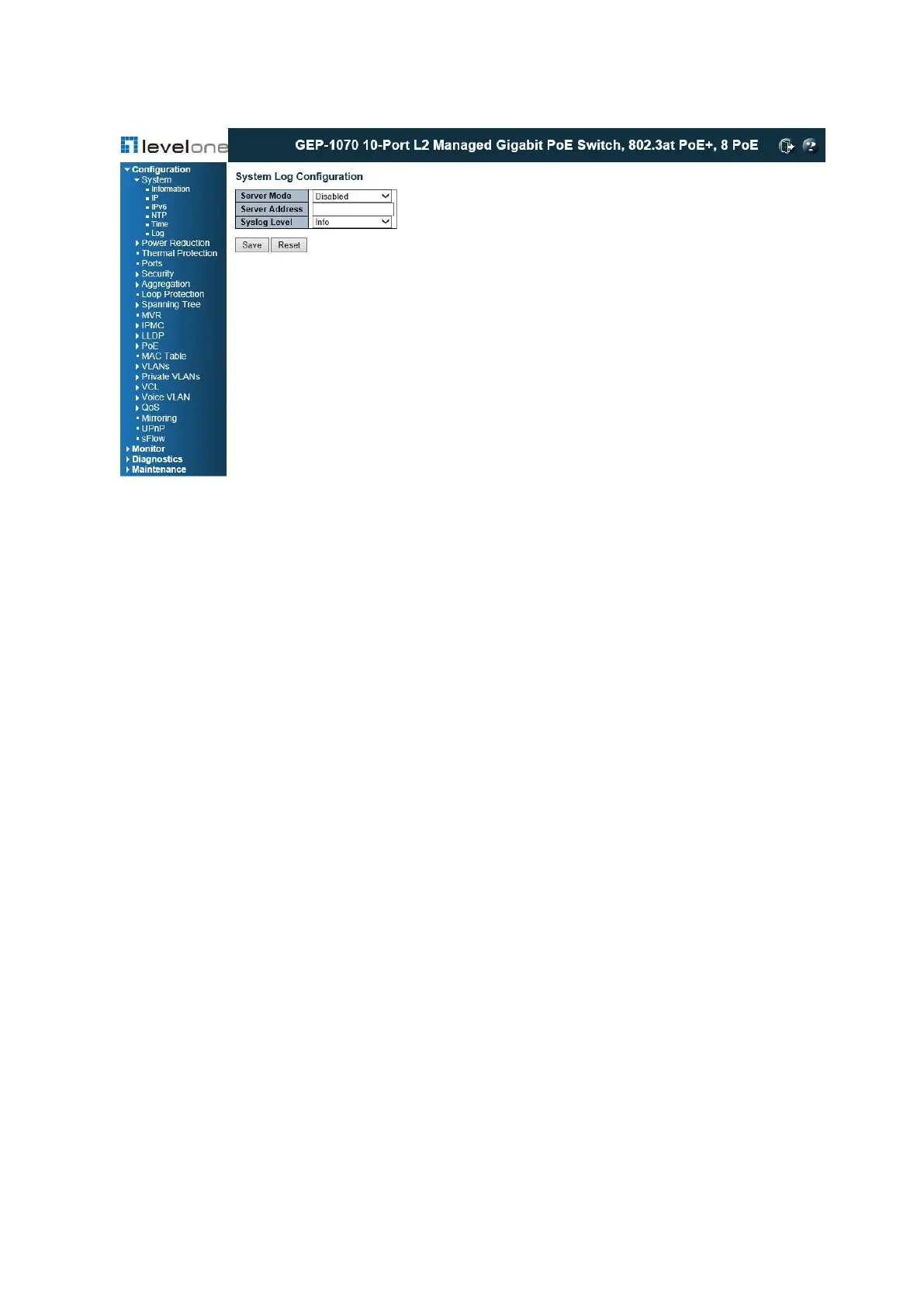
Figure 7: Configuring Settings for Remote Logging of Error Messages
COMMAND USAGE
When remote logging is enabled, system log messages are sent to the designated server.
The syslog protocol is based on UDP and received on UDP port 514. UDP is a
connectionless protocol and does not provide acknowledgments. The syslog packet will
always be sent out even if the syslog server does not exist.
PARAMETERS
These parameters are displayed:
◆ Server Mode – Enables/disables the logging of debug or error messages to the remote
logging process. (Default: Disabled)
◆ Server Address – Specifies the IPv4 address or alias of a remote server which will be
sent syslog messages.
◆ Syslog Level – Limits log messages that are sent to the remote syslog server for the
specified types. Messages options include the following:
■ Info – Send informations, warnings and errors. (Default setting)
■ Warning – Send warnings and errors.
■ Error – Send errors.
WEB INTERFACE
To configure the logging of error messages to remote servers:
1. Click Configuration, System, Log.














 To Next Page