279
5.12. Displaying MAC Address Table
Use the MAC Address Table to display dynamic and static address entries associated with
the CPU and each port.
PATH
Monitor \ MAC Address Table
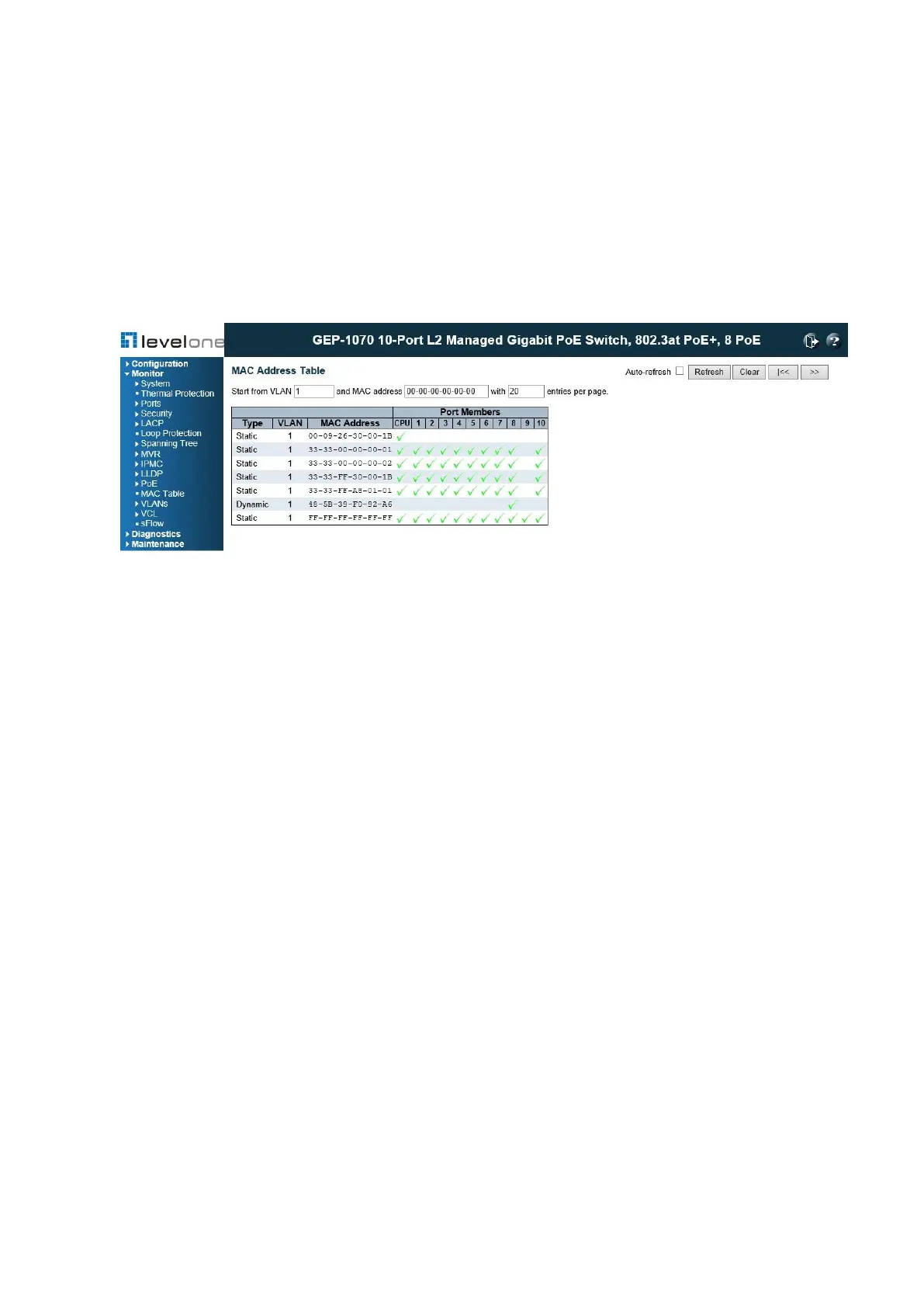
Figure 142: MAC Address Table
PARAMETERS
These parameters are displayed:
◆ Start from VLAN # and MAC address # with # entries per page – These input fields allow
you to select the starting point in the table.
◆ Type – Indicates whether the entry is static or dynamic. Dynamic MAC addresses are
learned by monitoring the source address for traffic entering the switch. To configure static
addresses, refer to "Configuring the MAC Address Table".
◆ VLAN – The VLAN containing this entry.
◆ MAC Address – Physical address associated with this interface.
◆ Port Members – The ports associated with this entry.
WEB INTERFACE
To display the address table, click Monitor, MAC Address Table.














 To Next Page