194
■ Remap DP Unaware – Frame with DSCP from analyzer is remapped and remarked with
the remapped DSCP value. The remapped DSCP value is always taken from the DSCP
Translation table, Egress Remap DP0 field.
WEB INTERFACE
To configure ingress translation and classification settings and egress re- writing of DSCP
values:
1. Click Configuration, QoS, Port DSCP.
2. Set the required ingress translation and egress re-writing parameters.
3. Click Save.
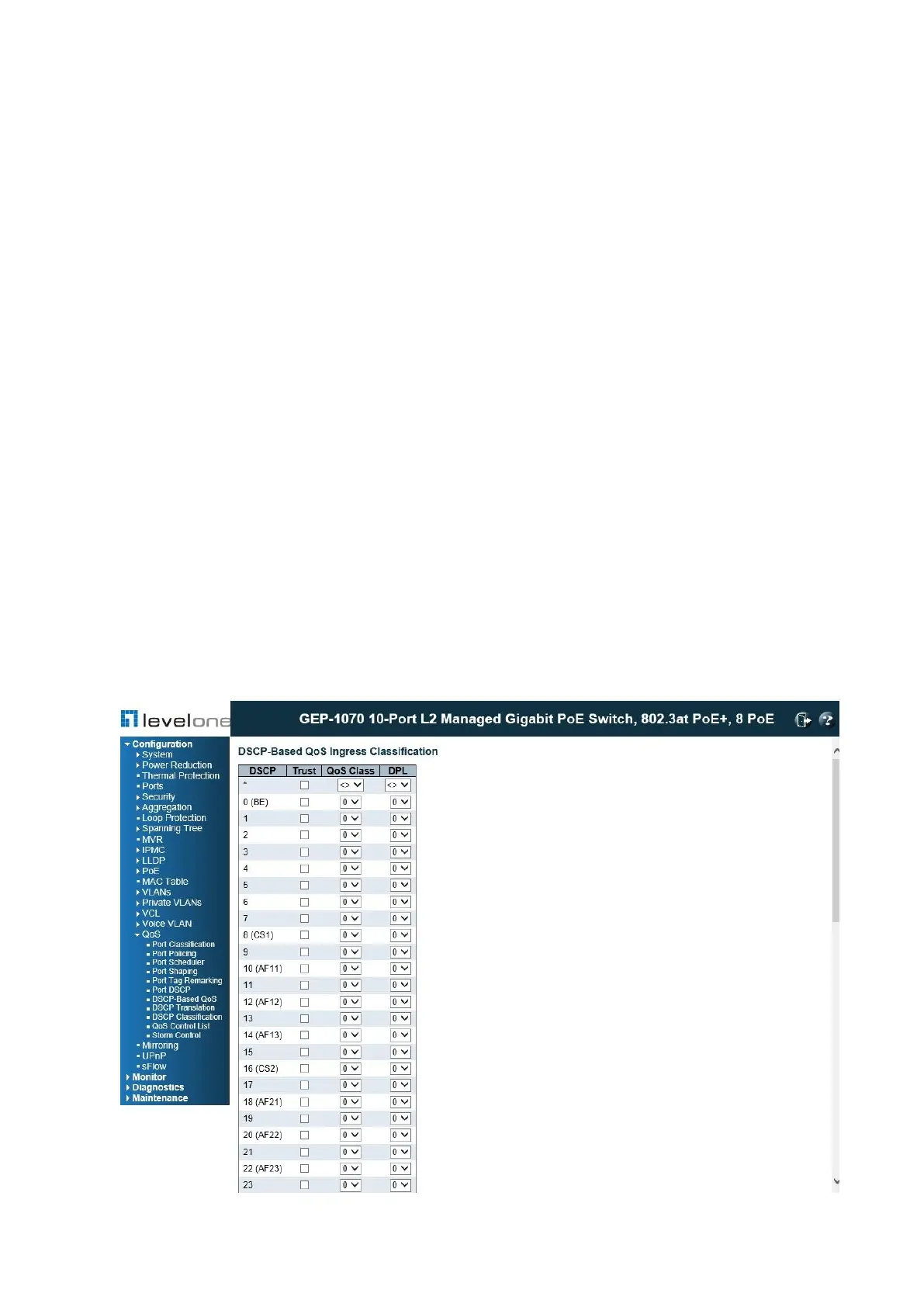
Configuring DSCP-Based QOS
Use the DSCP-Based QoS Ingress Classification page to configure DSCP- based QoS
ingress classification settings.
PATH
Configuration \ QoS \ DSCP-Based QoS
Figure 83: Configuring DSCP-based QoS Ingress Classification














 To Next Page