22
3. USING THE WEB INTERFACE
This switch provides an embedded HTTP web agent. Using a web browser you can
configure the switch and view statistics to monitor network activity. The web agent can be
accessed by any computer on the network using a standard web browser (Internet Explorer
5.0, Netscape 6.2, Mozilla Firefox 2.0.0.0, or more recent versions).
3.1. Navigating the Web Browser Interface
To access the web-browser interface you must first enter a user name and password. The
administrator has Read/Write access to all configuration parameters and statistics. The
default user name for the administrator is “admin” and for password.
Home Page
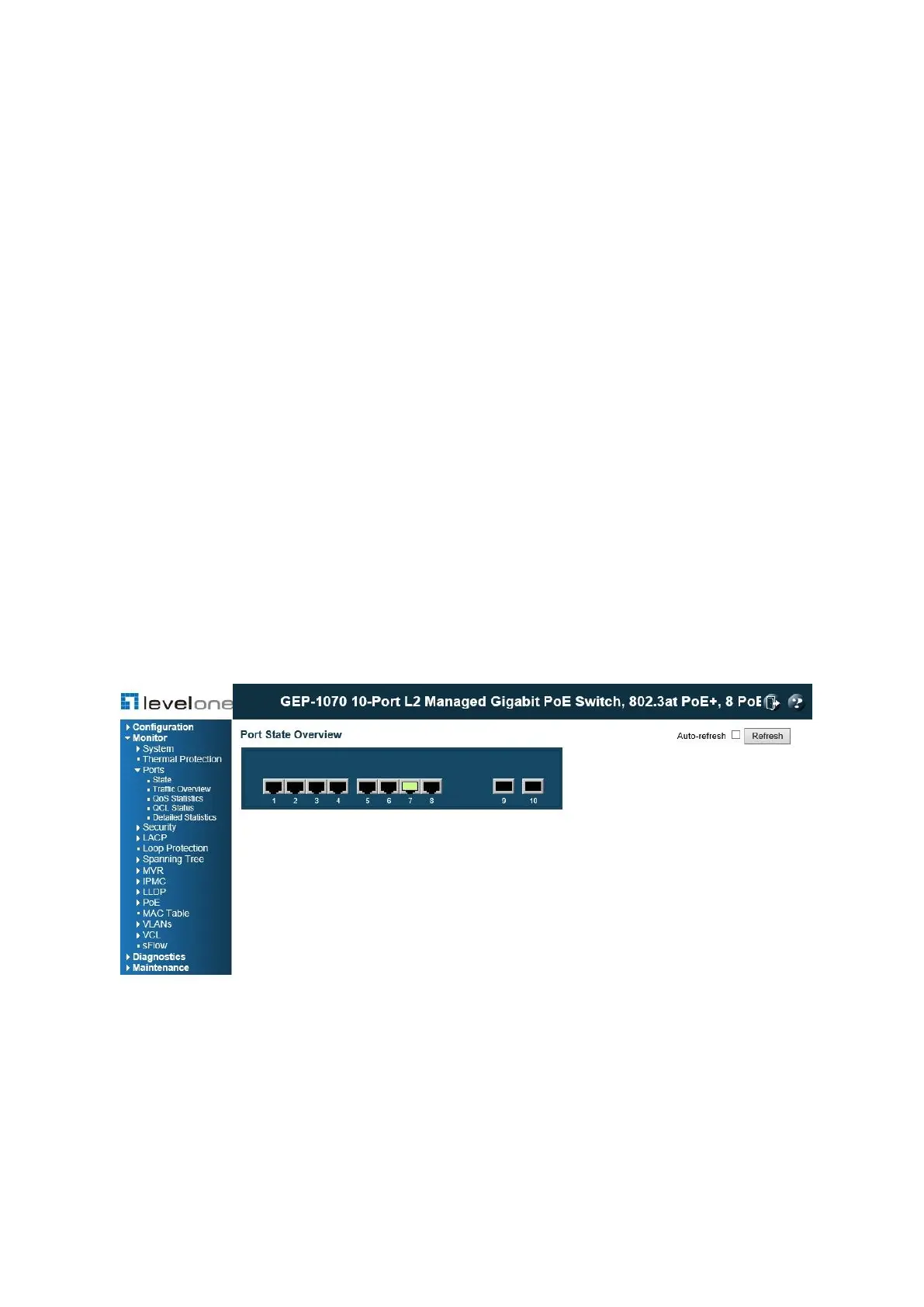
When your web browser connects with the switch’s web agent, the home page is displayed
as shown below. The home page displays the Main Menu on the left side of the screen and
an image of the front panel on the right side. The Main Menu links are used to navigate to
other menus, and display configuration parameters and statistics.
Figure 1: Home Page
Configuration Options
Configurable parameters have a dialog box or a drop-down list. Once a configuration
change has been made on a page, be sure to click on the Save button to confirm the new
setting. The following table summarizes the web page configuration buttons.














 To Next Page