104
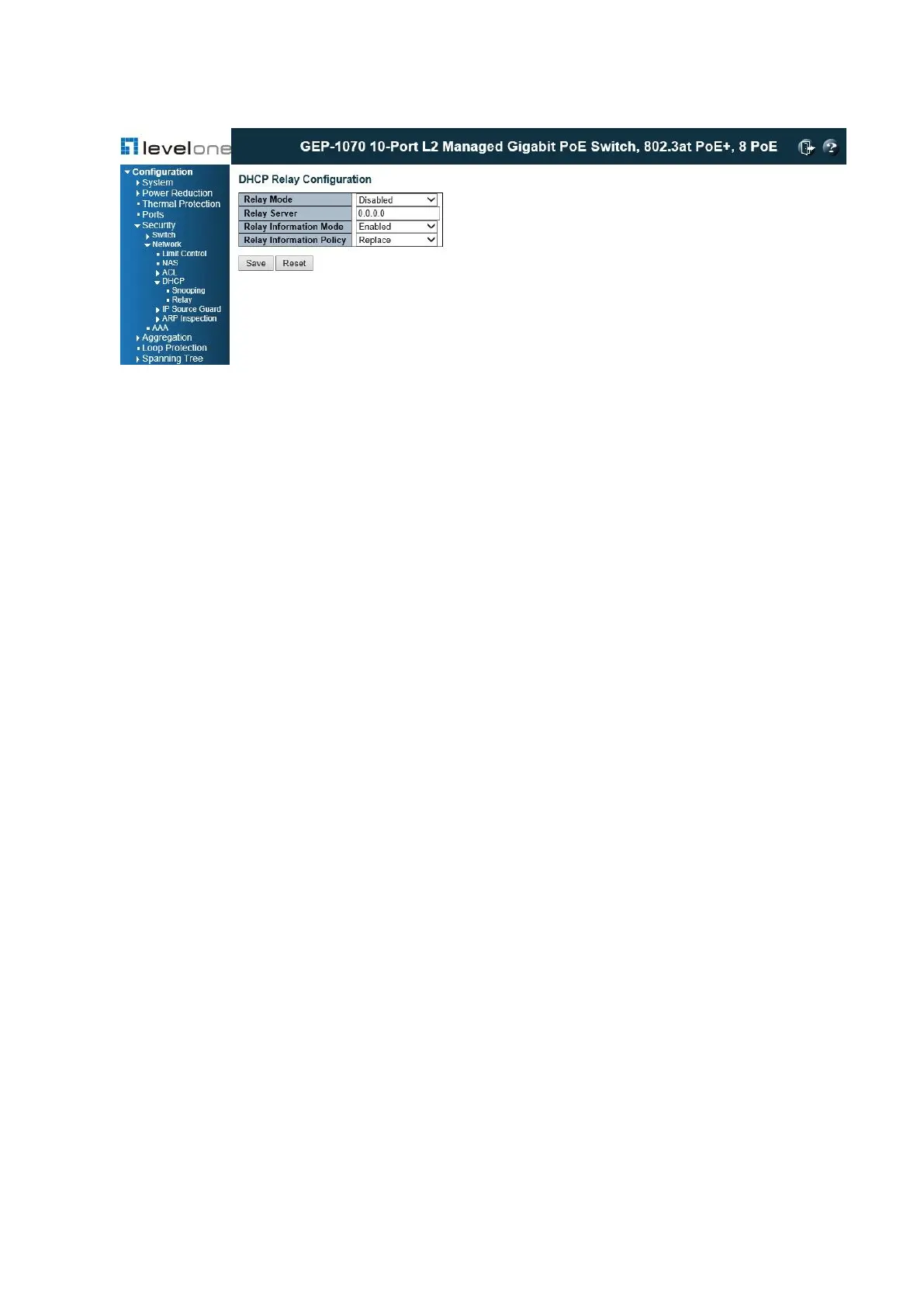
Figure 36: DHCP Relay Configuration
PARAMETERS
These parameters are displayed:
◆ Relay Mode – Enables or disables the DHCP relay function. (Default: Disabled)
◆ Relay Server – IP address of DHCP server to be used by the switch's DHCP relay agent.
◆ Relay Information Mode – Enables or disables the DHCP Relay Option 82 support. Note
that Relay Mode must also be enabled for Relay Information Mode to take effect. (Default:
Disabled)
◆ Relay Information Policy – Sets the DHCP relay policy for DHCP client packets that
include Option 82 information.
■ Replace – Overwrites the DHCP client packet information with the switch's relay
information. (This is the default.)
■ Keep – Retains the client's DHCP information.
■ Drop – Drops the packet when it receives a DHCP message that already contains relay
information.
WEB INTERFACE
To configure DHCP Relay:
1. Click Configuration, Security, Network, DHCP, Relay.
2. Enable the DHCP relay function, specify the DHCP server’s IP address, enable Option 82
information mode, and set the policy by which to handle relay information found in client
packets.
3. Click Save.
IP Source Guard
IP Source Guard is a security feature that filters IP traffic on network interfaces based on














 To Next Page