144
WEB INTERFACE
To configure VLAN settings for IGMP snooping and query:
1. Click Configuration, IPMC, IGMP Snooping, VLAN Configuration.
2. Adjust the IGMP settings as required.
3. Click Save.
Port Group Filtering for IGMP Snooping
Use the IGMP Snooping Port Group Filtering Configuration page to filter specific multicast
traffic. In certain switch applications, the administrator may want to control the multicast
services that are available to end users; for example, an IP/TV service based on a specific
subscription plan. The IGMP filtering feature fulfills this requirement by denying access to
specified multicast services on a switch port.
PATH
Configuration \ IPMC \ IGMP Snooping \ Port Group Filtering
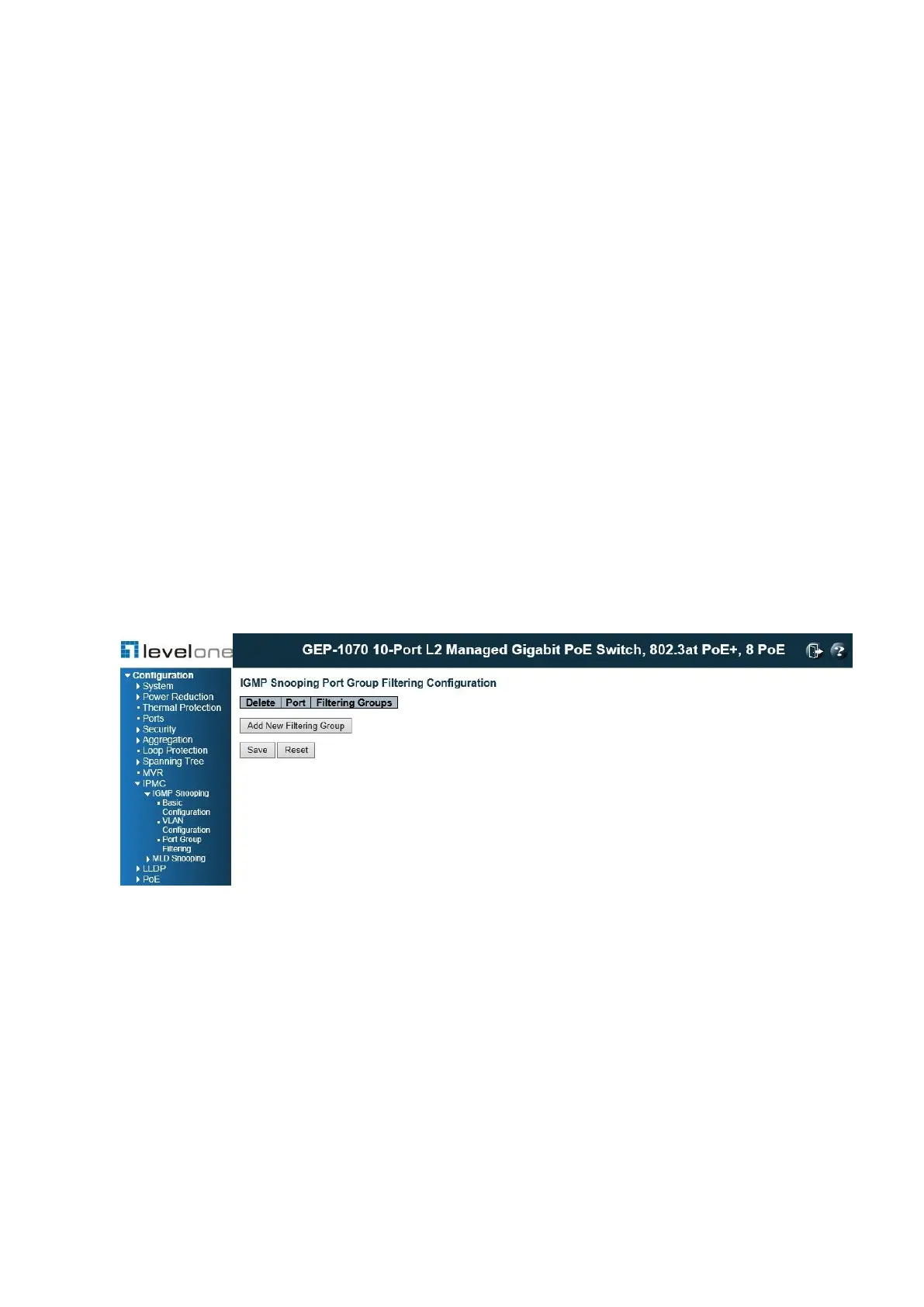
Figure 57: IGMP Snooping Port Group Filtering Configuration
PARAMETERS
These parameters are displayed:
◆ Port – Port identifier.
◆ Filtering Groups – Multicast groups that are denied on a port. When filter groups are
defined, IGMP join reports received on a port are checked against the these groups. If a
requested multicast group is denied, the IGMP join report is dropped.
WEB INTERFACE














 To Next Page