205
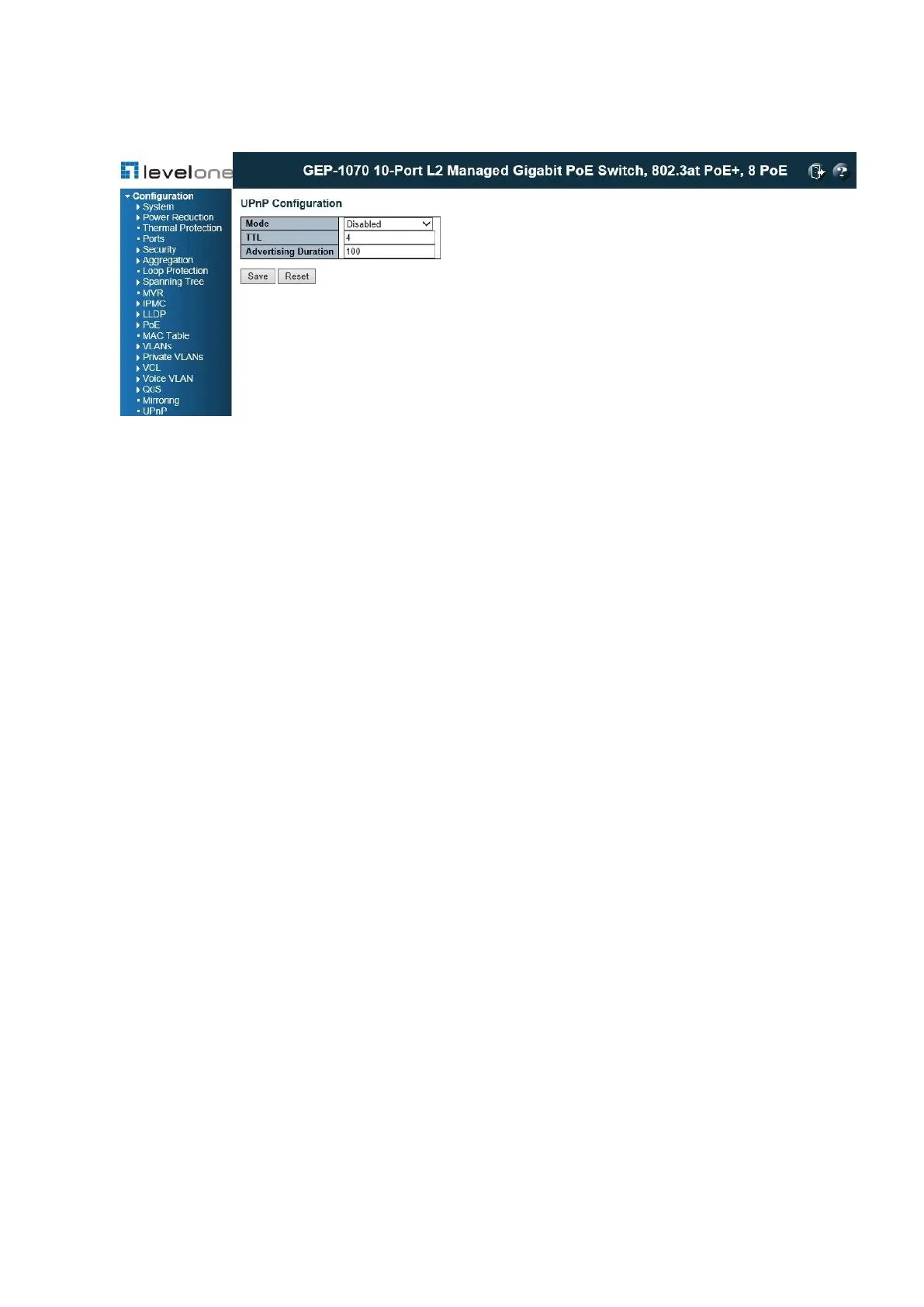
Figure 89: UPnP Configuration
PARAMETERS
These parameters are displayed:
◆ Mode – Enables/disables UPnP on the device. (Default: Disabled)
◆ TTL – Sets the time-to-live (TTL) value for UPnP messages transmitted by the switch.
(Range: 4-255; Default: 4)
◆ Advertising Duration – The duration, carried in Simple Service Discover Protocol (SSDP)
packets, which informs a control point or control points how often it or they should receive
a SSDP advertisement message from this switch. Due to the unreliable nature of UDP, the
switch sends SSDP messages periodically at the interval one-half of the advertising
duration minus 30 seconds. (Range: 100-86400 seconds; Default: 100 seconds)
WEB INTERFACE
To configure UPnP:
1. Click Configuration, UPnP.
2. Enable or disable UPnP, then set the TTL and advertisement values.
3. Click Save.














 To Next Page