225
authentication.
◆ QoS Class – The QoS class that NAS has assigned to this port. This field is blank if the
has not been assigned by NAS. Refer to “RADIUS-Assigned QoS Enabled” for a
description of this attribute (see page 78).
◆ Port VLAN ID – The VLAN in which NAS has placed this port. This field is blank if the Port
VLAN ID is not overridden by NAS.
If the VLAN ID is assigned by the RADIUS server, “(RADIUS-assigned)” is appended to the
VLAN ID. Refer to “RADIUS-Assigned VLAN Enabled” for a description of this attribute (see
page 78).
If the port is moved to the Guest VLAN, “(Guest)” is appended to the VLAN ID. Refer to
“Guest VLAN Enabled” for a description of this attribute (see page 78).
WEB INTERFACE
To display port status for authentication services, click Monitor, Security, Network, NAS,
Switch.
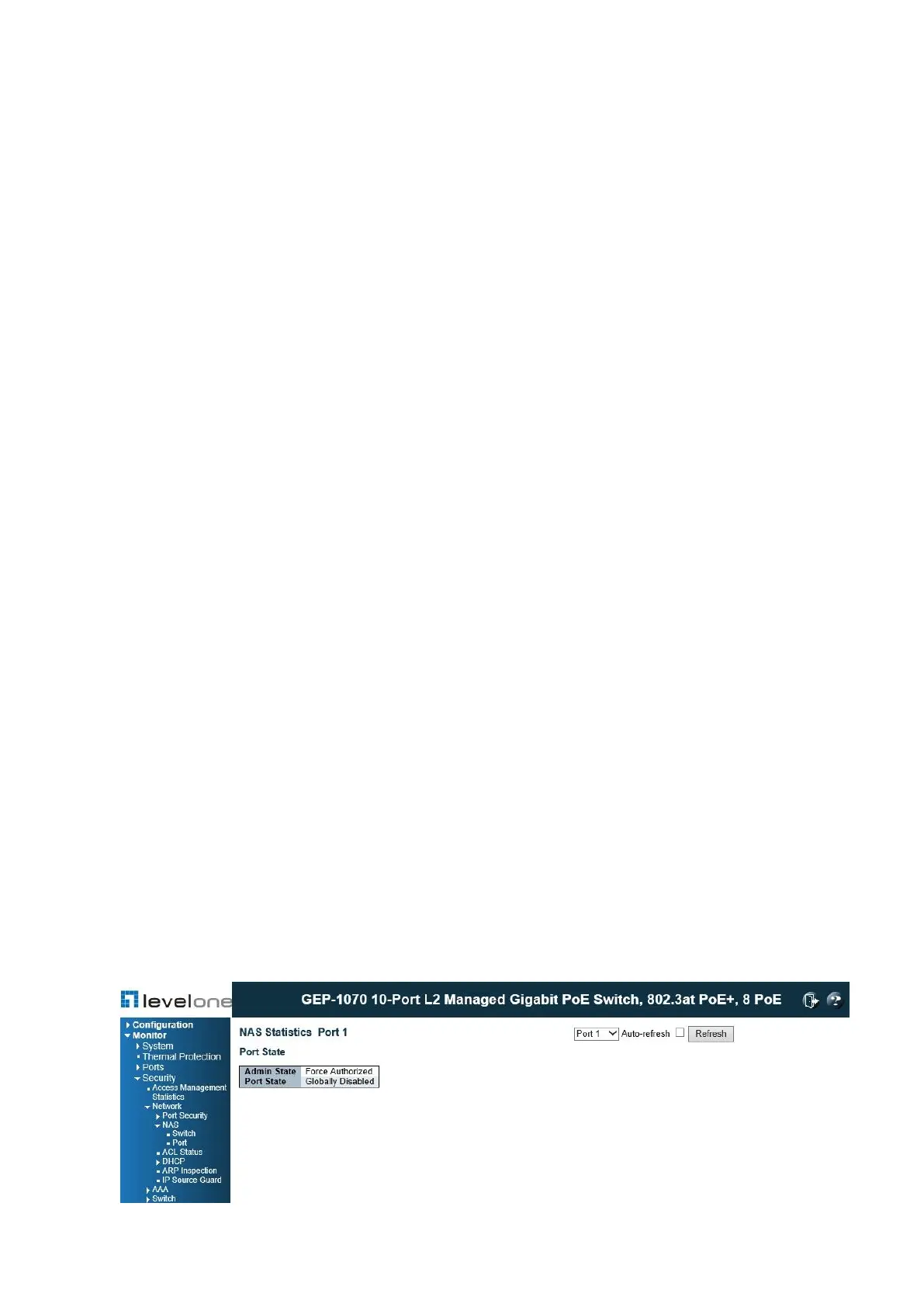
Displaying NAS Port Status
Use the NAS Statistics Port selection page to display authentication statistics for the selected
port – either for 802.1X protocol or for the remote authentication server depending on the
authentication method.
This page provides detailed NAS statistics for a specific switch port running EAPOL-based
IEEE 802.1X authentication. For MAC-based authenticated ports, it shows statistics only for
the backend server (RADIUS Authentication Server).
PATH
Monitor \ Security \ Network \ NAS \ Port
Figure 105: NAS Statistics for Specified Port














 To Next Page