229
◆ State – The client can either be authenticated or unauthenticated. In the authenticated
state, it is allowed to forward frames on the port, and in the unauthenticated state, it is
blocked. As long as the backend server has not successfully authenticated the client, it is
unauthenticated. If an authentication fails for one or the other reason, the client will remain
in the unauthenticated state for Hold Time seconds.
◆ Last Authentication – Shows the date and time of the last authentication of the client
(successful as well as unsuccessful).
WEB INTERFACE
To display port Statistics for 802.1X or Remote Authentication Service:
1. Click Monitor, Security, Network, NAS, Port.
2. Select a port from the scroll-down list.
Displaying ACL Status
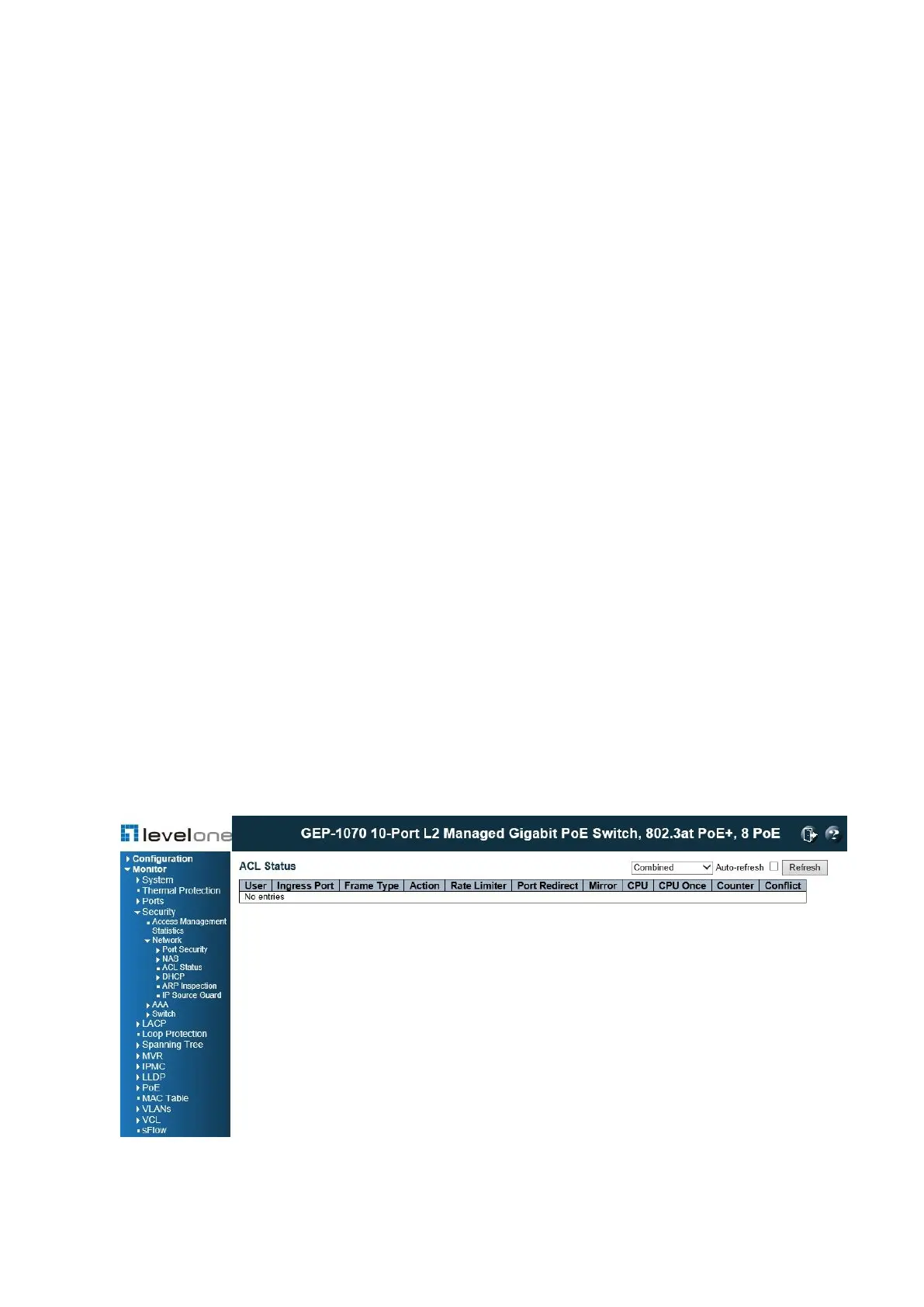
Use the ACL Status page to show the status for different security modules which use ACL
filtering, including ingress port, frame type, and forwarding action. Each row describes a
defined ACE (see page 89).
PATH
Monitor \ Security \ Network \ ACL Status
Figure 106: ACL Status
PARAMETERS














 To Next Page