234
◆ Replace Agent Option – The number of packets received where the DHCP client packet
information was replaced with the switch's relay information.
◆ Keep Agent Option – The number of packets received where the DHCP client packet
information was retained.
◆ Drop Agent Option – The number of packets that were dropped because they already
contained relay information.
WEB INTERFACE
To display DHCP relay statistics, click Monitor, DHCP, Relay Statistics.
Displaying ARP Inspection
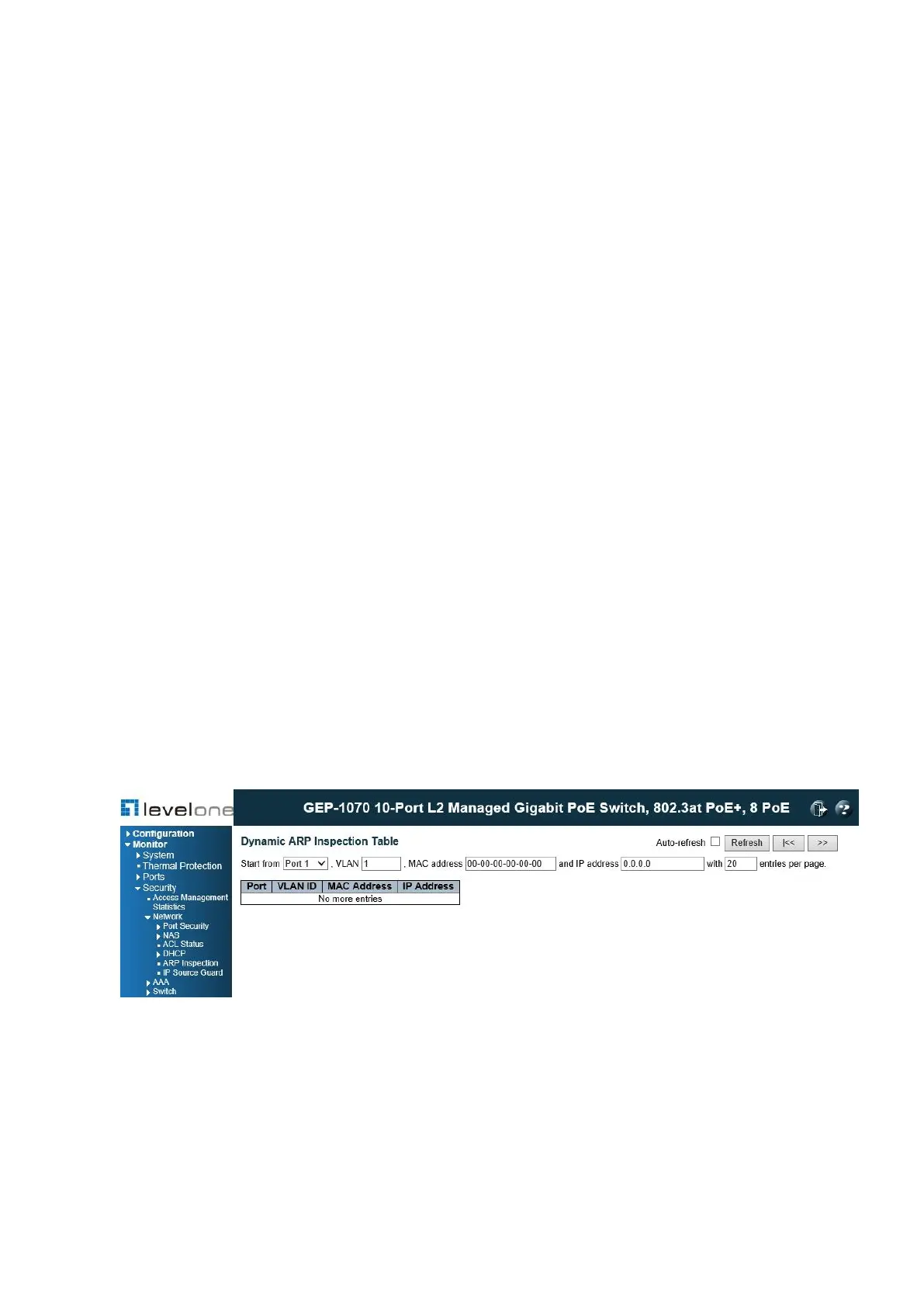
Open the Dynamic ARP Inspection Table to display address entries sorted first by port, then
VLAN ID, MAC address, and finally IP address.
Each page shows up to 999 entries from the Dynamic ARP Inspection table, default being 20,
selected through the “entries per page” input field. When first visited, the web page will show
the first 20 entries from the beginning of the Dynamic ARP Inspection Table.
PATH
Monitor \ Security \ Network \ ARP Inspection
Figure 109: Dynamic ARP Inspection Table
WEB INTERFACE
To display the Dynamic ARP Inspection Table, click Monitor, Security, Network, ARP
Inspection.














 To Next Page