236
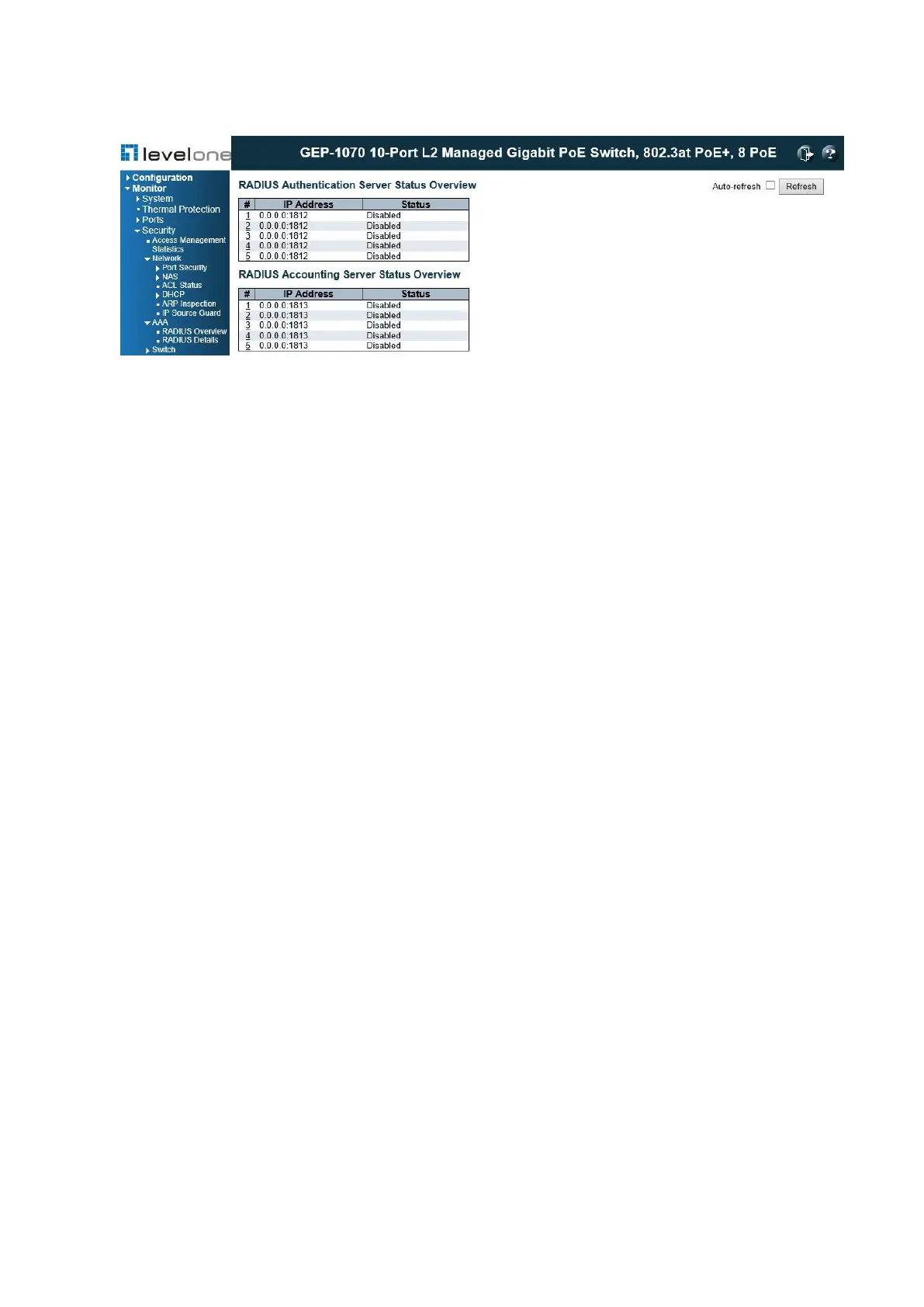
Figure 111: RADIUS Overview
PARAMETERS
These parameters are displayed:
◆ IP Address – The IP address and UDP port number of this server.
◆ Status – The current state of the server. This field takes one of the following values:
■ Disabled – The server is disabled.
■ Not Ready – The server is enabled, but IP communication is not yet up and running.
■ Ready – The server is enabled, IP communication is up and running, and the RADIUS
module is ready to accept access attempts.
■ Dead (X seconds left) – Access attempts were made to this server, but it did not reply
within the configured timeout. The server has been temporarily disabled, but will be re-
enabled when the dead- time expires. The number of seconds left before this occurs is
displayed in parentheses.
WEB INTERFACE
To display a list of configured authentication and accounting servers, click Monitor, Security,
AAA, RADIUS Overview.
Displaying RADIUS Details
Use the RADIUS Details page to display statistics for configured authentication and
accounting servers. The statistics map closely to those specified in RFC4668 - RADIUS
Authentication Client MIB.














 To Next Page