244
When the end is reached the text "No more entries" is shown in the displayed table.
button is used to start over.
Auto-refresh : Check this box to enable an automatic refresh of the page at regular
intervals.
: Click to refresh the page immediately.
: Updates the table starting from the first entry in the Statistics table with the lowest
ID.
: Updates the table, starting with the entry after the last entry currently displayed.
PATH
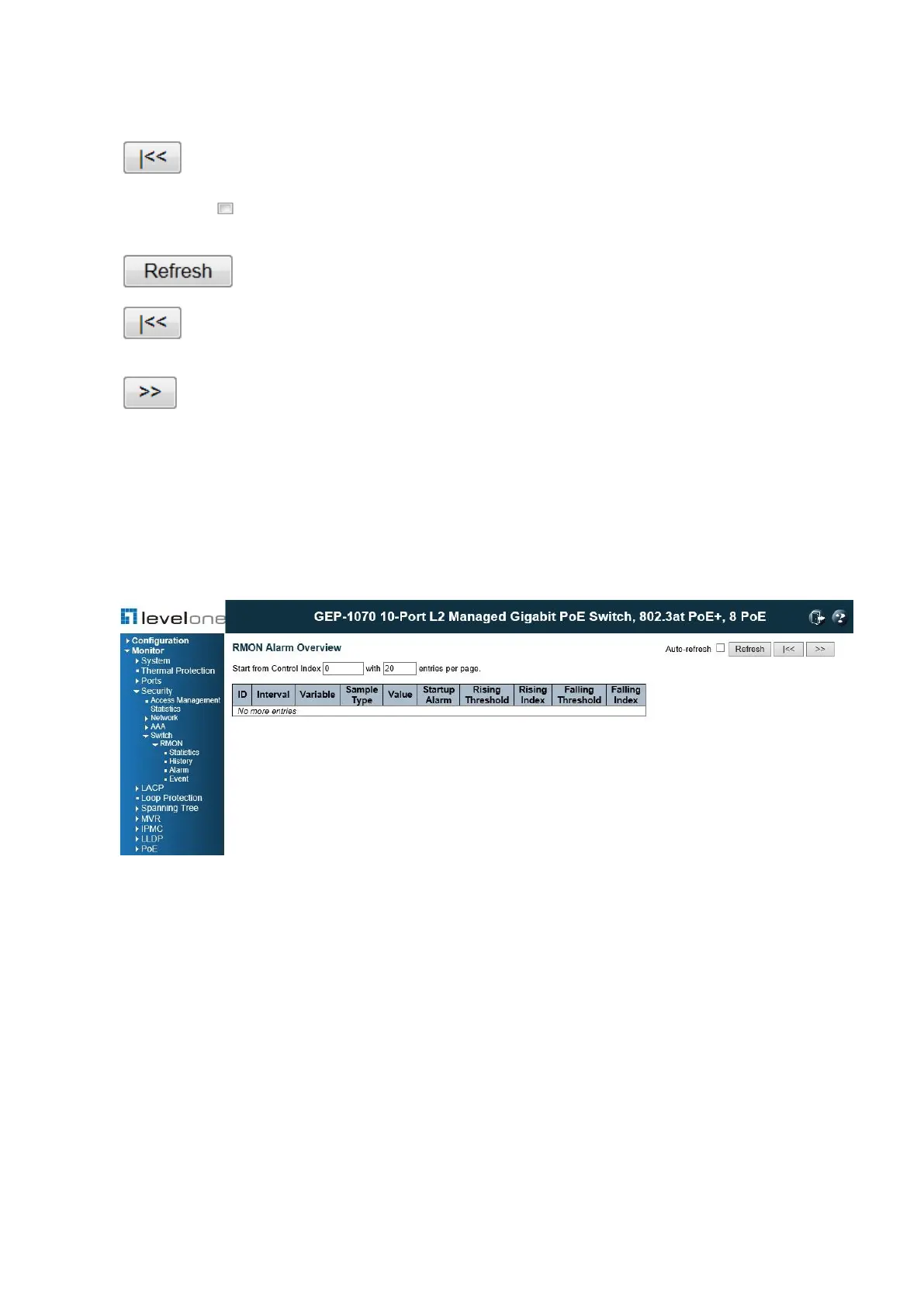
Monitor \ Security \ Switch \ RMON \ Alarm
Figure 115: RMON Alarm Overview
PARAMETERS
These parameters are displayed:
◆ ID – Indicates the index of Alarm control entry.
◆ Interval – Indicates the interval in seconds for sampling and comparing the rising and
falling threshold.
◆ Variable – Indicates the particular variable to be sampled.
◆ Sample Type – The method of sampling the selected variable and calculating the value to
be compared against the thresholds.
◆ Value – The value of the statistic during the last sampling period.
◆ Startup Alarm – The alarm that may be sent when this entry is first set to valid.














 To Next Page