55
1. Click Configuration, Security, Switch, Auth Method.
2. Configure the authentication method for management client types, and specify whether or
not to fallback to local authentication if no remote authentication server is available.
3. Click Save.
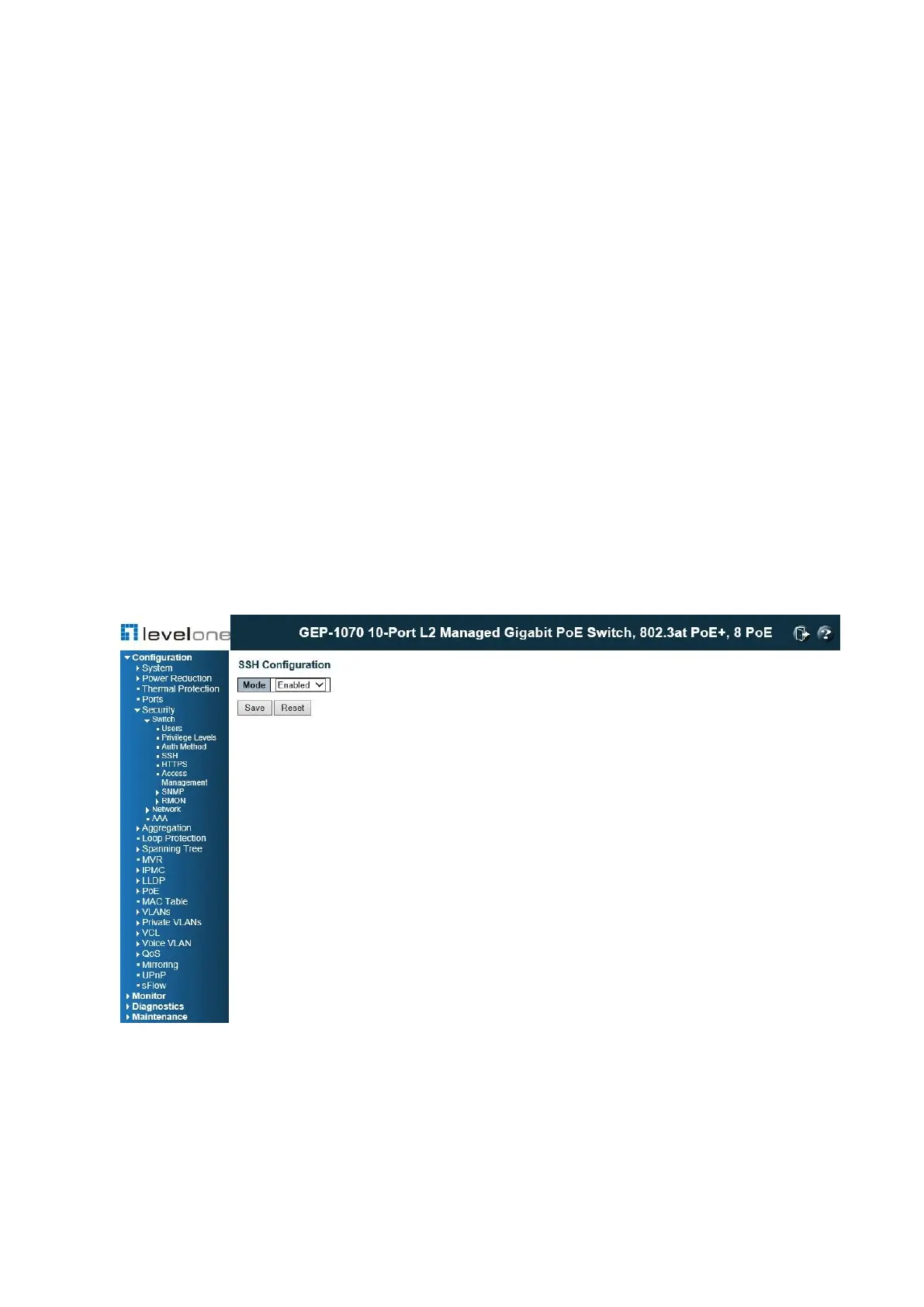
SSH Configuration
Use the SSH Configuration page to configure access to the Secure Shell (SSH) management
interface. SSH provides remote management access to this switch as a secure replacement
for Telnet. When the client contacts the switch via the SSH protocol, the switch generates a
public-key that the client uses along with a local user name and password for access
authentication. SSH also encrypts all data transfers passing between the switch and SSH-
enabled management station clients, and ensures that data traveling over the network arrives
unaltered.
PATH
Configuration \ Security \ Switch \ SSH
Figure 16: SSH Configuration
USAGE GUIDELINES
◆ You need to install an SSH client on the management station to access the switch for
management via the SSH protocol. The switch supports both SSH Version 1.5 and 2.0
clients.














 To Next Page