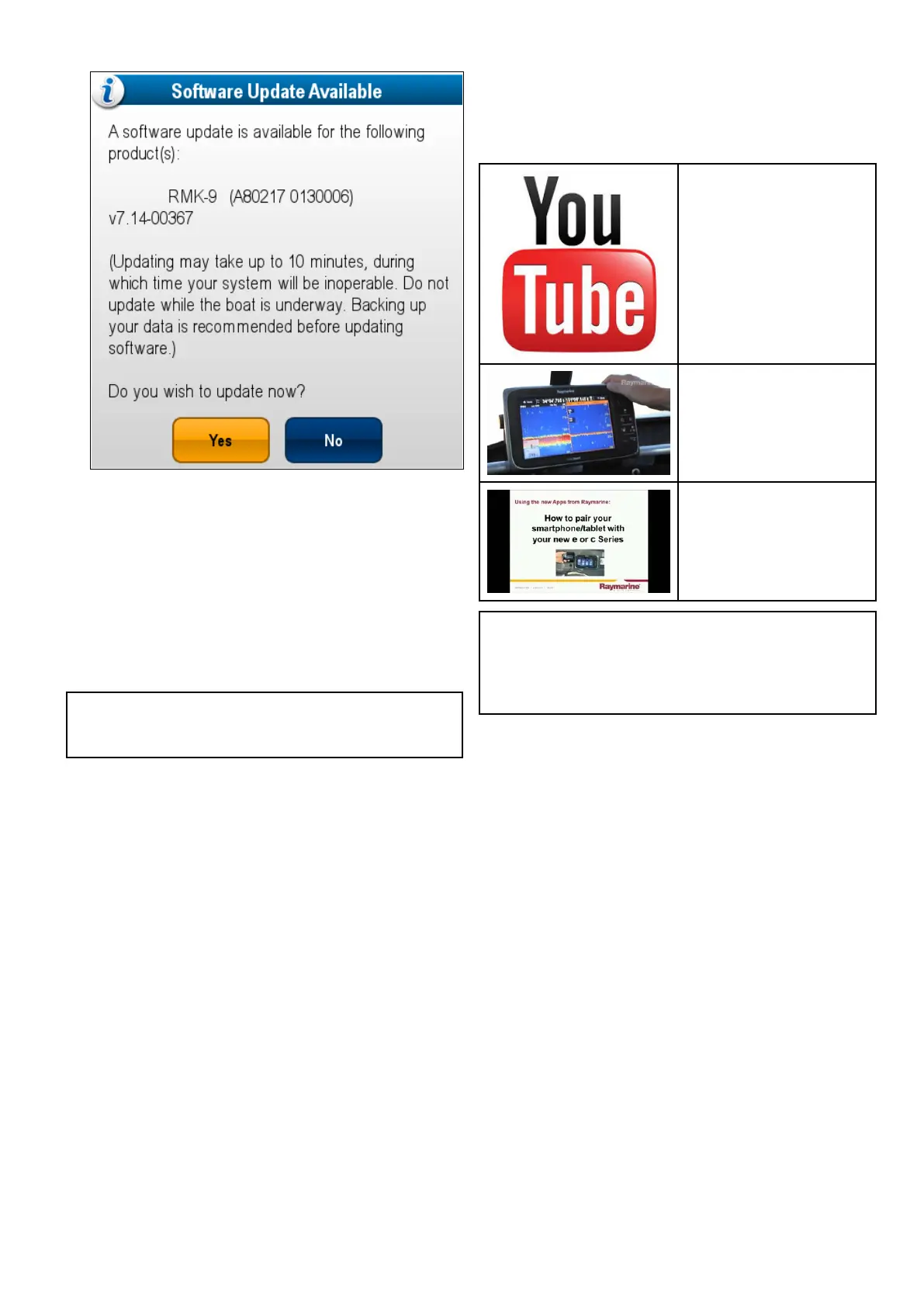
14.Ifyouhavearemotekeypadconnectedthen
selectYestoupdatethekeypadsoftwareupdate.
Whenthesoftwareupdateprocesshasbeen
completedaconrmationpop-upisdisplayed.
15.SelectOKtoconrm.
16.RemovetheMicroSDcardfromthecardreader.
17.Performafactoryresetofyourmultifunction
displaysfollowingtheproceduredescribedin
section8.7Resettingyoursystem.
18.Restoreanysaveduserdataandsettingsby
followingtheproceduredescribedinsection8.5
Savinguserdataandusersettings
Note:Turningonadisplaywhilstithasa
softwareupdatememorycardinsertedwillstarta
standalonesoftwareupdateonthatdisplayonly.
6.20Learningresources
Raymarinehasproducedarangeoflearning
resourcestohelpyougetthemostoutofyour
products.
Videotutorials
Raymarineofcialchannelon
YouTube:
•http://www.youtube.com/u-
ser/RaymarineInc
VideoGallery:
•http://www.rayma-
rine.co.uk/view/?id=2679
ProductSupportvideos:
•http://www.rayma-
rine.co.uk/view/?id=4952
Note:
•Viewingthevideosrequiresadevicewithan
Internetconnection.
•SomevideosareonlyavailableinEnglish.
Trainingcourses
Raymarineregularlyrunsarangeofin-depthtraining
coursestohelpyoumakethemostofyourproducts.
VisittheTrainingsectionoftheRaymarinewebsite
formoreinformation:
•http://www.raymarine.co.uk/view/?id=2372
FAQsandKnowledgeBase
RaymarinehasproducedanextensivesetofFAQs
andaKnowledgeBasetohelpyoundmore
informationandtroubleshootanyissues.
•http://www.raymarine.co.uk/knowledgebase/
Technicalsupportforum
YoucanusetheT echnicalsupportforumtoask
atechnicalquestionaboutaRaymarineproduct
ortondouthowothercustomersareusing
theirRaymarineequipment.Theresourceis
regularlyupdatedwithcontributionsfromRaymarine
customersandstaff:
•http://raymarine.ning.com/
Gettingstarted
113



 To Next Page