18.13Cartographyobjects
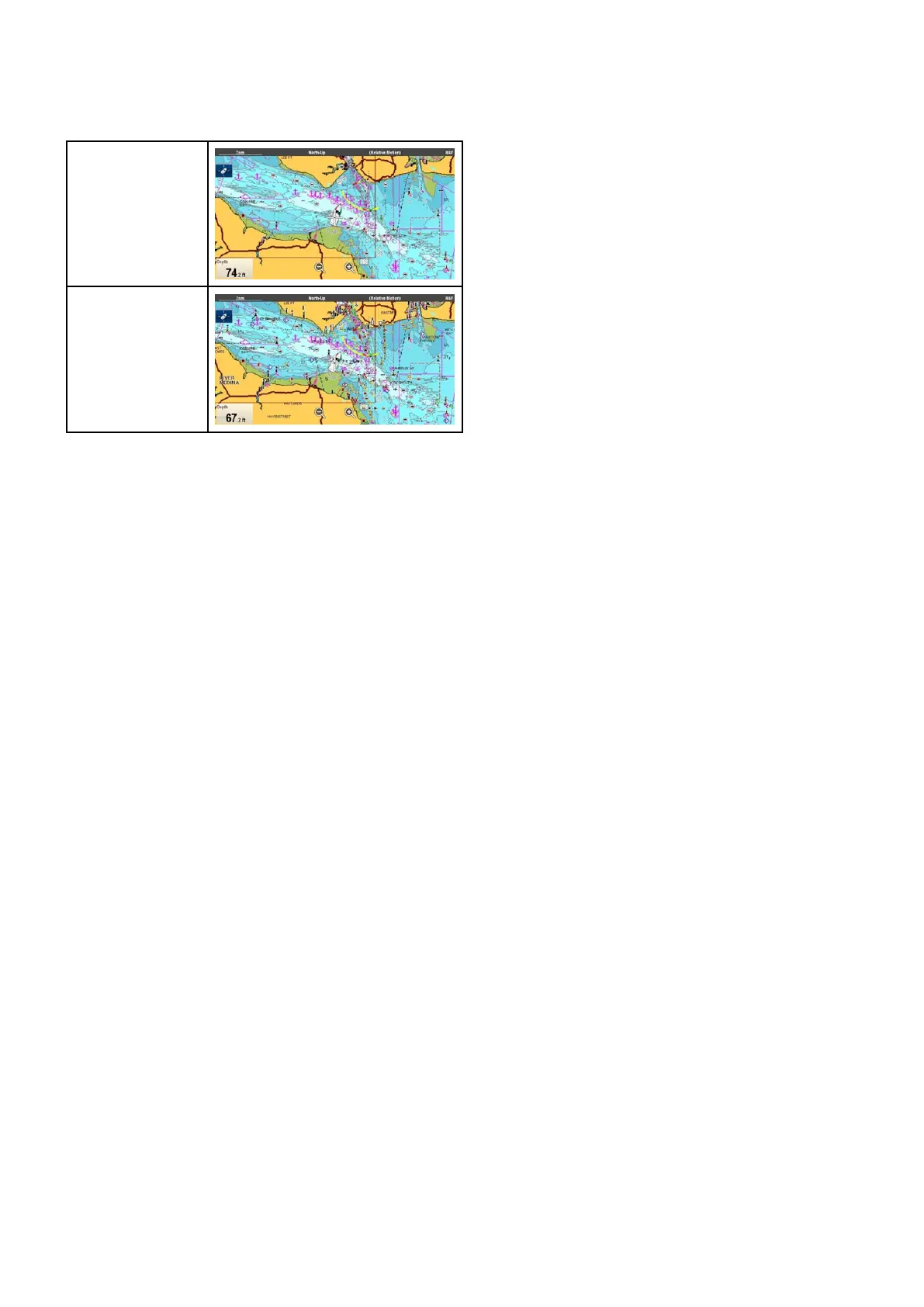
Chartdetail
Thechartdetailsettingdeterminestheamountof
detailshownintheChartapplication.
Low
High
SelectingtheLowoptionfortheChartDetail
disablesthefollowingobjectsandoverlays:
•CommunityEdits
•ChartT ext
•ChartBoundaries
•LightSectors
•RoutingSystems
•CautionAreas
•MarineFeatures
•LandFeatures
•Roads
•AdditionalWrecks
•ColorSeabedAreas
•DepthContours
Changingthelevelofchartdetail
Fromthechartapplicationmenu:
1.SelectPresentation.
2.SelectObjects.
3.SelectChartDetailtoswitchbetweenHighor
Low,asappropriate.
Chartapplication
253



 To Next Page