4.Coursecorrectionindicator
5.Coursecorrectiondetails
21.2
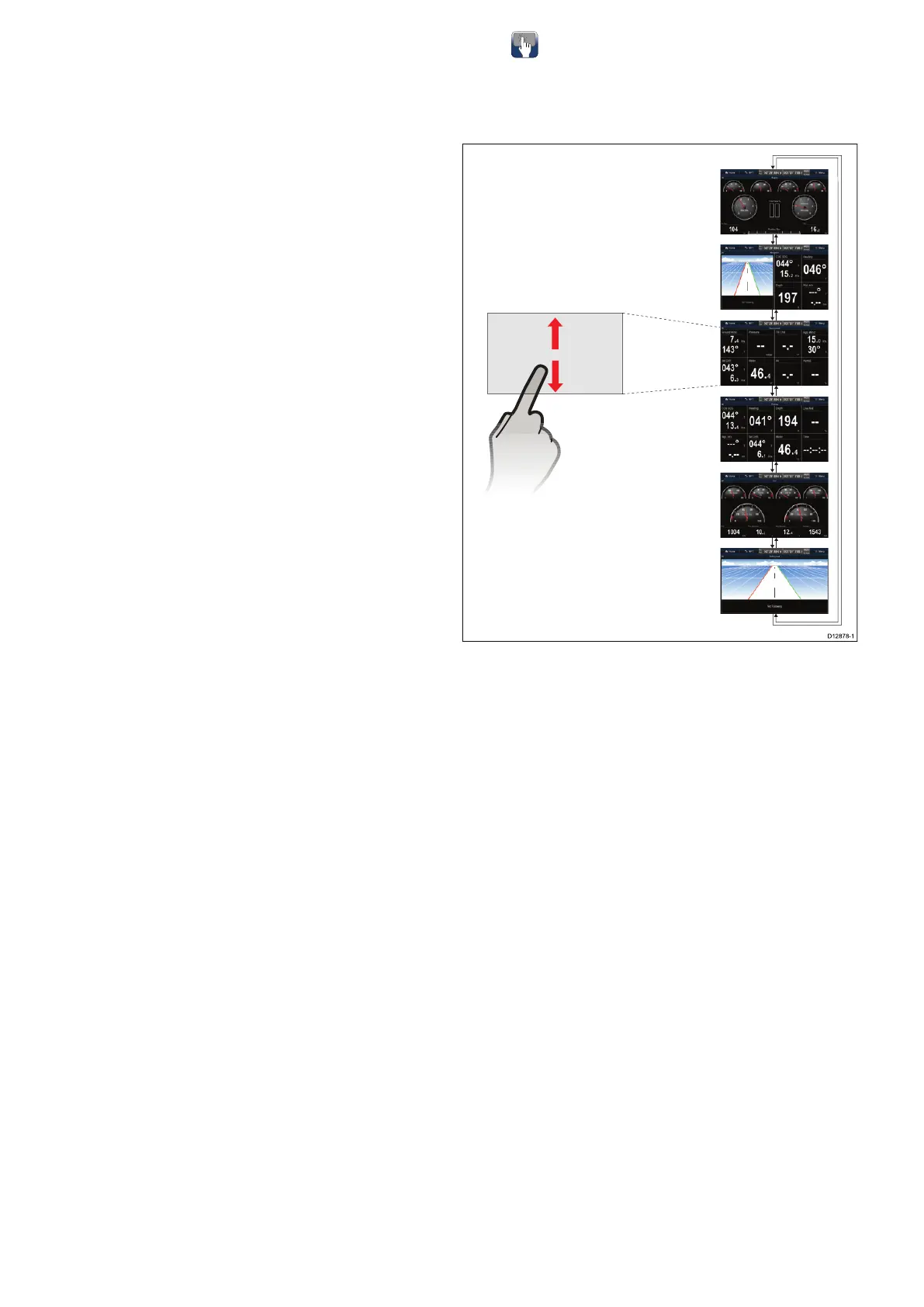
Selectingdatapagesusing
touch
Youcanscrollthroughallavailablepagesusingthe
touchscreen.
FromtheDataapplication:
1.Touchthescreen.
2.Slideyourngerupandletgoofthescreento
gotothenextdatapage.
3.Slideyourngerdownandletgoofthescreento
gotothepreviousdatapage.
324aSeries/cSeries/eSeries



 To Next Page