24.7Recordandplayback
TheCameraapplicationcanbeusedtorecordlive
IPcamerafeedsfromaconnectedIPcamera.The
recordingcanthenbeplayedbackatanytime.
ThecameraapplicationrecordsIPcamerafeedsin
.mp4formatwhichcanbesavedtoamemorycard
ortothedisplay’sinternalstorage.
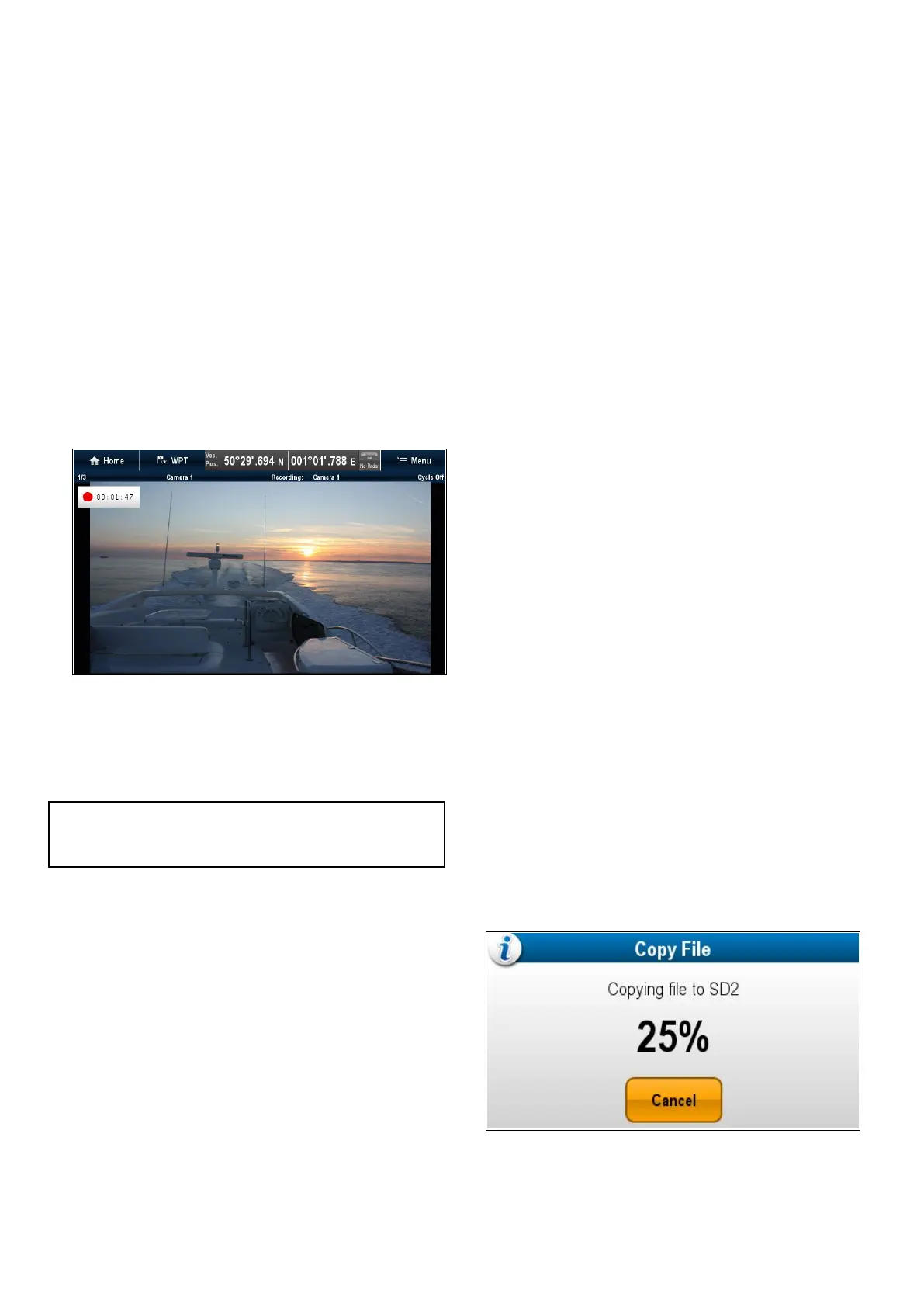
TheCameraapplicationtitlebardisplaysthename
ofthefeedbeingrecordedandarecordingtimeris
displayedonscreenthatshowstheelapsedtime.
RecordinganIPcamerafeed
TorecordthefeedfromanIPcamerafollowthe
stepsbelow.
FromtheCameraapplication:
1.SelectMenu.
2.SelectVideos.
3.SelectRecord.
Therecordingwillstart.
Whilstthecameraapplicationisrecordingyoucan
useyourmultifunctiondisplayasnormale.g.viewa
differentcamerafeed,gobacktotheHomescreen,
oropenadifferentapplication.Theselectedfeedwill
continuetorecorduntilstoppedoruntilthememory
oftheselectedlocationisfull.
Note:Onatouchscreendisplayyoucanalsostart
arecordingusingtheonscreenicons.Referto
Onscreenicons.
Stoprecording
Recordingcanbestoppedatanytime.
FromtheCameraapplication:
1.SelectMenu.
2.SelectVideos.
3.SelectStop.
TheFileissavedandtheVideoSaved
conrmationdialogisdisplayed.
4.SelectOKtoconrm,Playtoplaybackthe
recordedleorDeletetodeletethele.
Theconrmationdialogwillautomaticallyclose
after5seconds.
Playingbackavideole
YoucanplaybackvideoclipsusingtheCamera
application.
FromtheCameraapplication:
1.SelectMenu.
2.SelectVideos.
3.SelectView.
TheMyFilesbrowserisopened.
4.LocatetheVideoleyouwanttoview.
Videolesstoredoninternalstoragearesaved
inInternal>UserData>Videoles.
Videolesstoredonmemorycardaresavedin
SDCard#>Raymarine>Videoles.
5.SelecttheVideole.
Theleoptionsdialogisdisplayed.
6.SelectPlayVideo.
TheVideoleisplayed.
YoucanalsoplaybackvideoclipsfromtheMyData
menufromtheHomescreen:Homescreen>My
Data>ImagesandVideos.
Movingandcopyingvideoles
Youcancopyandmovelesbetweenyourdisplay’s
internalstorageandmemorycardsusingthesteps
below.
Ensureyouhaveamemorycardinsertedinthecard
reader.
FromtheCameraapplication:
1.SelectMenu.
2.SelectVideos.
3.SelectView.
TheMyFilesbrowserisopened.
4.Locatetherelevantvideole.
Videolesstoredoninternalstoragearesaved
inInternal>UserData>Videoles.
Videolesstoredonmemorycardaresavedin
SDCard#>Raymarine>Videoles.
5.Selectthevideole.
Theleoptionsdialogisdisplayed.
6.SelectMoveorCopy.
7.Conrmthelocationyouwanttomoveorcopy
theleto.
Aprogressindicatorisdisplayede.g.:
Whentheoperationiscompleteaconrmation
pop-upmessageisdisplayed.
8.SelectOK.
370aSeries/cSeries/eSeries



 To Next Page