SelectingBackwillhidetheaudiocontrols.
Mediaplayercontrolsusingaremote
control
YoucancontrolaudiowirelesslyusingaRaymarine
RCU-3remotecontrolunit.
TheShortcutkeyontheRCU-3mustbesetto
Start/Stopaudioplayback,refertotheUsinga
Remotecontrolsectionforfurtherdetails.
1.PressUParrowfornexttrack.
2.PressDOWNarrowforprevioustrack.
3.PressSHORTCUTbuttontoplay/pauseaudio.
Note:OnNewcSeriesmultifunctiondisplays,
whilsttheaudiocontrolsappearonthescreenyou
cannotinteractwiththem.Tocontrolaudioyou
mustuseaconnectedRCU-3.
UnpairingaBluetoothdevice
Ifyouareexperiencingproblemswhenattemptingto
useaBluetoothdevicewiththemultifunctiondisplay
itmaybenecessarytounpairthedevice(andany
otherpairedBluetoothdevices)andthenretrythe
pairingprocedure.
Withthehomescreendisplayed:
1.SelectSet-up.
2.SelectSystemSettings.
3.SelectWirelessConnections.
4.SelectConnectionManager.
5.Selectthemediaplayerdeviceinthelist.
6.SelectUnpair/Forgetthisdevice.
4.26Bluetoothremotecontrol
connection
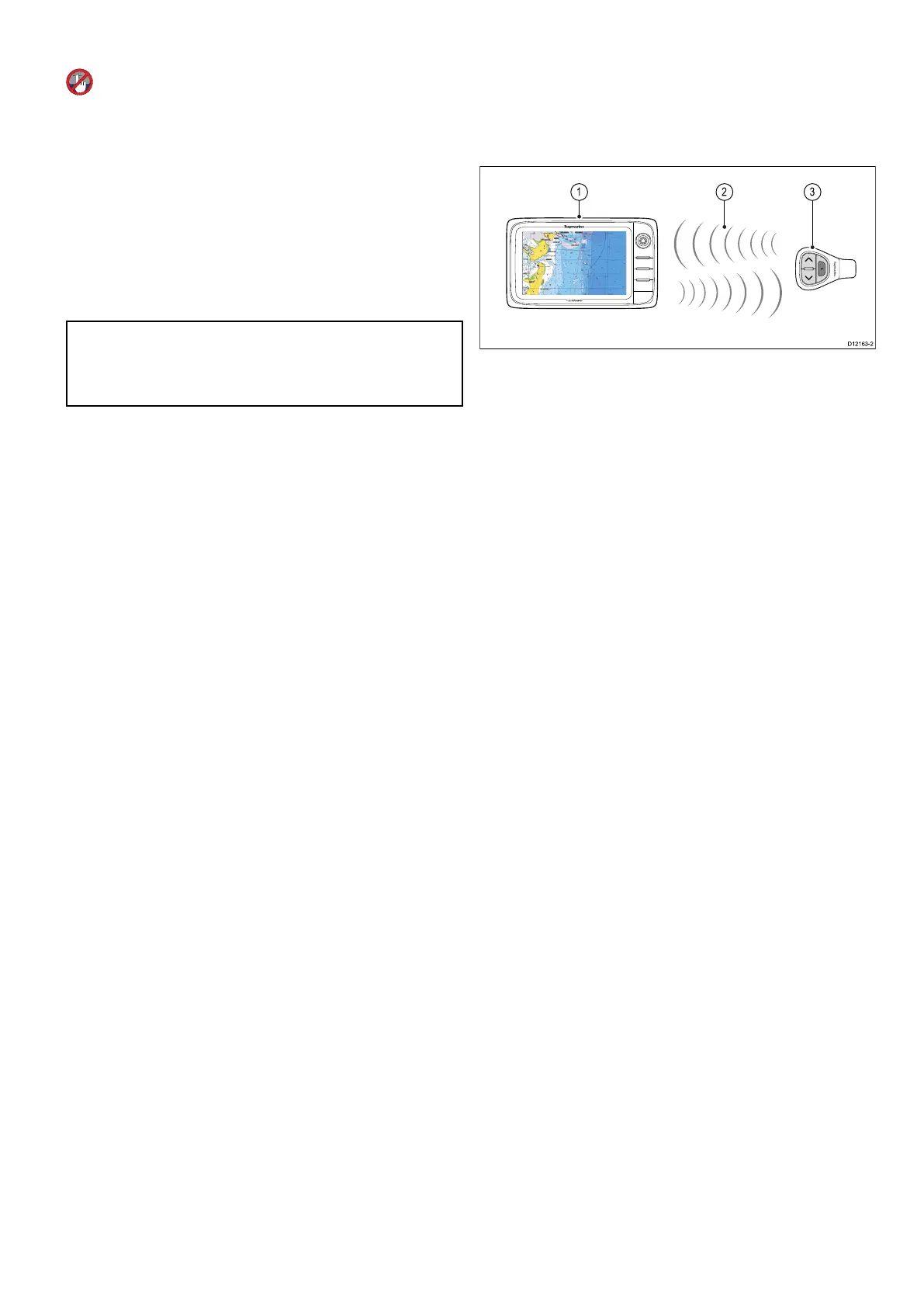
Youcancontrolthemultifunctiondisplaywirelessly
usingaRaymarineremotecontrolunit.
TheremotecontrolusesaBluetoothwireless
connection.
1.Multifunctiondisplay.
2.Bluetoothconnection.
3.RaymarineBluetoothremotecontrol(for
example,RCU-3).
Tousetheremotecontrolyoumustrst:
•EnableBluetoothintheSystemSettingsonthe
multifunctiondisplay.
•Pairtheremotecontrolunitwiththemultifunction
display.
Operatingprinciples
Remotecontroloperatingprinciples.
•Only1multifunctiondisplaymaybeoperatedby
aremotecontrolunitatanyonetime.Youcannot
pairamultifunctiondisplaytomorethan1remote
controlatthesametime.
•The3buttonsontheremotecontrolunithave
differentfunctionsdependingontheCONTEXTin
whichyouareusingit.Forexample,inthechart
applicationthebuttonscontroldifferentfunctions
thantheydointhehomescreen.
•Allfunctionsareaccessedusingacombinationof
the3buttons.Forsomefunctionsyoumustpress
abuttonMOMENTARILY .YoucanalsoHOLD
abuttonforcontinuousresponse(forexample,
continuousranginginthechartapplication).
•Themainmethodsofoperationinvolvetheuse
oftheUPandDOWN“arrow”buttonstohighlight
differenton-screenoptions.TheSHORTCUT
buttonisusedtoselect(execute)them.
•Duringthepairingprocessyoumustdenewhich
ofthearrowbuttonsyouwanttobethe“UP”
button.
•TheSHORTCUTbuttoniscustomizableandcan
beconguredtooperateoneofanumberof
functions,usingtheSystemSettingsmenuon
yourmultifunctiondisplay.
PairingtheremoteandconguringtheUP
andDOWNbuttons
Theremotecontrolunitmustbe“paired”withthe
multifunctiondisplaythatyouwanttocontrol.On
yourmultifunctiondisplay,withthehomescreen
displayed:
Cablesandconnections
77



 To Next Page