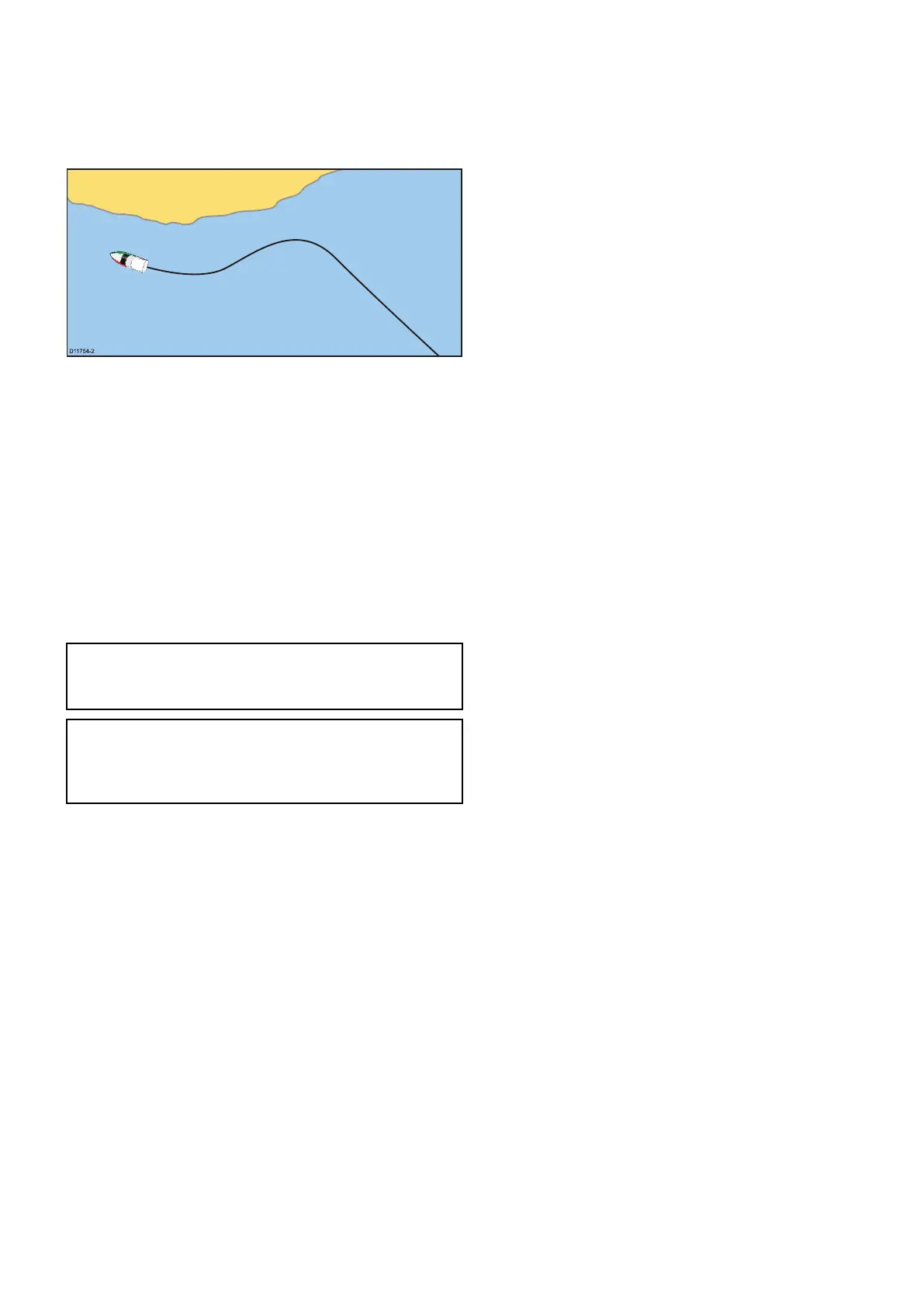
17.3Tracks
Atrackisanon-screentrailthatshowsthepassage
youhavetaken.Thistrailismadeupofaseriesof
trackpointswhicharecreatedautomatically.You
cansavethetracktocreateapermanentrecordof
whereyouhavebeen
Withtracksyoucan:
•Reviewwhereyouhavebeen.
•Createaroutefromatrack.
Creatingatrack
Fromthechartapplicationmenu:
1.SelectNavigate.
2.SelectStartTrack.
Thestarttrackpopupmessageisdisplayed.
3.SelectOk.
Asyounavigateyourvessel,yourjourneyis
automaticallyrecordedasatrack.
Note:Ifthepowerfailswhilstatrackisbeing
recordedorthepositionxislost,abreakwill
occurinthetrack.
Note:Ifthemaximumnumberoftrackingpoints
isreached,youwillbewarned.Thetrackwill
continuetoberecordedwiththeearliertracking
pointsbeingoverwritten.
4.TocompleteyourtrackselectStopTrackfrom
theNavigatemenu:Menu>Navigate>Stop
Track.
Thetrackstoppedpopupmessageisdisplayed.
5.SelectSave,EraseorCancel.
•Save—WillsavethetrackandopentheEdit
trackPropertiesdialogwhereyoucanname
thetrackandchooseacolorforthetrackline.
•Erase—Willerasethetrack.
•Cancel—WillcanceltheStopTrackaction.
Trackinterval
Thetrackintervalspeciesthetimeperiodor
distancebetweenthepointsinatrack.
Youcanadjusttheintervalbetweentrackpointsand
choosetheintervaltype(i.e.distanceortime),which
canhelpensurebestuseoftheavailablestorage.
ThesettingsareavailablefromtheTracksSet-up
options.
•RecordTrackBy—speciestheintervaltype
(Auto/Time/Distance).
•TrackInterval—speciestheintervalvalue(e.g.
15minutes).
Forexamplewhencreatingatrackforalongjourney,
anintervalsettoAutocouldresultinrapiduseofall
ofthestorageavailablefortrackpoints.Inthiscase
selectingahighervaluefortheTrackIntervalwould
providecapacityforalongertrack.
Settingthetrackinterval
FromtheMyDatamenuintheChartapplicationor
ontheHomescreen:
1.SelectTracks.
2.SelectTrackSet-up.
3.SelectRecordTracksBy:andsettothe
appropriatevalue:
•Auto—Thetrackintervalisautomatically
set(Autowillminimizetrackpointswhilst
maintainingcorrelationbetweenthetrackand
theactualpathfollowed).
•Time—Thetrackpointsareplacedatregular
intervalsoftime.
•Distance—Thetrackpointsareplacedat
regularintervalsofdistance.
4.SelecttheTrackIntervalandsettothe
appropriatevalue:
•Unitsoftime(availableif“recordtrackby”is
settotime).
•Unitsofdistance(availableif“recordtrackby”
issettodistance).
•Notavailable—noTrackIntervalisavailableif
the“recordtrackby”issettoauto).
Reviewingandeditingatrack
Youcanreviewandeditaspectsofthetracksstored.
Youcan:
•Eraseatrack.
•Createaroutefromatrack.
•Showorhideatrackonthechart(onlyavailable
fromthechartapplication).
•Changethenameofatrack.
•Changethecolorofatrack.
Showingorhidingroutesandtracks
Fromthechartapplication:
1.SelectMenu.
2.SelectMyData.
3.SelectRoutesorTracks.
4.SelectShow/Hide.
5.SelecttherouteortracktoswitchbetweenShow
andHide.
Selectingatracktorevieworedit
1.Dooneofthefollowingtoselecttherequired
track:
•FromtheChartapplication,selectatrackon
screentodisplaythetrackcontextmenu.
Waypoints,RoutesandTracks
227



 To Next Page