1.SelectMyData.
2.SelectImport/Export.
3.SelectErasefromSystem.
4.SelectEraseRoutesfromSystem.
Theeraseroutesfromsystemdialogisdisplayed.
5.SelectEraseAll.
Theconrmdeletedialogisdisplayed.
6.SelectYestoconrm,orNotocanceltheaction.
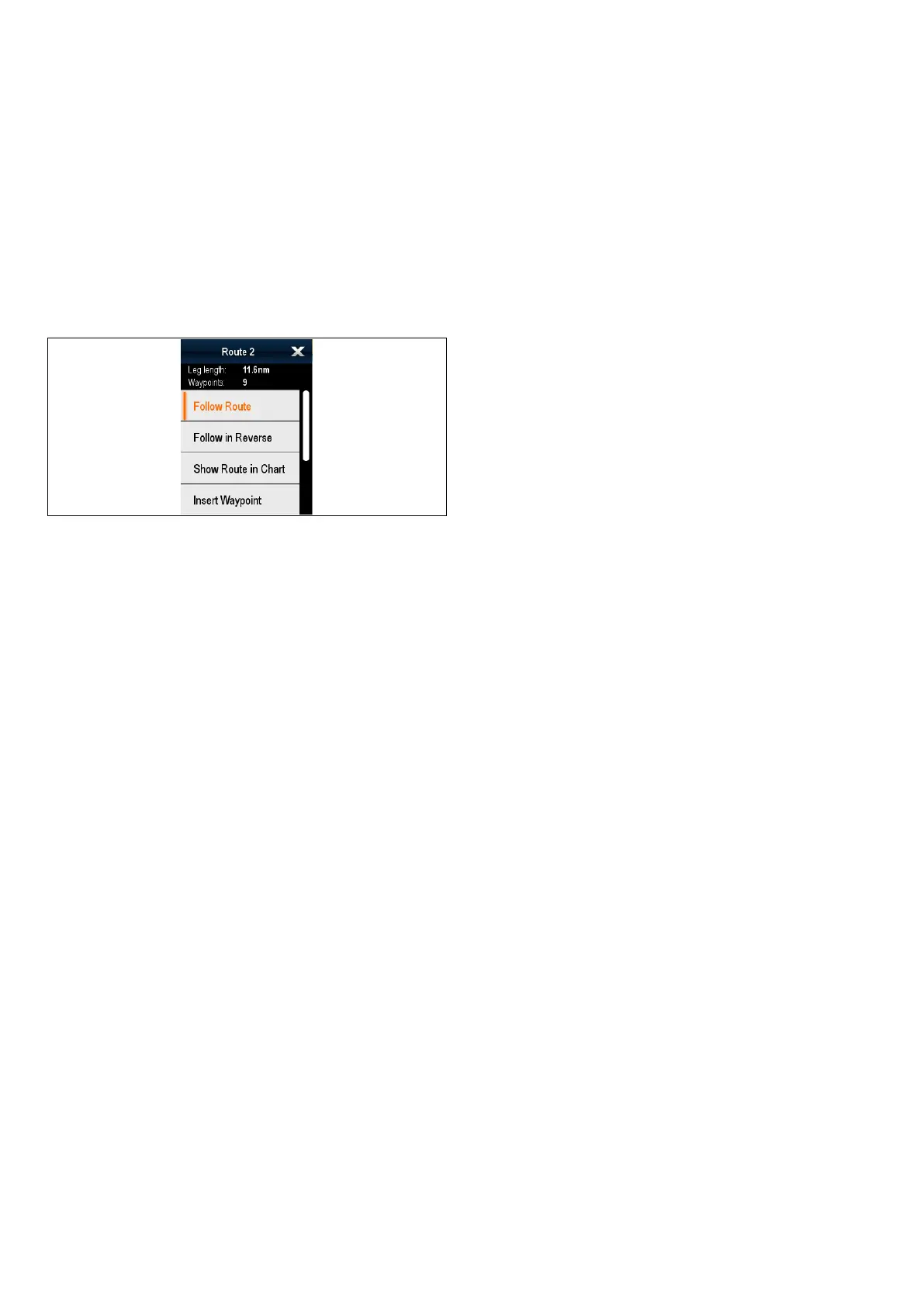
Routecontextmenu
Placingthecursoroverarouteinthechart
applicationdisplaysacontextmenushowingthe
legoftheroutehighlightedbythecursorandmenu
items.
Thecontextmenuprovidesthefollowingmenuitems:
•FollowRoute
•FollowRouteInReverse
•HideRoute
•InsertWaypoint
•EditRoute
•EraseRoute
•AddRouteLeg
•AcquireTarget(onlyavailableifRadaroverlayis
switchedon.)
Whenfollowingaroutethecontextmenuoptions
changeto:
•StopFollow
•RestartXTE
•AdvanceWaypoint
•InsertWaypoint
•EditRoute
•EraseRoute—Disabled
•AddRouteLeg
•AcquireTarget(onlyavailableifRadaroverlayis
switchedon.)
Accessingthecontextmenu
Youcanaccessthecontextmenubyfollowingthe
stepsbelow.
1.Non-touchscreenandHybridT ouchdisplays:
i.Selectingalocation,objectortargeton-screen
andpressingtheOkbutton.
2.HybridTouchandTouchonlydisplays:
i.Selectinganobjectortargeton-screen.
ii.Selectingandholdingonalocationon-screen.
226aSeries/cSeries/eSeries



 To Next Page