4.25Mediaplayerconnection
Youcanuseyourmultifunctiondisplaytowirelessly
controlaBluetooth-compatiblemediaplayer(such
asasmartphone).
Themediaplayermustbecompatiblewiththe
Bluetooth2.1+EDRpowerclass1.5(supported
prole:AVRCP1.0)orhigher.
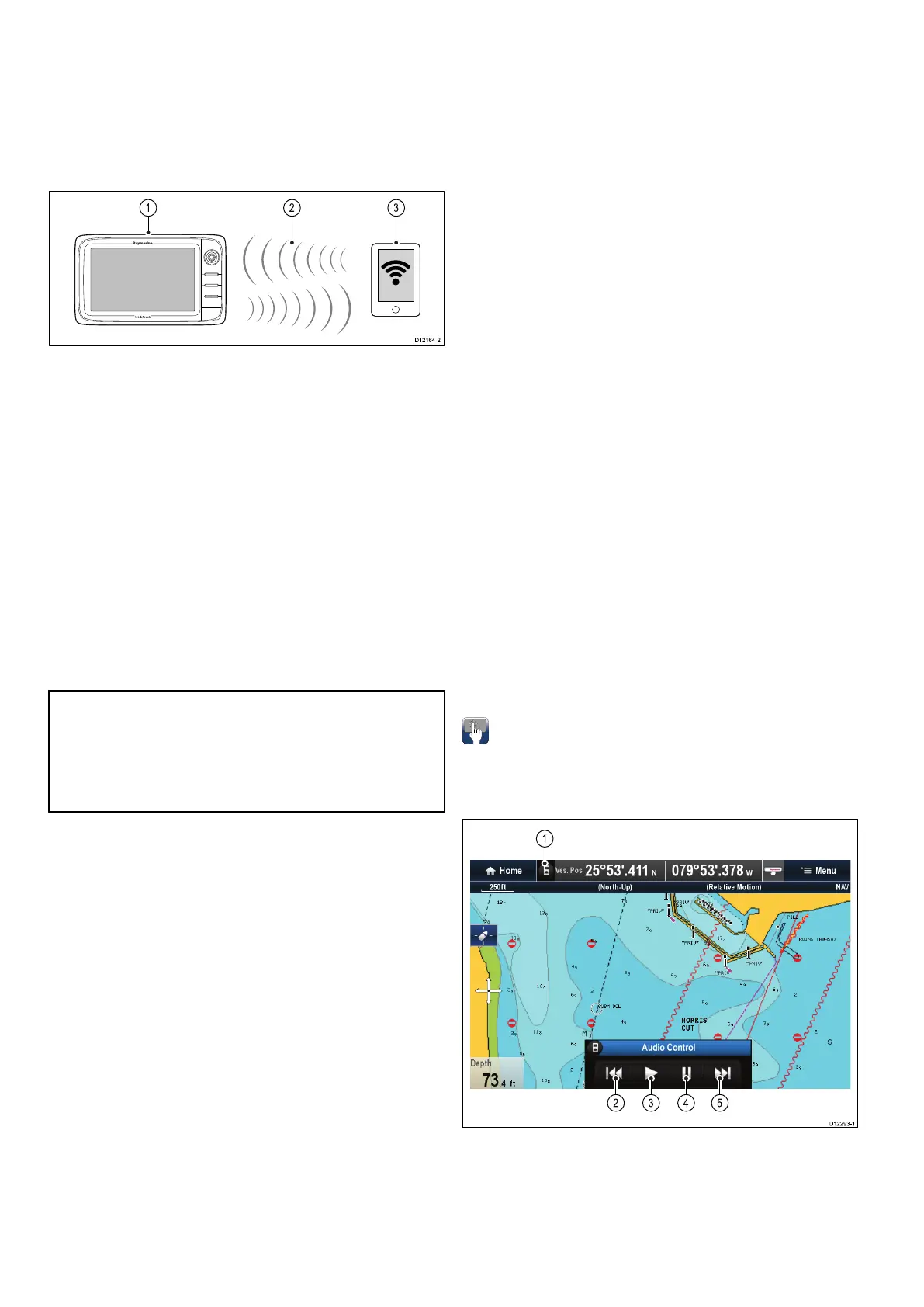
1.Multifunctiondisplay.
2.Bluetoothconnection.
3.Bluetooth-compatiblemediaplayer.
Tousethisfeatureyoumustrst:
•EnableBluetoothintheSystemSettingsonthe
multifunctiondisplay.
•EnableBluetoothonthemediaplayerdevice.
•Pairthemediaplayerdevicewiththemultifunction
display.
•EnableAudioControlintheSystemSettingson
themultifunctiondisplay.
•ConnectanRCU-3remoteandassigntheshortcut
keytoStart/Stopaudioplayback(Onlyrequiredon
aNewcSeriesdisplay).
Note:Ifyourmediaplayerdoesnotincludebuilt-in
speakersitmaybenecessarytoconnectthemedia
player'saudiooutputtoanexternalaudiosystem
orapairofheadphones.Formoreinformation
refertotheinstructionsthataccompanythemedia
playerdevice.
EnablingBluetooth
Withthehomescreendisplayed:
1.SelectSet-up.
2.SelectSystemSettings.
3.SelectWirelessConnections.
4.SelectBluetooth>On.
PairingaBluetoothmediaplayer
WiththehomescreendisplayedandBluetoothturned
on:
1.SelectSet-up.
2.SelectSystemSettings.
3.SelectWirelessConnections.
4.SelectNewBluetoothConnection.
Amessageisdisplayedpromptingyoutoput
yourmediaplayerdeviceintodiscoverymode.
5.EnsureBluetoothisenabledonyourexternal
mediaplayerdeviceandensureitisreadyto
bepaired.Formoreinformation,consultthe
instructionsthataccompanythedevice.
6.Onthemultifunctiondisplay,selectOKinthe
messagedialog.
Themultifunctiondisplaywillsearchforactive
Bluetoothdevices.
7.SelectStopDiscoverywhenyourdevice
appearsinthelist.
8.Selectthemediaplayerdeviceinthelist.
Apairingrequestmessageisdisplayedonthe
externalmediadevice.
9.Ontheexternalmediadevice,selectPair
(orequivalent)toacceptthepairingrequest
message.
Themultifunctiondisplayshowsamessage
askingyoutoconrmthePairingcode.
10.Ifthepairingcodedisplayedonthemultifunction
displaymatchesthecodedisplayedonthe
externalmediadevice,selectOkonthe
multifunctiondisplay.IfthecodedoesNOT
match,repeatsteps4to8.
11.Ifthepairingwassuccessfulthemultifunction
displaywillconrmthepairing.
Theexternalmediadeviceisnowpairedwiththe
multifunctiondisplay.
Enablingaudiocontrol
Withthehomescreendisplayed:
1.SelectSet-up.
2.SelectSystemSettings.
3.SelectWirelessConnections.
4.SelectConnectionManager.
5.Selectthemediaplayerdeviceinthelist.
6.SelectAudioControl>On.
Mediaplayercontrols
Touchscreenmultifunctiondisplaysenableyouto
usetheon-screenmediaplayercontrolstocontrol
theaudioplayingonyourexternalmediaplayer.
1.T ouchthisicontodisplaytheaudiocontrols.
2.Previoustrack.
3.Playtrack.
4.Pausetrack.
5.Nexttrack.
76aSeries/cSeries/eSeries



 To Next Page