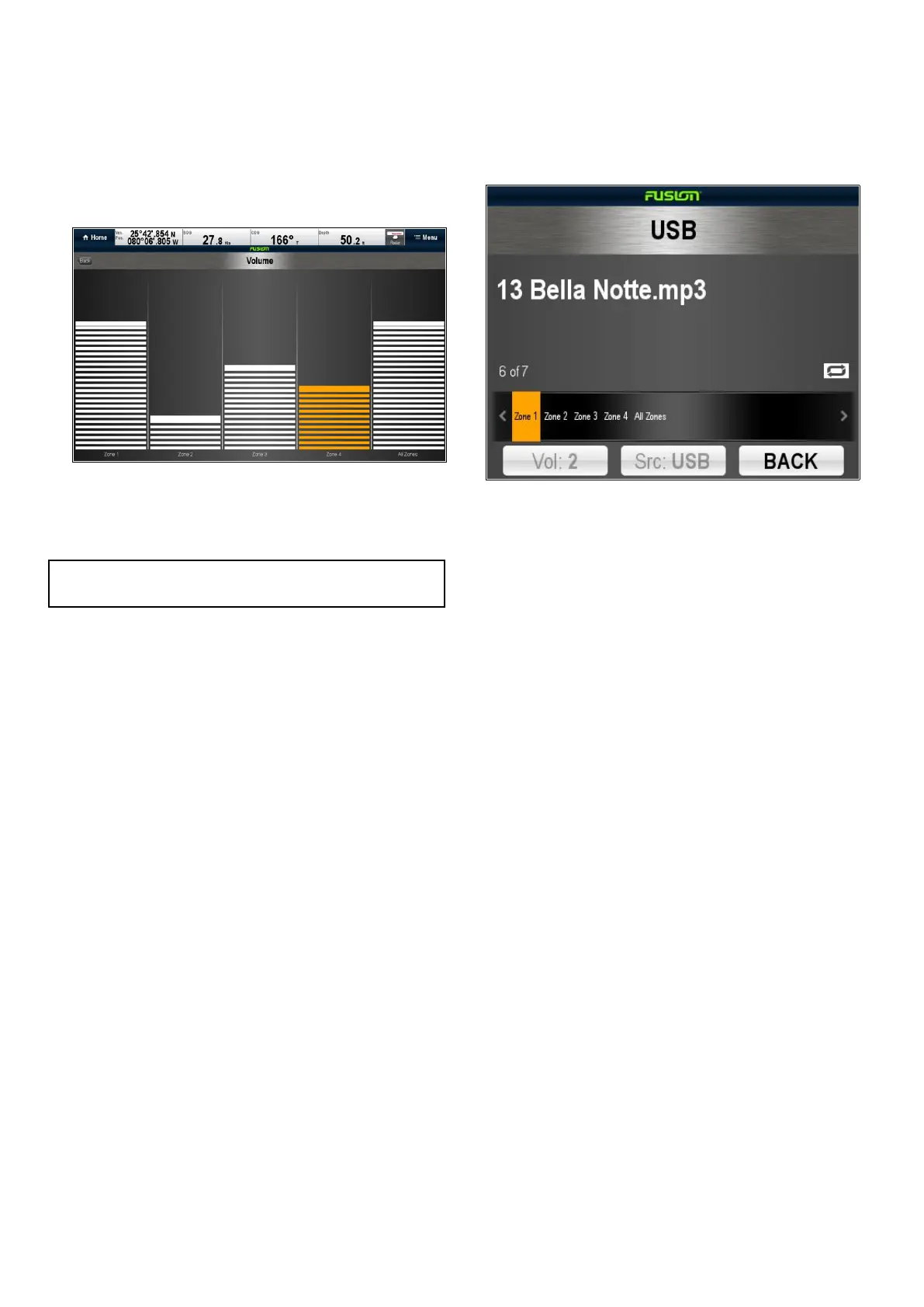
25.5Adjustingvolumelevelsforeach
zone
Thevolumelevelforeachzonecanbeadjusted
individuallyoryoucanadjustallzonesatthesame
time.
FromtheFusionlinkapplication:
1.SelectVol:.
Thezonevolumecontrolisdisplayed.
2.Selecttherelevantzone.
3.Adjustthevolumeleveltotherequiredsetting.
4.SelecttheBackicontogobacktothemain
screen.
Note:AdjustingtheAllZoneslevelwilladjustallof
thezonesatthesametime.
25.6Selectingthezonetocontrol
Youcanselectwhichzonethemainscreenwill
control.
FromtheFusionlinkapplication:
1.SelectZone:.
Thezoneselectionbarisdisplayed.
2.Selectthezoneyouwanttocontrol.
3.Thevolumecontrolsonthemainscreenwillnow
controlthevolumeleveloftheselectedzone.
378aSeries/cSeries/eSeries



 To Next Page