3.6Networkingconstraints
Raymarine’s3
rd
generationLightHousepowered
MFDs(aSeries,cSeries,eSeriesandgSSeries)
canbenetworkedtogether.
General
•MFDsshouldbeconnectedtogetherusing
SeaTalk
hs
.
•MFDscanalsobeconnectedviaSeaTalk
ng
or
NMEA0183,butnotallfunctionsaresupported.
•AllnetworkedaaSeries,cSeriesandeSeries
displaysmustcontainLightHousesoftwarerelease
V4.32orlater.
•AllnetworkedgSSeriesdisplaysmustcontain
LightHousesoftwarereleaseV7.43orlater.
Note:Thea6xanda7xvariantaSeriesMFDs
cannotbenetworkedusingNMEA0183.
Master/repeateroperation
•Anynetworkfeaturingmorethan1MFDmusthave
1ofthedisplaysdesignatedasthedatamaster.
•Thedatamasterdisplaywillreceivedatathrough
NMEA0183and/orSeaT alk
ng
,andbridgethe
dataoverSeaTalk
hs
toothernetworkeddisplays.
Homescreensharing
•Whennetworked,MFDscanshareahomescreen.
Cartographysharing
•Thecartographycontainedonchartcardsis
alwaysusedinpreferencetotheembeddedworld
basemapwhenachartcardisinsertedintoacard
slot.
•Chartcardcartographycanbesharedbetween
MFDs.
Radaroperation
•MFDssupporttheuseof1Radarscannerata
time.
•ThedatasuppliedbyaconnectedRadarscanner
isrepeatedtoanynetworkeddisplays.
Sonar/DownVision
TM
/SideVision
TM
operation
•Youcanconnectanexternalsonarmoduleunitto
theMFDviatheSeaTalk
hs
network.
•SonarandDownVision
TM
variantMFDsinclude
aninternalsonarmodulewhichenablesdirect
connectiontoacompatibletransducer.
•Youcanhavemultipleactivesonarmodules
(internalandexternal)onanetwork.Youmust
selectthesonarmodule/channelyouwanttouse
fromtheFishnderapplicationmenu.
•Thedatasuppliedbythesonarmoduleisrepeated
toallnetworkeddisplays.
Note:
•AllMFDsmusthaveLightHouseIIRelease
V10.41softwareorlatertoenablemultiplesonar
support.
•Sonarmodulesshouldbeupdatedtothe
latestavailablesoftwareversiontoensure
compatibility.
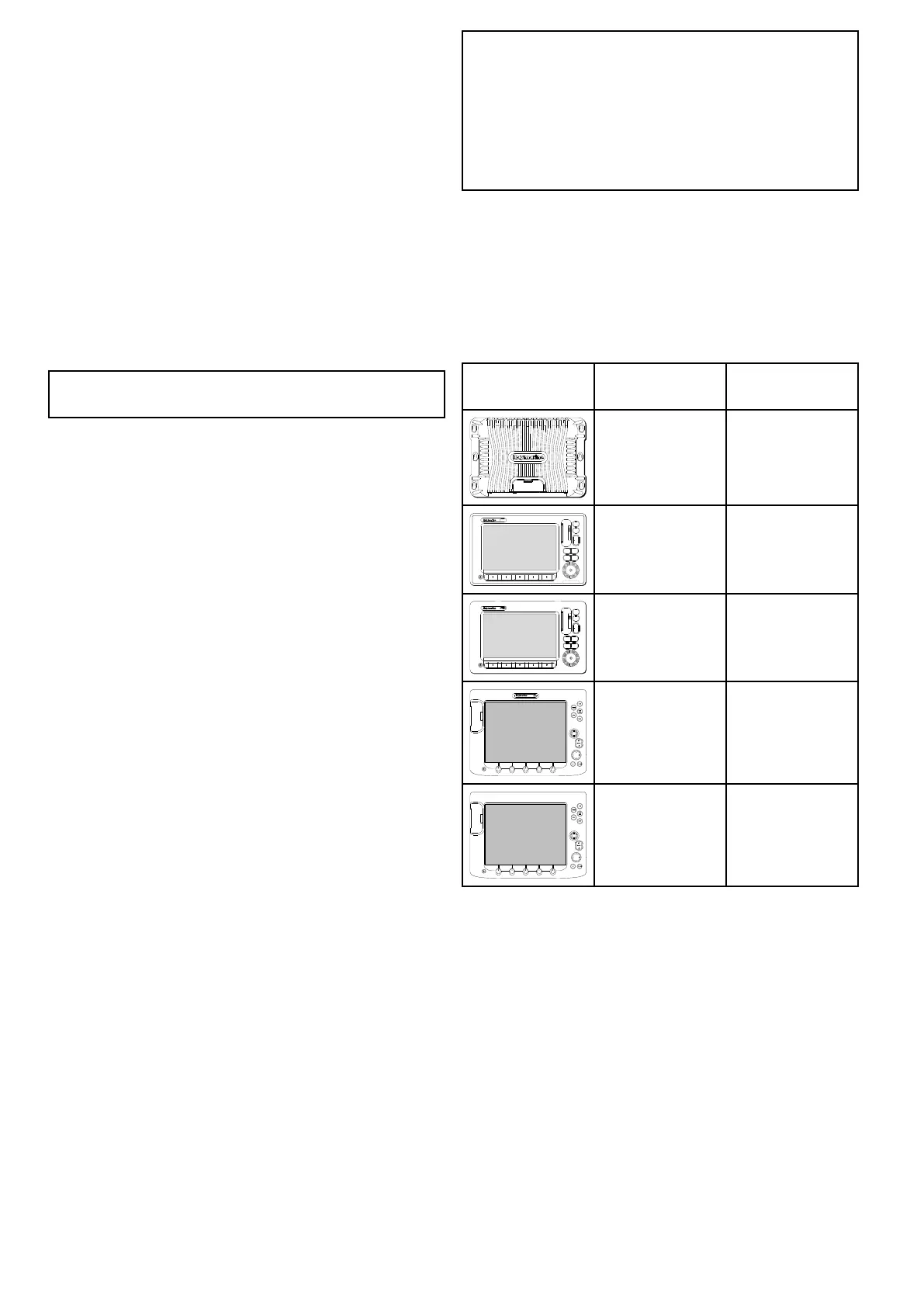
Incompatibledisplays
Ifyouconnectamultifunctiondisplaytoyoursystem
thatisnotcompatibleawarningmessagewillbe
displayeduntilyoudisconnectedtheincompatible
devicefromyournetwork.
3
rd
generationmultifunctiondisplaysarenot
compatiblewiththefollowingRaymarinedisplays:
ProductImage
Multifunction
displayGeneration
G-Series
2
nd
generation
E-Series
Widescreen
2
nd
generation
C-Series
Widescreen
2
nd
generation
PAGE
ACTIVE
WPTS
MOB
MENU
DATA
CANCELOK
RANGE
IN
OUT
E-SeriesClassic
1
st
generation
PAGE
ACTIVE
WPTS
MOB
MENU
DATA
CANCELOK
RANGE
IN
OUT
C-SeriesClassic
1
st
generation
40aSeries/cSeries/eSeries



 To Next Page