6
*UploadSonarLogsandCommunityeditsto
mobiledevice(Wi-FiconnectiontoMFDrequired)
7
**UploadSonarLogsandCommunityedits
anonymouslytoNavionicsservers(internet
connectionrequired)
Note:
*ToparticipateinNavionicsSonarCharts,Sonar
loggingmustbeenabledonyourMFD.SonarLogs
canbeenabledfromtheChartapplicationmenu:
Menu>Depth&Contour>SonarLogs.
**TheSonarlogsshallbeuploadedtoNavionics
serversanonymously.
Tousethisfeatureyoumustrst:
1.DownloadandinstalltheNavionicsMobile
Marineapp,availablefromtherelevantapp
store.
2.SubscribetoNavionicsFreshestData.
3.DownloadFreshestdatatoyourmobiledevice.
4.EnableWi-FiintheSystemSettingsontheMFD.
5.EnableWi-Fionyourmobiledevice.
6.SelecttheMFDWi-Ficonnectionfromthelistof
availableWi-Finetworksonyourmobiledevice.
NavionicsFreshestData
Navionicsoffera12monthsubscriptionstotheir
FreshestDataservice,whichincludesupdatesto
nauticalcharts,sonarchartsandcommunityedits
layer.
Nauticalcharts—Navionics2Dcharts.
SonarCharts—Highdenitionbathymetrychart
layercreatedbycombiningmultipledatasources
includingSonarLogsprovidedbyNavionics
communityusers.
CommunityEdits—EditsmadebyNavionics
users.
ToobtainFreshestDatainsertyourNavionics
chartcardintoyourPC,visittheNavionicswebsite
www.navionics.comandClickDownloads&
Updates.
18.3Navigationoptions
Thechartapplicationprovidesfeaturestohelp
navigatetoachosenlocation.
ThenavigationoptionsarefoundintheNavigate
menu:Menu>Navigate
•PilotControls—AccessesthePilotControl
Dialog,whenAutopilotControlisenabled.
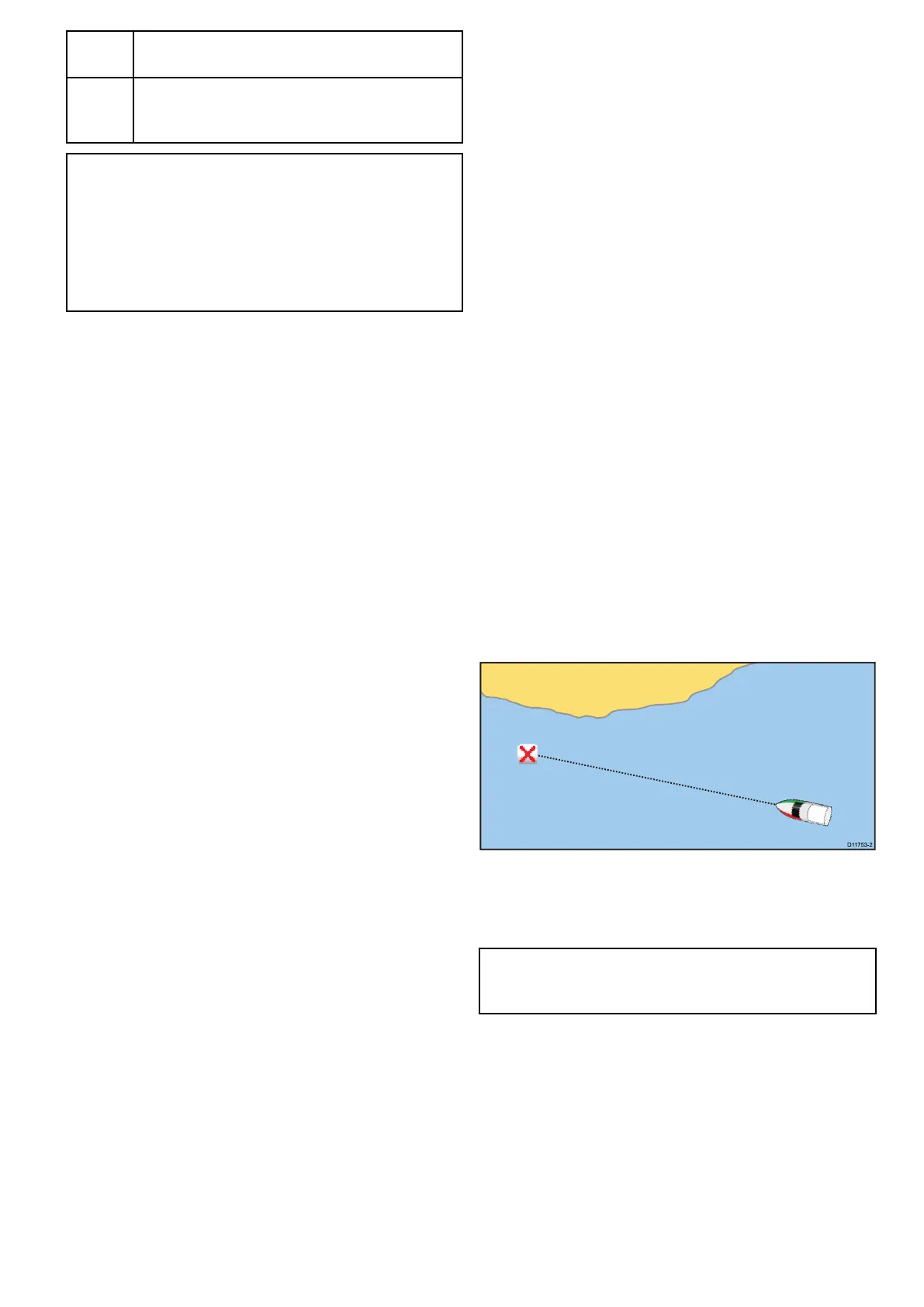
•GotoCursor—Willsetthecursorpositionasthe
activedestination.
•GotoWaypoint—Providesoptionstonavigateto
awaypointstoredonthesystem
•StopGoto—StopstheGotoCursororGoto
Waypoint.
•StopFollow—Stopsfollowingthecurrentroute.
•RestartXTE—RestartstheCrossTrackError.
•AdvanceWaypoint—Whenfollowingaroute,
skipstothenextwaypointintheroute.
•FollowRoute—Providesoptionstonavigatetoa
routestoredonthesystem
•StartTrack/StopTrack—Willinitiateatrackon
screentoplotyourcourseasyouprogressorstop
atrackthatiscurrentlybeingcreated.
•BuildRoute—Providesoptionstobuildaroute.
RefertoChapter17Waypoints,RoutesandTracks
fordetailsoncreatingwaypoints,routesandtracks.
Navigation
Navigatingtoawaypointonthescreen
Fromthechartorradarapplication:
1.Selectthewaypoint.
Thewaypointcontextmenuisdisplayed.
2.SelecttheGotoWaypoint.
Note:Withanactivewaypointselectedyoucan
selectStopGotooptionfromthewaypointcontext
menuatanytimetocanceltheaction.
Navigatingtoawaypointusingthewaypoints
grouplist
FromtheChartapplication:
1.SelectWPT.
Thewaypointmenuisdisplayed.
2.SelectWaypoints.
Thewaypointsgrouplistisdisplayed.
3.Browsethegrouplistfortherelevantwaypoint.
4.Selectthewaypoint.
Thewaypointoptionsdialogisdisplayed.
5.SelectGoto.
Chartapplication
237



 To Next Page