24.8Takingphotos
WhenacamerafeedfromanIPcameraisdisplayed
youcancaptureastillimage.
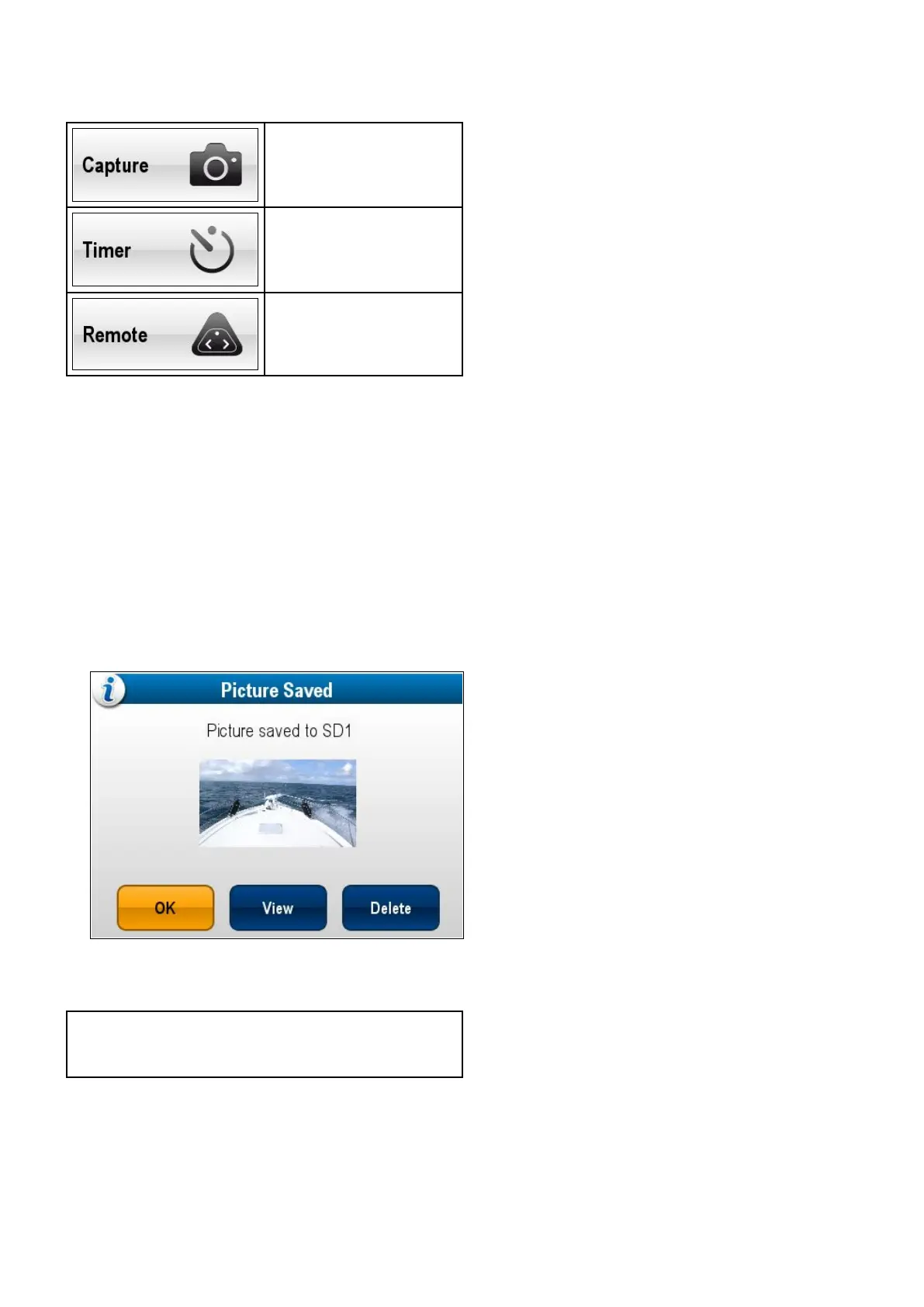
Photoscanbetakenusingthefollowingmethods:
Capture—Immediateimage
capture.
Timer—Youcanselectthe
imagetobetakenin5,10or
30secondsafterselection.
Remote—Youcanusea
wirelessremotecontrol(e.g.
theRCU–3)totakethephoto.
Takingaphoto
Totakeaphotoofwhatiscurrentlydisplayedinthe
Cameraapplicationfollowthestepsbelow.
Ifsavingtoamemorycardensurethatamemory
cardwithsufcientspaceisinsertedintotherelevant
cardreaderslot.
FromtheCameraapplication,withanIPcamera
feeddisplayed:
1.SelectMenu.
2.SelectPhotos.
3.SelectCapture.
Thephotoissavedandaconrmationdialogis
displayedshowingapreviewofthepicturetaken.
4.SelectOKtoconrm.
5.SelectViewtoviewthepicturefullscreen.
6.SelectDeletetodeletethepicture.
Note:Onatouchscreendisplayyoucanalso
takeaphotousingtheonscreenicons.Referto
Onscreenicons.
Takingaphotousingthetimer
Totakeaphotoafteradenedintervalfollowthe
stepsbelow.
Ifsavingtoamemorycardensurethatamemory
cardwithsufcientspaceisinsertedintotherelevant
cardreaderslot.
FromtheCameraapplication:
1.SelectMenu.
2.SelectPhotos.
3.SelectTimer.
4.SelectTimeDelay.
Alistoftimeintervalsisdisplayed:
•5s
•10s
•30s
5.Selectatimeintervalfromthelist.
6.SelectStartTimer.
Thephotowillbetakenafterthetimedelay
speciedhaselapsed.Aconrmationdialogis
thendisplayedshowingapreviewofthephoto
taken.
7.SelectOKtoconrm.
8.SelectViewtoviewthephotofullscreen.
9.SelectDeletetodeletethephoto.
Takingaphotousingaremotecontrol
TotakeaphotousingaRaymarinewirelessremote
controlasthetriggerfollowthestepsbelow.
Ifsavingtoamemorycardensurethatamemory
cardwithsufcientspaceisinsertedintotherelevant
cardreaderslot.
1.EnsurethatyourwirelessRaymarineremote
controlispairedtothemultifunctiondisplayand
working.
2.FromtheCameraapplication,selectMenu.
3.SelectPhotos.
4.SelectRemote.
TheRemotedialogisdisplayed.
5.Pressanybuttonontheconnectedremote
controltotakeaphoto.
Thephotoissavedandaconrmationdialogis
displayedshowingapreviewofthephoto.
6.SelectOKtoconrm.
7.SelectViewtoviewthephotofullscreen.
8.SelectDeletetodeletethephoto.
Viewingphotos
Youcanviewthephotosyouhavetakenbyfollowing
thestepsbelow.
FromtheCameraapplication:
1.SelectMenu.
2.SelectPhotos.
3.SelectView.
TheMyFilesbrowserisopened.
4.Locatethephotoyouwanttoview.
Photosstoredoninternalstoragearesavedin
Internal>UserData>Imageles.
PhotosstoredonmemorycardaresavedinSD
Card#>Raymarine>Imageles.
5.Selectthele.
Theleoptionsdialogisdisplayed.
6.SelectViewImage.
Thephotoisdisplayedonscreen.
Cameraapplication
371



 To Next Page