19.12SideVision
TM
Views
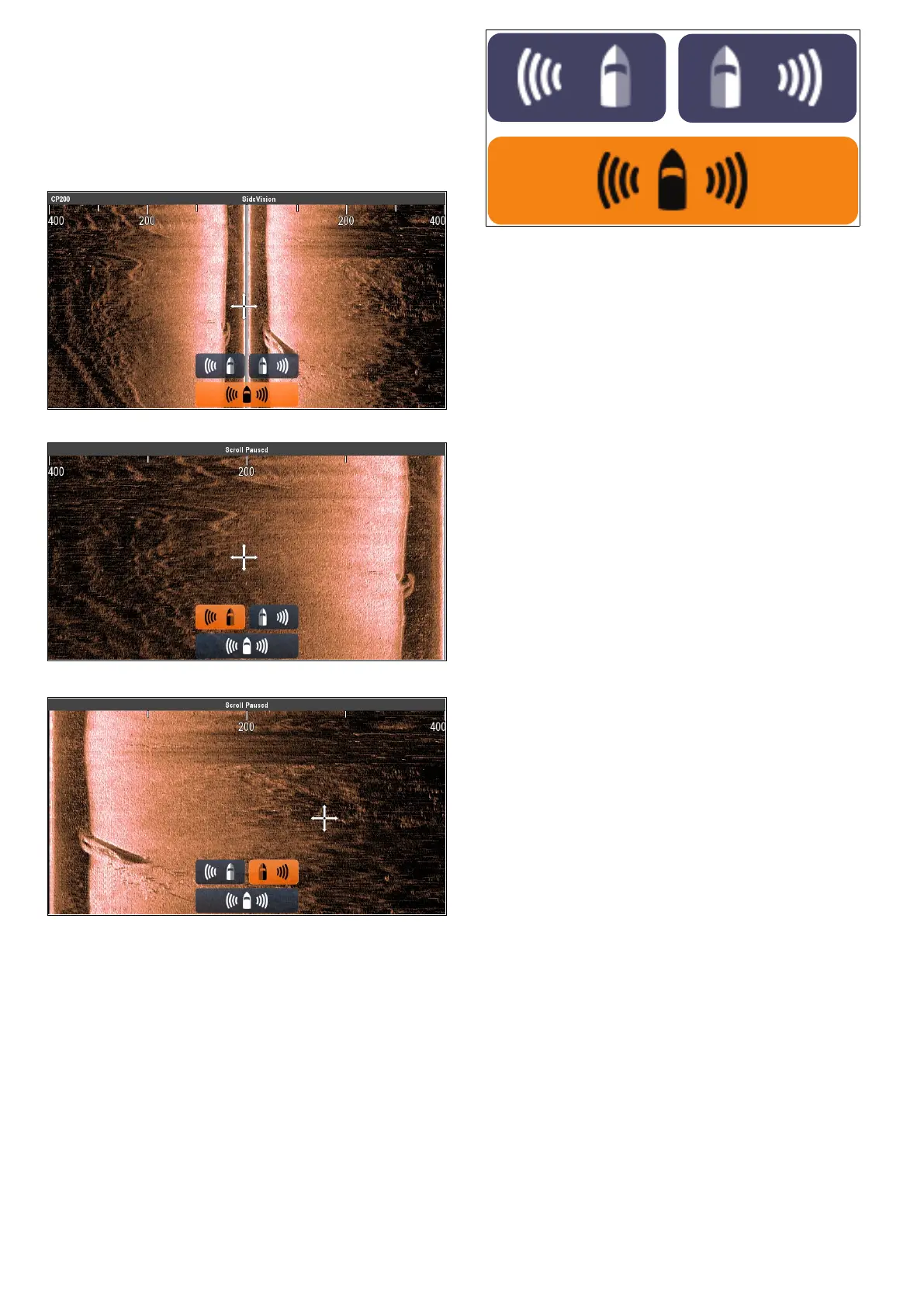
WhenconnectedtoaSideVision
TM
sonarmodule
thedefaultviewdisplaysbothLeft(port)andRight
(starboard)viewsatthesametime,theViewicons
andViewmenucanbeusedtoswitchbetweenleft
andrightviewsorboth.
View:Both
View:Left
View:Right
SelectingaSideVision
TM
view
WhenviewingaSideVision
TM
channelonanMFD
withatouchscreen,youcanselectwhichchannel
youwanttodisplayintheFishnderapplication
usingtheViewicons.
FromtheDefaultSideVision
TM
view:
1.Selecttheon-screenviewicon,locatedinthe
bottomrightcornerofthescreen
TheViewiconsaredisplayedinthebottom
centerareaofthescreen.
2.SelecttheLeftviewicontodisplayonlytheleft
channel.
3.SelecttheRightviewicontodisplayonlythe
rightchannel,or
4.SelecttheBothviewicontodisplayboth
channelsimultaneously.
SelectingaSideVision
TM
viewusingthe
menu.
WhenviewingaSideVision
TM
channelonanMFD
withoutatouchscreenoronaHybridT ouchMFD,
youcanusethemenutoselectwhichchannelyou
wanttodisplayintheFishnderapplication.
FromtheDefaultSideVision
TM
view:
1.SelectMenu.
2.SelectView.
TheViewoptionsaredisplayed.
3.SelectLefttodisplayonlytheleftchannel.
4.SelectRighttodisplayonlytherightchannel,or
5.SelectBothtodisplaybothchannel
simultaneously.
278aSeries/cSeries/eSeries



 To Next Page