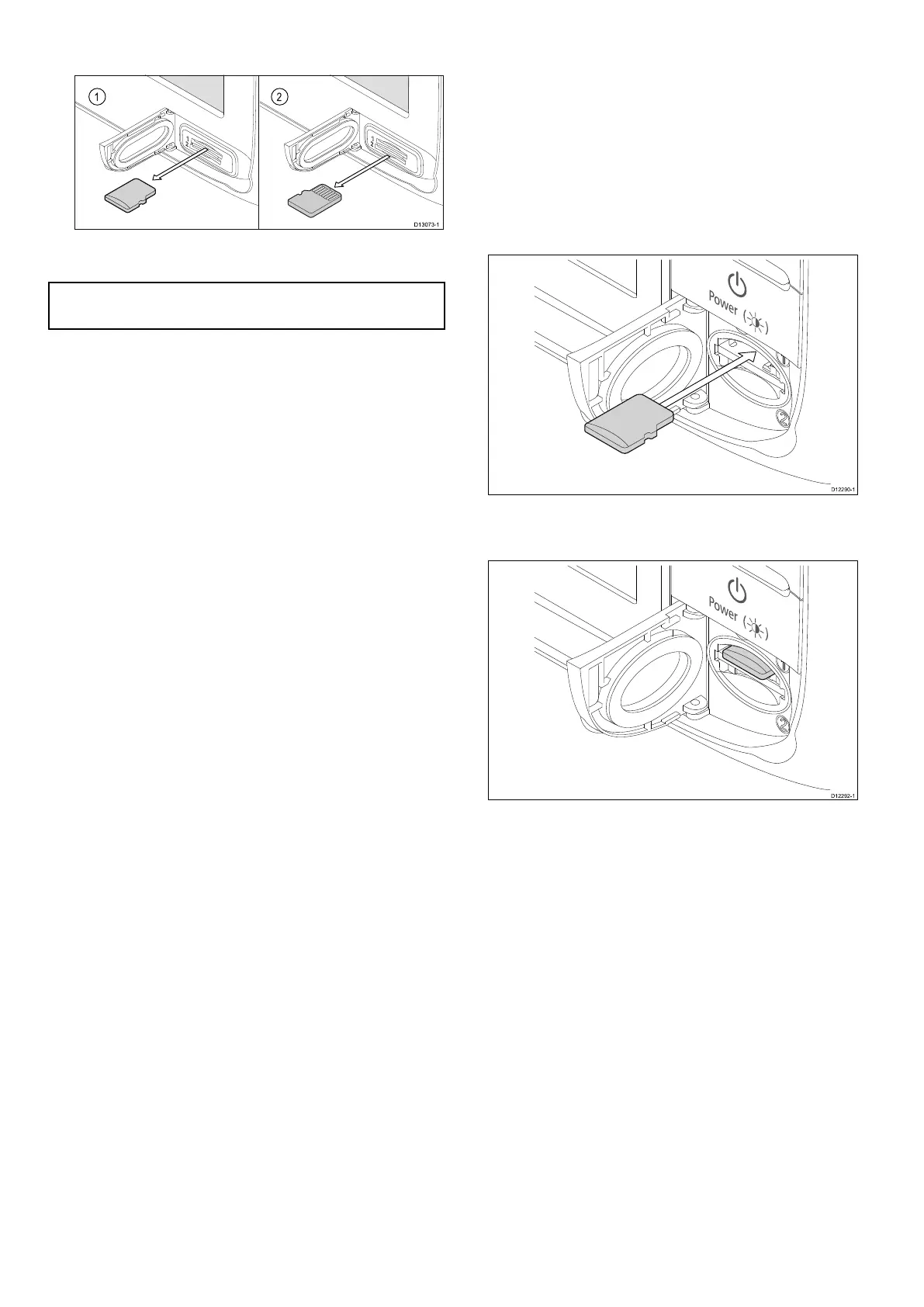
6.Useyourngerstopullthecardclearofthecard
slot,usingtheedgeofthecard.
7.Topreventtheingressofwaterandconsequent
damage,closethechartcarddoor.
Note:Youcanalsopoweroffthemultifunction
displayandfollowsteps4to7above.
8.4candeSeries
Insertingamemorycardorchartcard
1.Openthechartcarddoor,locatedonthefront
rightofthedisplay.
2.Insertthecard,asshowninthediagrambelow.
Forslot1,thecardcontactsshouldbefacing
DOWN.Forslot2,thecardcontactsshould
befacingUP .DoNOTforcethecard.Ifthe
carddoesnotteasilyintotheslot,checkthe
orientation.
3.Gentlypressthecardallthewayintothecard
slot,asshowninthediagrambelow.Thecardis
securewhenanaudibleclickisheard.
4.Topreventtheingressofwaterandconsequent
damage,closethechartcarddoor.
Removingamemorycardorchartcard
Fromthehomescreen:
1.SelectMyData.
2.SelectEjectCard.
Amessageisdisplayedpromptingyoutoselect
thememorydeviceyouwanttoeject.
3.SelectSD1foramemorycardinthetopcardslot,
orSD2foramemorycardinthebottomcardslot.
4.Openthechartcarddoor,locatedonthefront
rightofthedisplay.
5.Pushtheedgeofthecardtowardstheunit,until
anaudibleclickisheard.
Thecardisreleasedfromthecardslot
mechanism,asshowninthefollowingdiagram:
124
aSeries/cSeries/eSeries



 To Next Page