Feature
Non-HD
Digital
Radome
HD
Radome
HDOpen
Array
SuperHD
Open
Array
Gain
Preset
0-100
TuneCor-
rection
Note:Featuresnotlistedaresupportedbyall
typesofRaymarineNon-HDDigital,HDand
SuperHDradars.
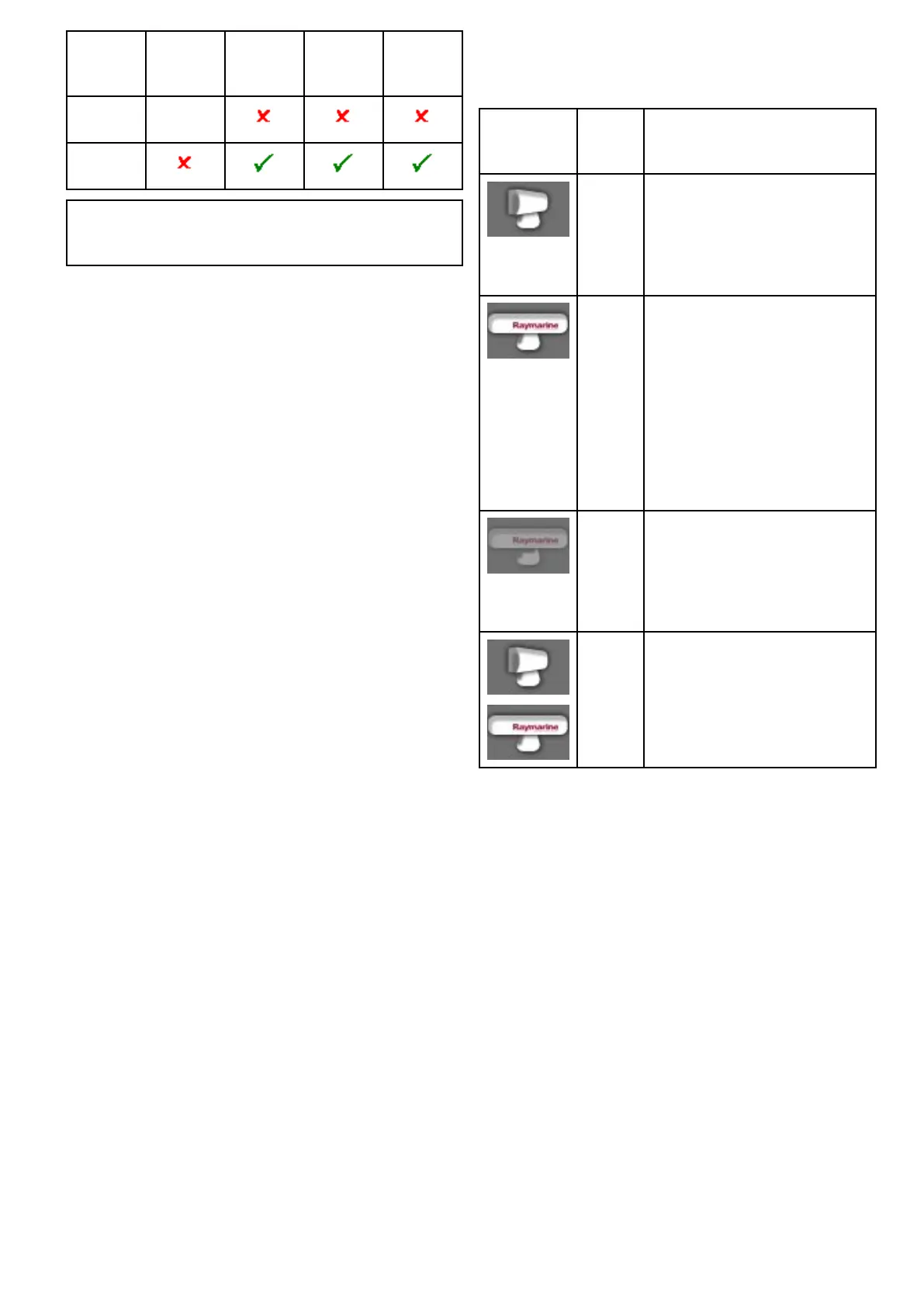
20.2Radarscannerstatussymbols
Theradarscannerpowermodestatusisindicated
inthedatabar.
Symbol
Radar
power
modeDescription
Trans-
mit(TX)
Rotatingicon,signifyingthatthe
scannerisonandtransmitting.
WhenSCANNERissettoON,
selectthismodetoactivatethe
scanner.Thisistheusualmodeof
operation.
Standby
(STBY)
Staticicon,indicatingthatthe
scannerisonbutnottransmitting,
andtheantennaisnotrotating.
Thescannerdoesnottransmitand
theradardataisremovedfromthe
screen.Thisisapower-savemode
usedwhentheradarisnotneeded
forshorttimeperiods.When
youreturntotransmitmode,the
magnetrondoesnotneedtowarm
upagain.Thisisthedefaultmode.
OffScannerpoweredoffwhenradar
notrequired,butdisplayisinuse
forotherapplications,suchasthe
chart.Whenselected,thesystem
countsdown.Duringthistimeyou
cannotre-powerthescanner.
Timed
Trans-
mit
Scannerswitchesbetween
on/transmitting,andstandbymode.
Scannergoesintopowersave
modewhenconstantuseofradar
isnotrequired.
Poweringtheradarscanneronandoff
Intheradarapplication:
1.SelectMenu.
2.SelectPowertoswitchtheRadar'spowerOn
andOff.
TheradarwillalwayspowerupinStandbymode.
3.SelectRadartoswitchtheradarbetween
TransmitandStandbymodes.
Usingthepowerbuttontoswitchoperating
modes
Theradaroperatingmodescanalsobesetusingthe
multifunctiondisplayspowerbuttonmenu.
1.PressandreleasethePowerbutton.
Theshortcutsmenuisdisplayed:
Radarapplication
293



 To Next Page