8 - 4 CHAPTER 8 : OPERATION
TRYTON 112 CNC
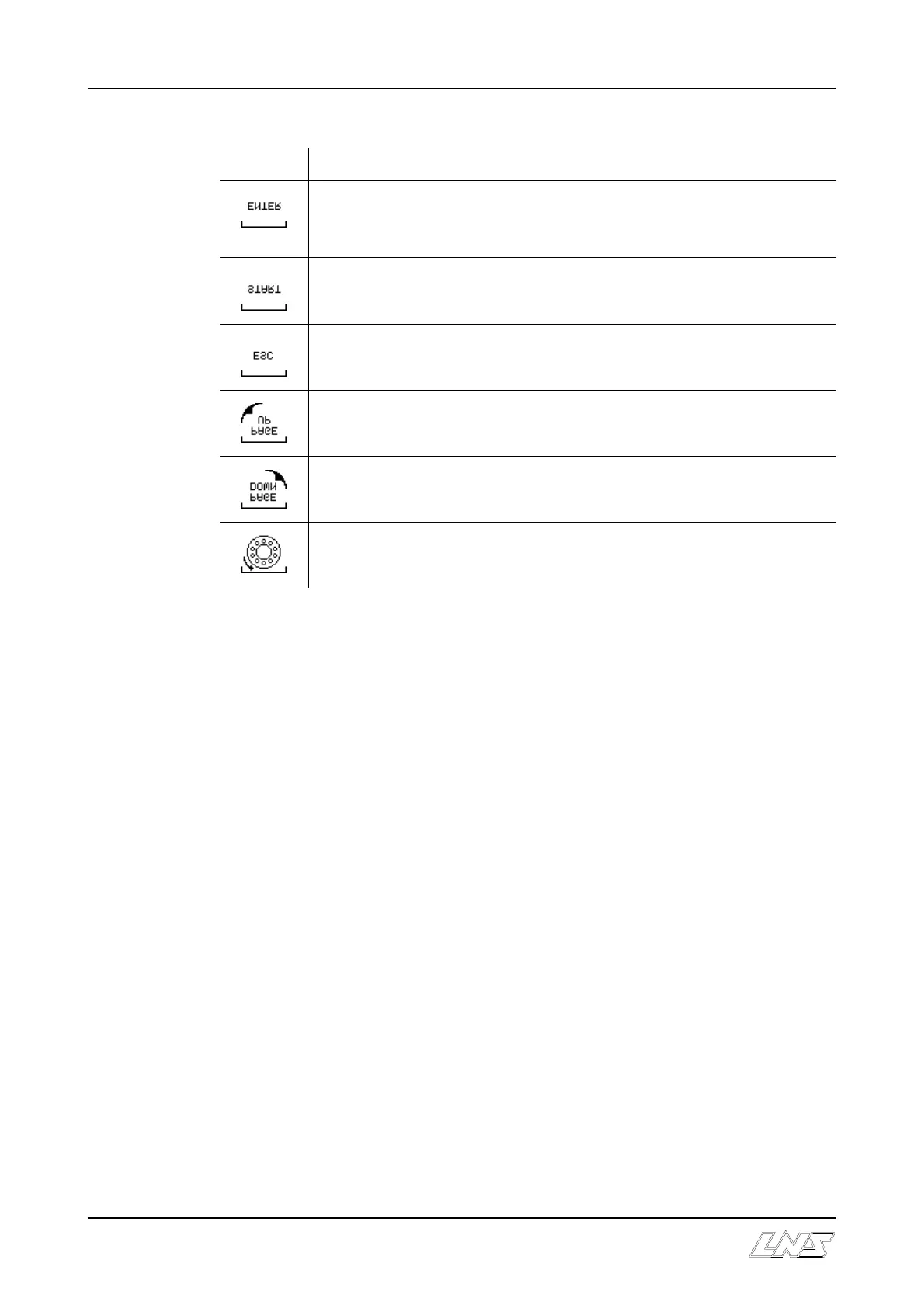
Icon
Purpose
Confirm. In “settings” mode validates a new parameter or a new value,
keep this pressed down until the icon disappears (about 3 seconds).
Start the sequence.
Exit from the function in process, return to the beginning.
Return to the previous menu
Go to the following menu
Index the barrel













 To Next Page