Using your Edger...Usual procedure
3-36
LTO
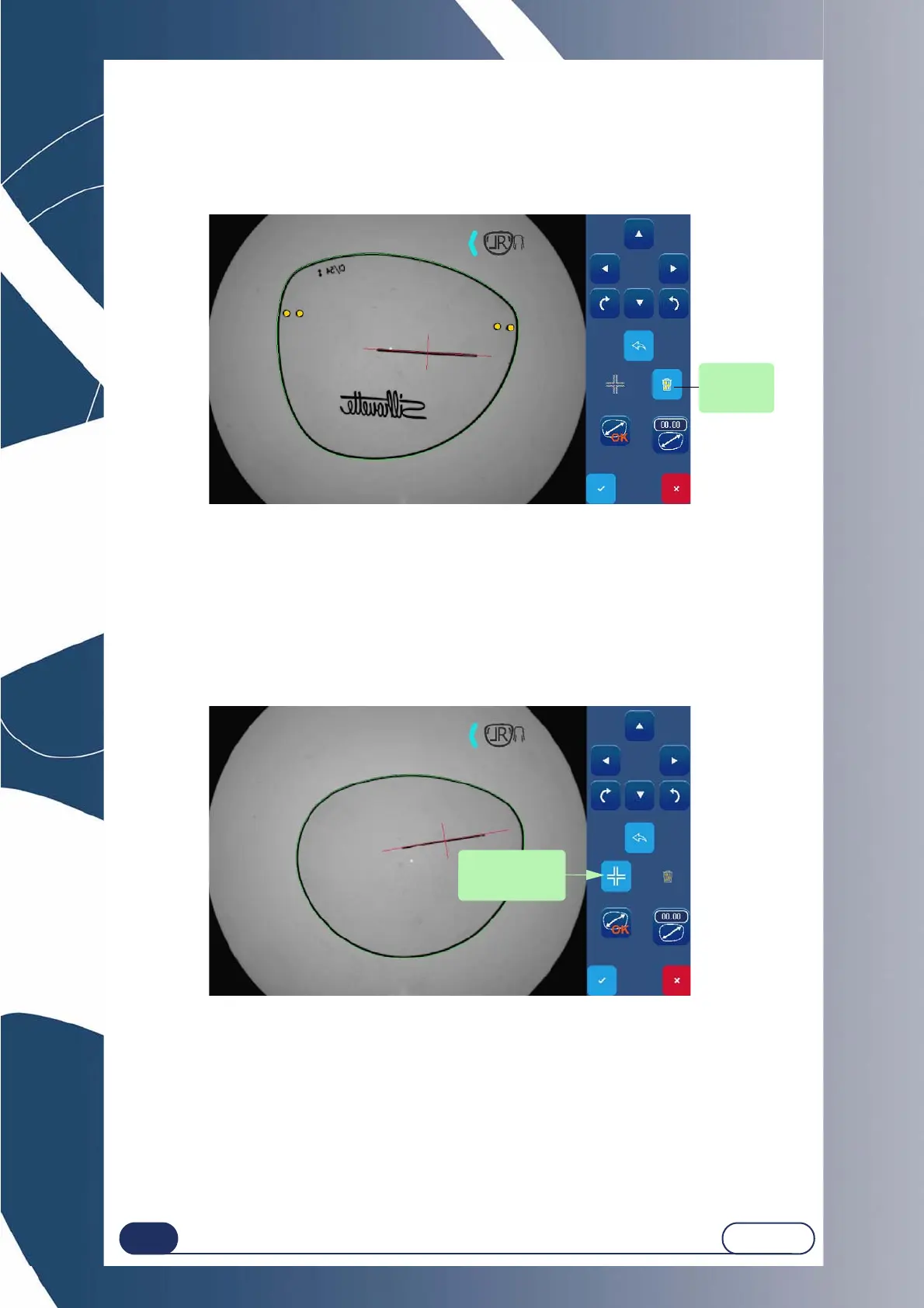
3.2.3.2.4 ELIMINATION OF HOLES
If you launched Gravitech™ optical centering with the hole detection function and you do not wish
to have the holes appear, you may eliminate them as follows:
Screen 3-10 : Hole elimination screen
3.2.3.2.5 VISUALIZATION OF THE AXIS TREATEMENT
You may conduct a visualization of the axis treatment image, if it exists.
In this way, you can have access to the manual adjustment of the axis.
For this purpose, follow this procedure:
Screen 3-11 : Axis locking screen
If you want, you can enlarge the shape on the screen by pinching the screen to zoom
and then moving by simply pressing the screen.
visualization of
the axis treat-
ment image



 To Next Page