89
Appendix A - Cleaning and Maintenance
NOTE: MEDRAD recommends that the calibration source is greater than 3.7 MBq (100 μCi)
with a 3% source uncertainty. If a 3% or better source is not available, contact
MEDRAD.
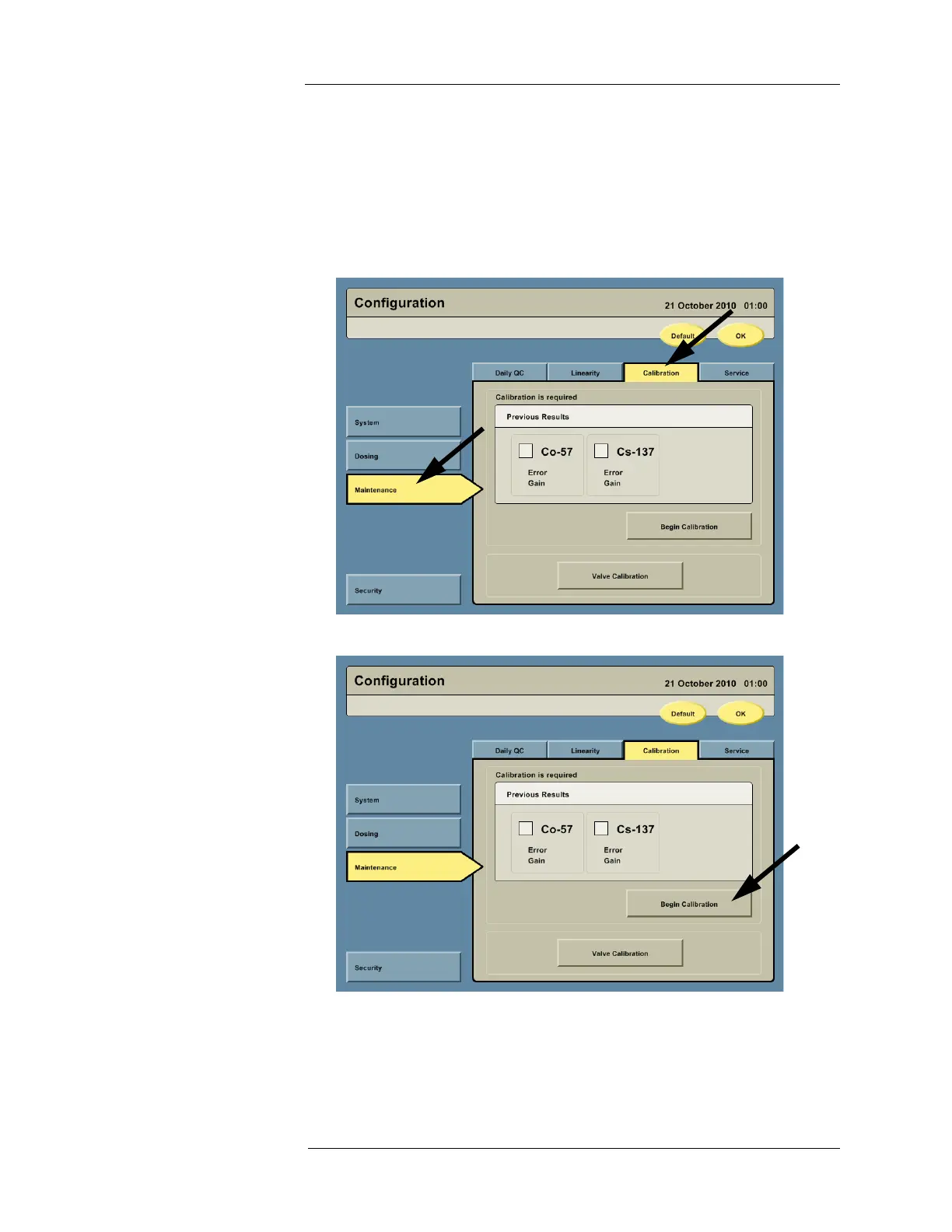
1. Press the CONFIGURATION button on the Navigation Bar to access the Configuration
screen.
2. The Configuration screen appears. Press the MAINTENANCE button and then press the
Calibration tab.
3. Press the BEGIN CALIBRATION button.



 To Next Page