Handling of Consumables 29
_______________________________________________________________________________________________
_______________________________________________________________________________________________
MICROPLEX Operator’s Manual LOGIJET T4 /T6 /RFID Edition 1.3
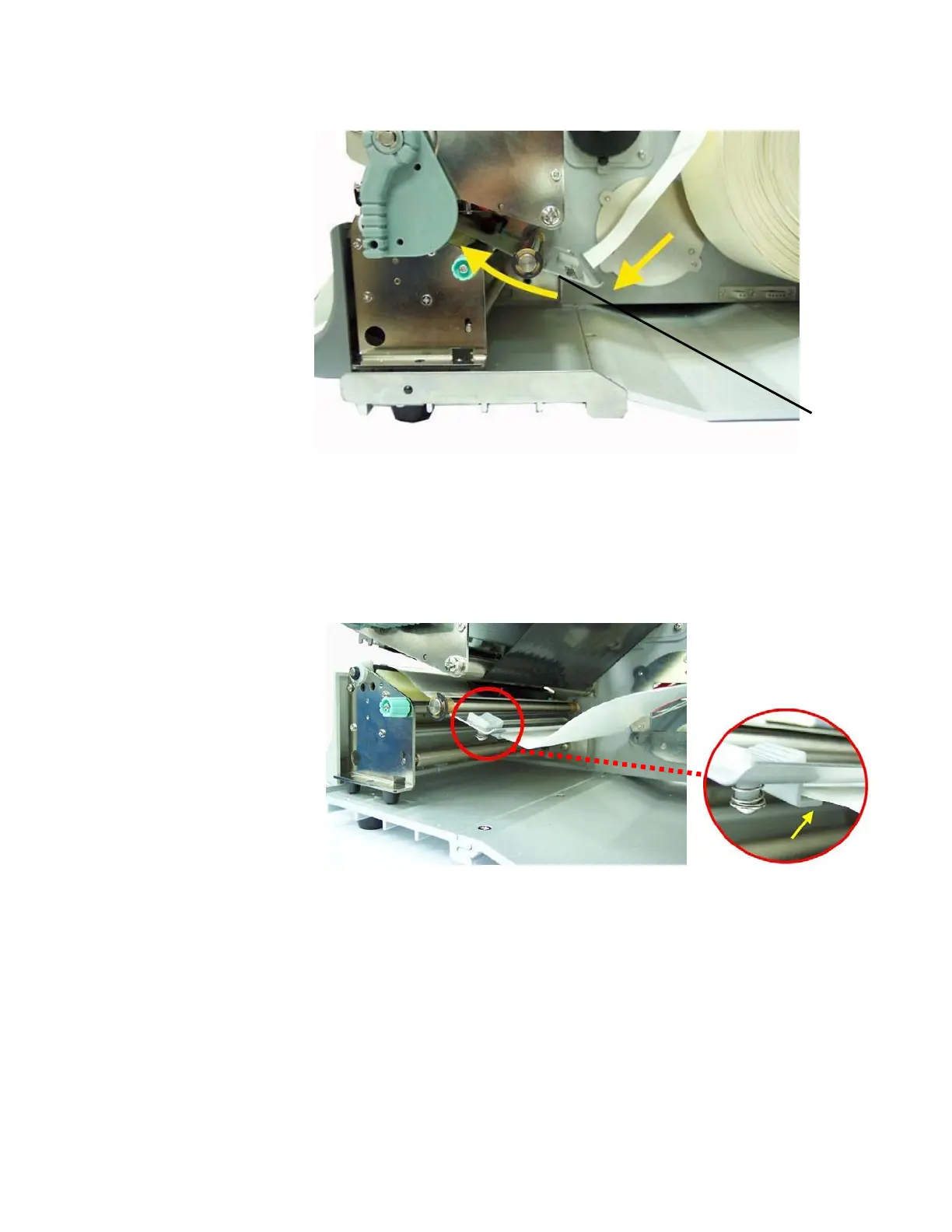
Fig. 5.2.1.i Inserting the media
13. Align the media to ensure a straight transport.
14. Slide the material guide inwards until it contacts the edge
of the media, without deforming the media.
Fig. 5.2.1.j Setting the material guide
Label
tension
plate



 To Next Page