Handling of Consumables 37
_______________________________________________________________________________________________
_______________________________________________________________________________________________
MICROPLEX Operator’s Manual SOLID 50 A3 - 3 Edition 2.1
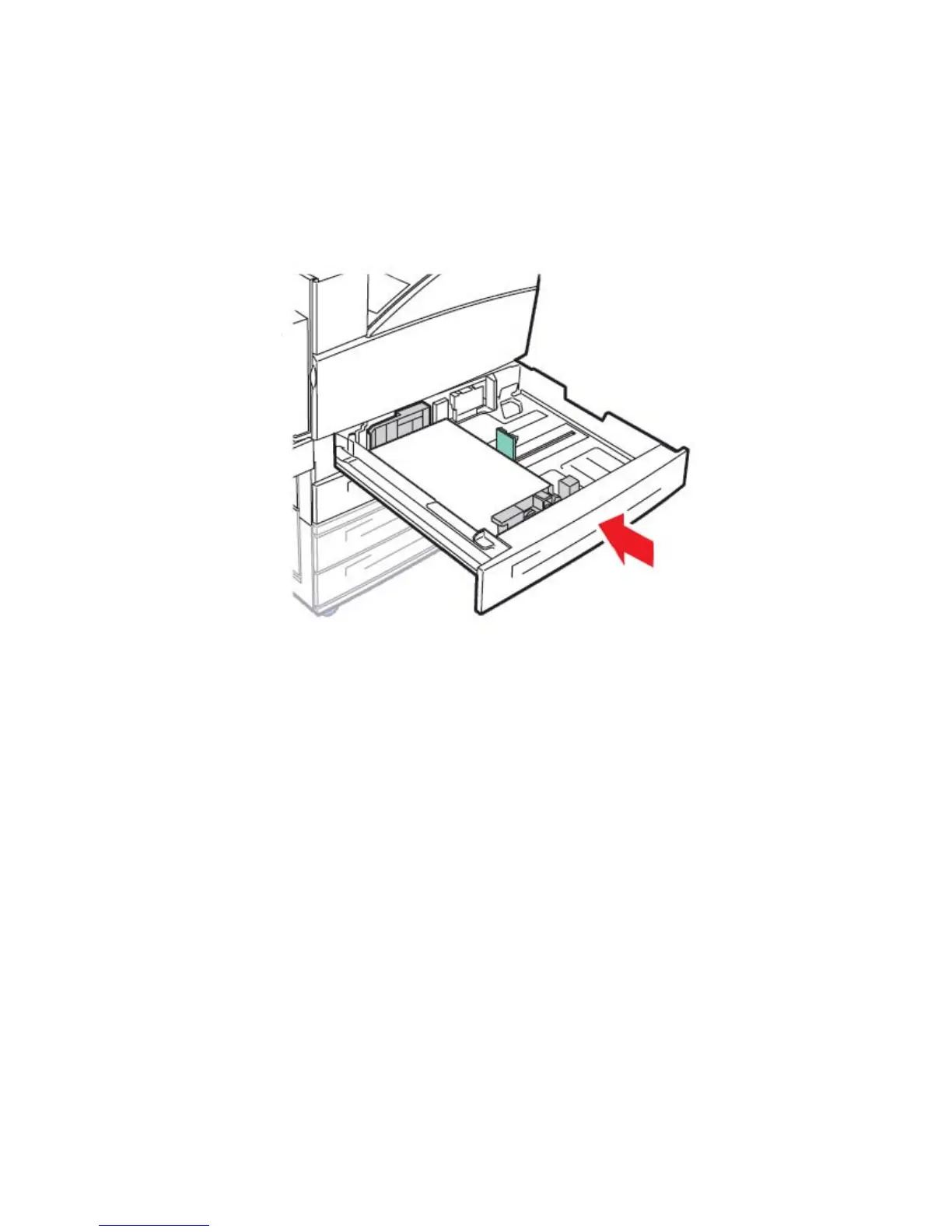
9. Slide the cassette all the way into the printer. If the cassette is not
pushed completely into the printer, text and images may print in the
wrong position on the page, and the margins may appear
incorrect, or you may receive an error message.
Fig. 3.1.1.h Sliding the cassette into the printer



 To Next Page