54 Handling of Consumables
_______________________________________________________________________________________________
_______________________________________________________________________________________________
MICROPLEX Operator’s Manual SOLID 50 A3 - 3 Edition 2.1
7. Clean the printer (see chapter 6).
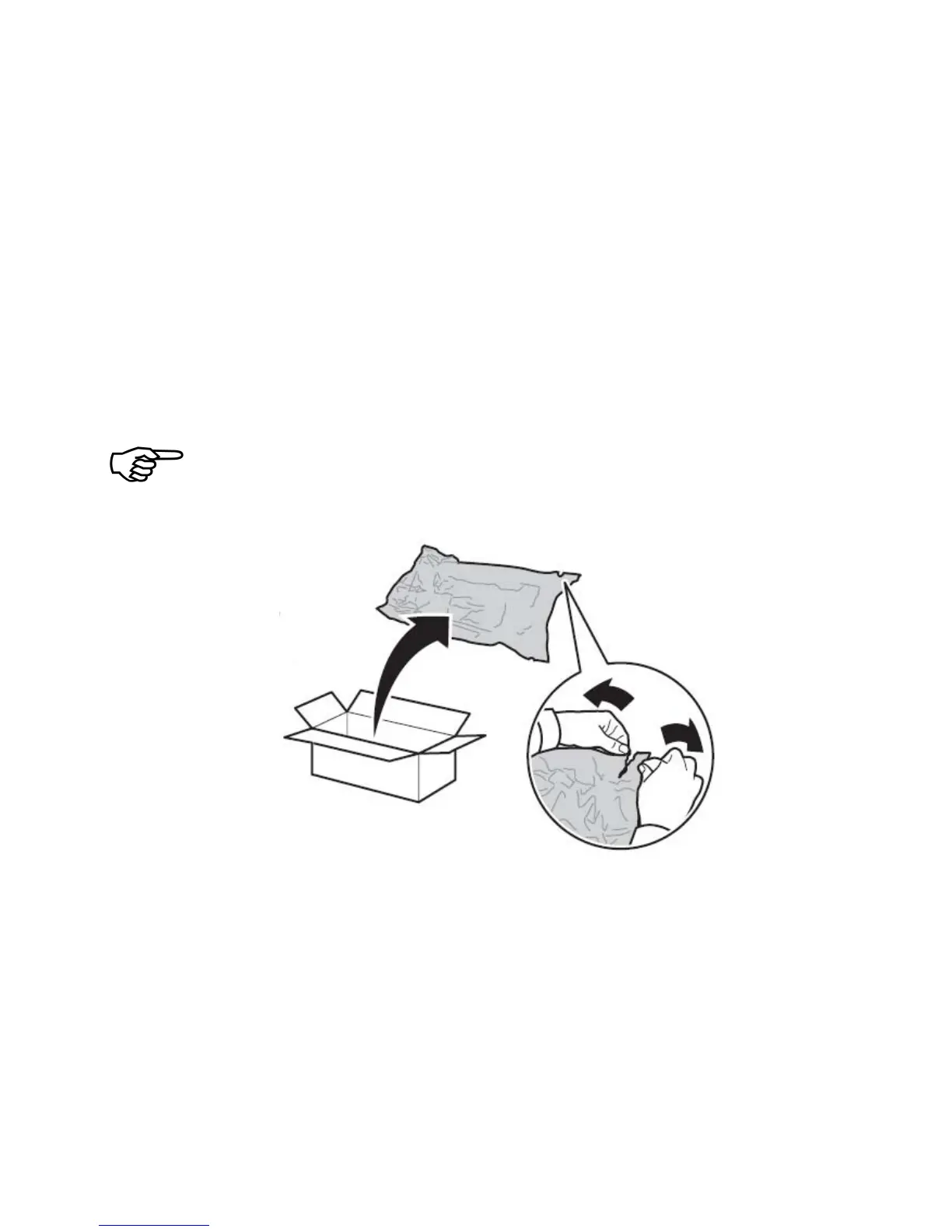
8. Take the new drum cartridge out of its packing and place it in
an acceptable atmosphere. Save the plastic bag.
Do not remove the yellow tape from the drum cartridge at this
point. This has to be done in step 14.
Fig. 3.3.d Unpacking the new drum cartridge



 To Next Page