OM-267357 Page 31
Corresponding
SmartGun Display
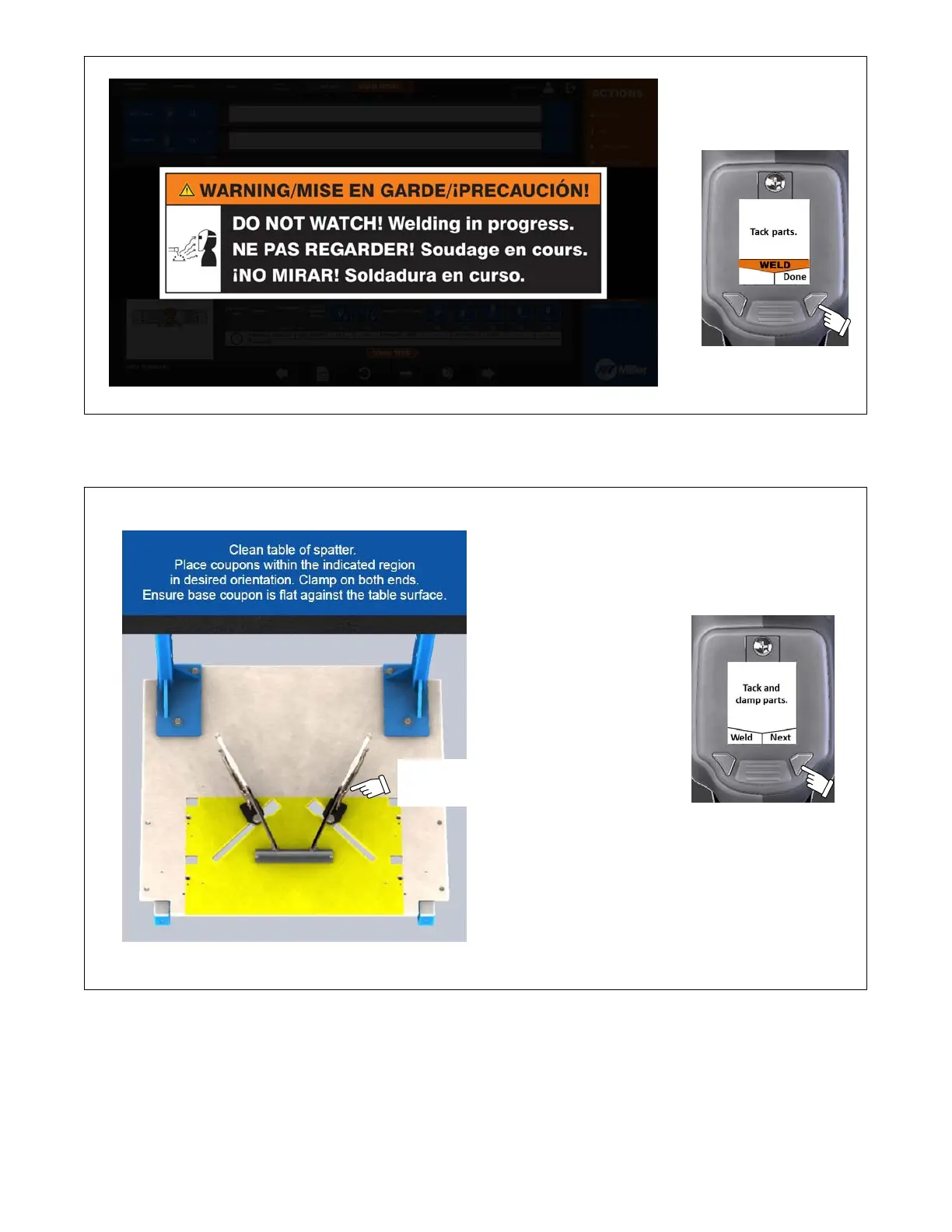
Figure 7-11. Warning Message Displayed When Welding
2. Clean table of spatter and clamp coupons to table on both ends (Figure 7-12). Press Weld button if additional tacking is needed or Next button if
finished clamping.
Clamp both ends of weld joint to
prevent coupon from moving during
or after joint calibration.
NOTICE − Do not subject table
to excessive grinding. If grinding
makes table surface uneven, re-
move mounting screws and in-
stall new table top or flip table top
and use other side. Reinstall
screws.
Corresponding
SmartGun Display
Figure 7-12. Clamping Coupons To Table















 To Next Page