3-CONTROLSANDINSTRUMENTS
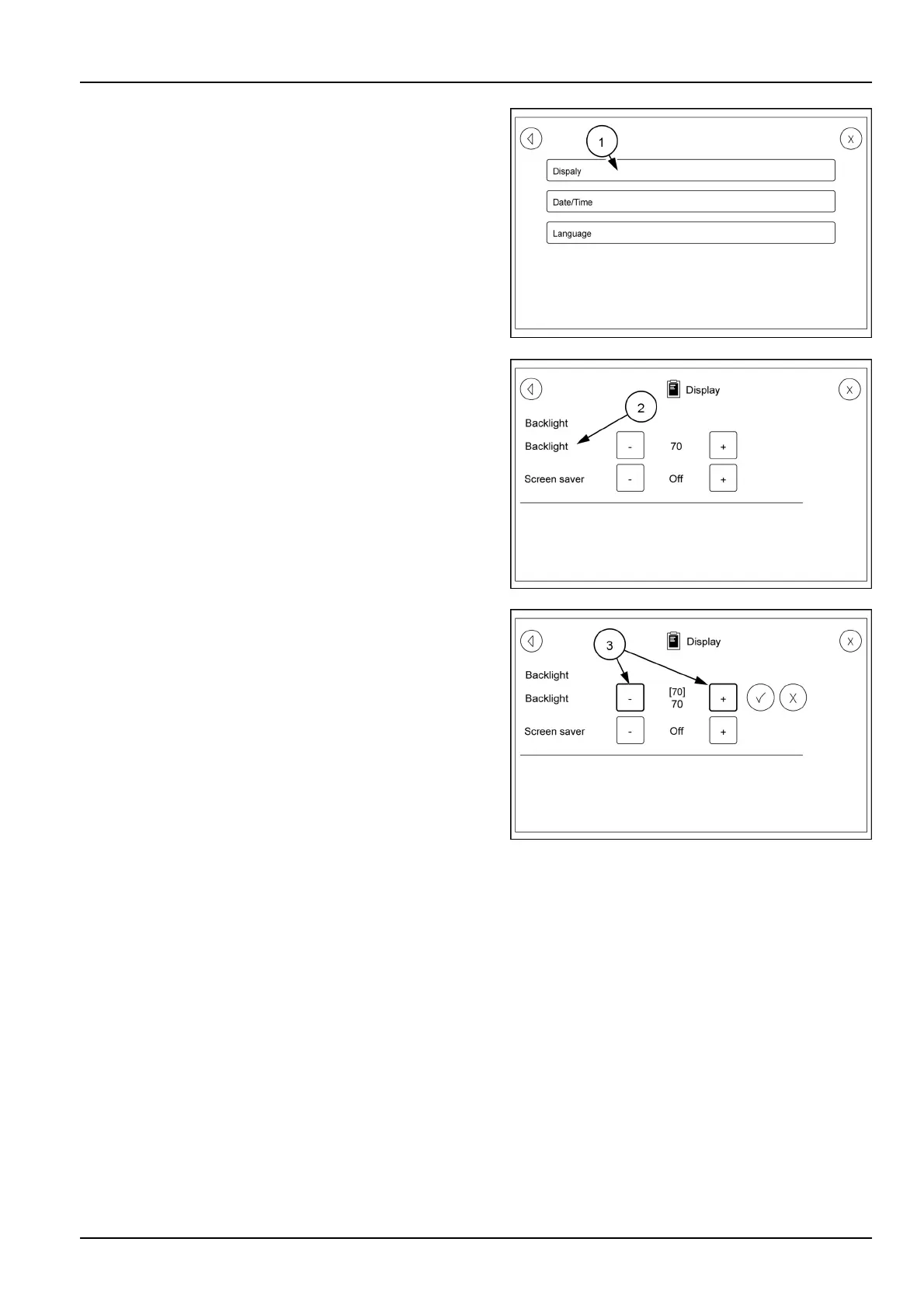
TouchingtheDisplayiconwillbringupascreenthathas
threeselectablecategories.T ouchtheDisplayicon(1)
whichwillbringupabacklightandscreensaverscreen.
TouchtheBacklighticon(2)tobringupthesettingscreen
(3).Usetheplus(+)orminus(-)tochangethebacklight
intensity.Oncethecorrectsettingisreachedtouchthe
checkmarktolockthesettingin.
RAIL17SP00158AA42
RAIL17SP00159AA43
RAIL17SP00160AA44
3-103



 To Next Page