9. Commissioning
MiR100 Hook User Guide (en) 10/2020 - v.3.0 ©Copyright 2016-2020: Mobile Industrial Robots A/S. 105
Cleaning up a map
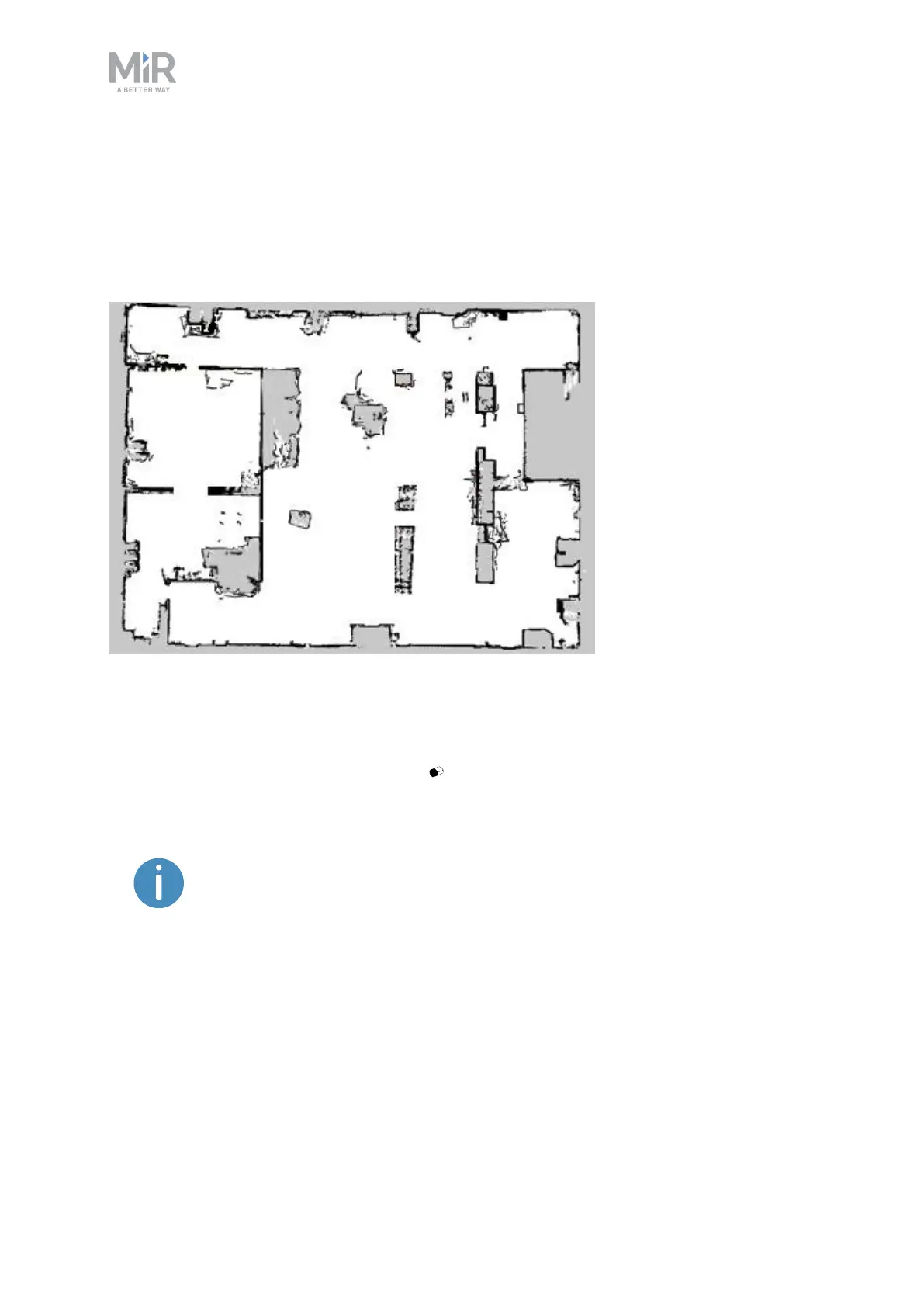
The robot navigates best when using a clean map with as little noise as possible. Figure 9.7 is
an example of what a map can look like after the mapping process but where it still needs
further editing.
Figure 9.7. Example of a map that includes too much noise and dynamic obstacles.
There are several tools in the robot interface that you can use to improve your map:
• Use Erase uploaded or recorded data when editing walls to remove walls that were
created around dynamic obstacles and noise on the map.
Noise refers to recorded data that originates from interfering elements.
This can be physical obstacles that make the robot record walls where there
are none or more subtle interferences that can make recorded walls
appear pixelated.



 To Next Page