5
IP P
HONE KEYS KEYPAD KEYS
Keypad Keys
The 6905 has a keypad with digits from 0 through 9, a * key, and a # key. Keys 2 through 9 contain the
letters of the alphabet. The 6905 phone keypad includes the following:
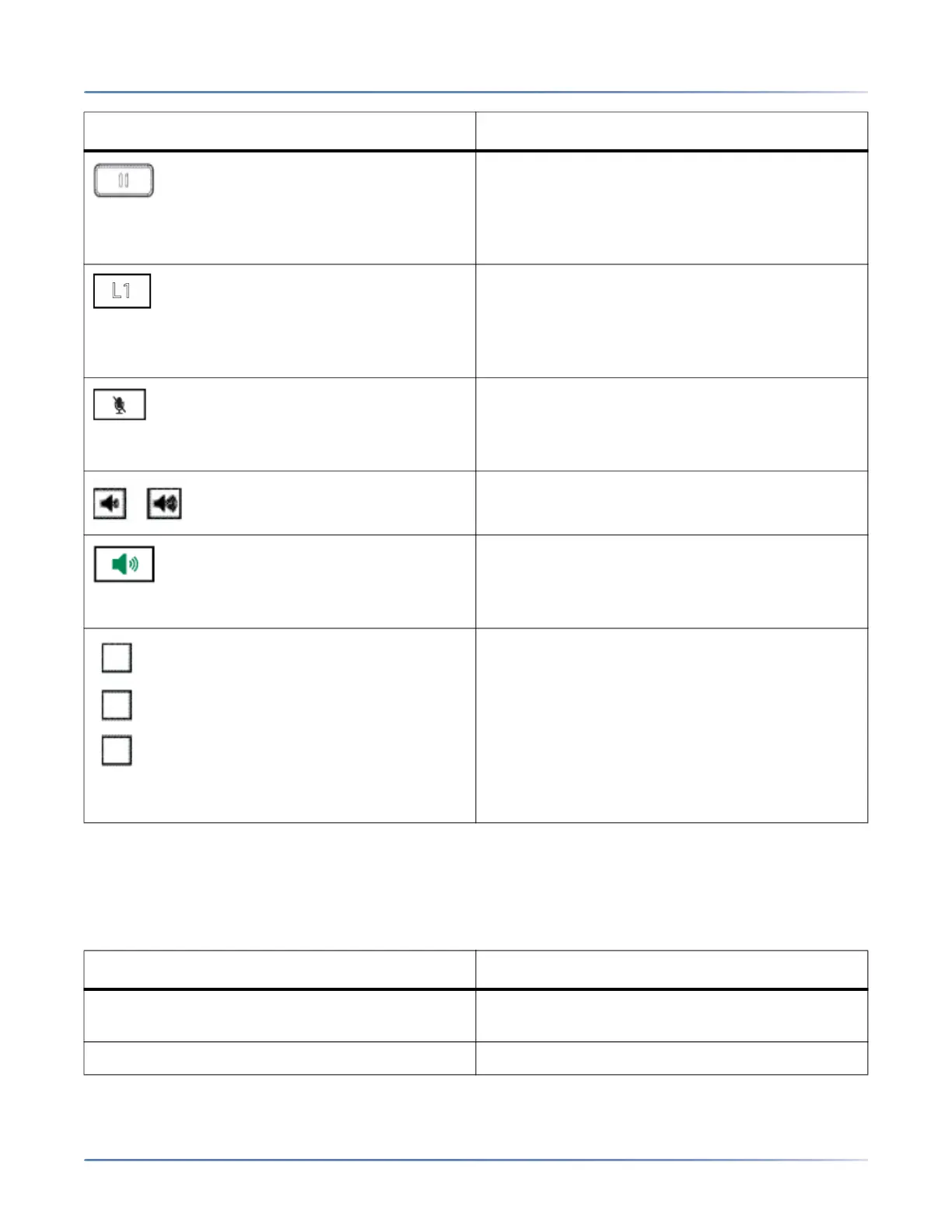
Hold Key- Places an active call on hold. To
retrieve a held call, press the line/call appearance
button beside the light that is flashing.
For more information, see “Placing a Call on
Hold”.
Line/Call Appearance Keys- Connects you to a
line or call. The Mitel 6905 SIP phone supports
one line key with an LED indicator light.
For more information, see “Line and Call
Appearance Keys”.
Mute Key- Mutes the microphone so that your
caller cannot hear you (the lightindicator flashes
when the microphone is on mute).
For more information, see “Mute”.
Volume Controls- Adjusts the volume for the
handset, ringer, and handsfreespeaker.
Speaker Key- Transfers the active call to the
speaker, allowing handsfree use of the phone.
For more information, see “Using Handsfree
Speakerphone”.
Programmable Keys- When programmed,
allows you to easily perform up to 3 specific
functions (e.g. Services, Directory, Intercom,
etc...) and access enhanced services provided by
third parties (e.g. XML applications). The
programmable keys are pre-configured as (from
top to bottom) Callers, Directory, and Transfer
keys.
For more information, see “Programmable Keys”.
KEYPAD KEY DESCRIPTION
0 Dials 0
Dials the Operator on a registered phone
1 Dials 1
KEY DESCRIPTION



 To Next Page