75
L
INE KEY AND PROGRAMMABLE KEYS SAVE KEY
Save Key
The Save key allows you to save items to the 6905 IP phone’s Local Directory.
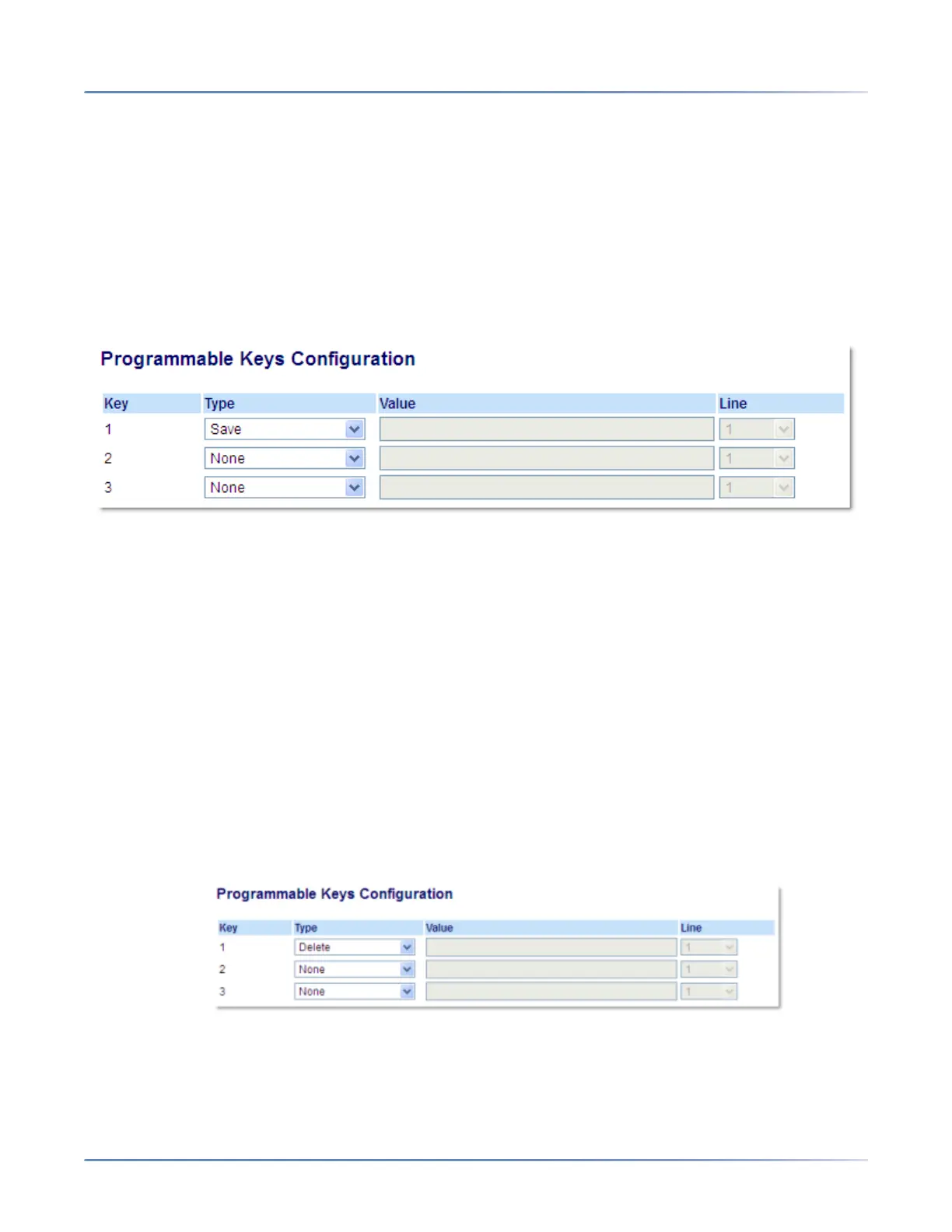
Use the following procedure to configure a key as a Save key in the Mitel Web UI.
Configuring a Save Key
Mitel Web UI
1. Click on Operation > Programmable Keys.
2. Select from Key 1 through Key 3.
3. In the Type field, select Save.
4. Click Save Settings.
Delete Key
The Delete key allows you to delete items in the Local Directory, Callers List and Redial List.
Use the following procedure to configure a key as a Delete key in the Mitel Web UI.
Configuring a Delete Key
Mitel Web UI
1. Click on Operation > Programmable Keys.
2. Select from Key 1 through Key 3.
3. In the Type field, select Delete.
4. Click Save Settings.



 To Next Page